
Introduction
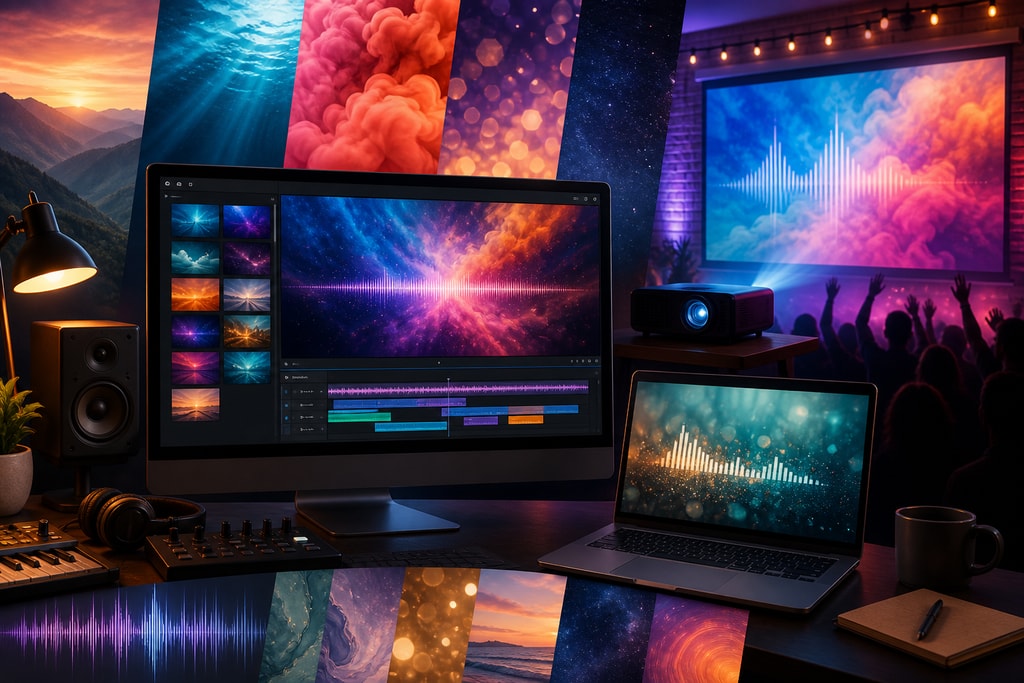
In today's music scene, lyric videos are a strategic tool for artists seeking to enhance audience engagement. These videos go beyond displaying lyrics in sync with music—they convey the song's narrative visually. Custom backgrounds elevate these videos, adding depth to the emotional and thematic elements of the song, thus capturing the imagination of viewers.
The Importance of Custom Backgrounds in Lyric Videos
Enhancing Emotional Impact
Custom backgrounds allow for the visual alignment of your song's mood, magnifying the audience's emotional experience. For example, pairing a heartfelt ballad with soothing watercolors can evoke empathy and introspection.
Strengthening Brand Identity
Consistent visual elements help solidify an artist's brand. By using signature colors or recurring visual motifs, you create a recognizable style that fans associate with your music, much like creating an audio signature through sound.
Increasing Viewer Retention
An engaging background keeps viewers watching. By matching dynamic visuals with lyrical content, you can maintain interest and encourage viewers to watch the video more than once.
Choosing the Right Background for Your Lyric Video
Align with the Song's Mood and Theme

The emotional tone of your song should dictate your background choices. For a high-energy track, consider bold and vibrant visuals, while a melancholy song may benefit from dark or subtle imagery.
Ensure Readability of Lyrics
Readability is key. Utilize contrast effectively to ensure that lyrics stand out. High contrast combinations, such as white text on a dark background, enhance visibility across various devices and lighting conditions. Avoid overly complex images that could detract from lyric legibility.
Maintain Visual Consistency
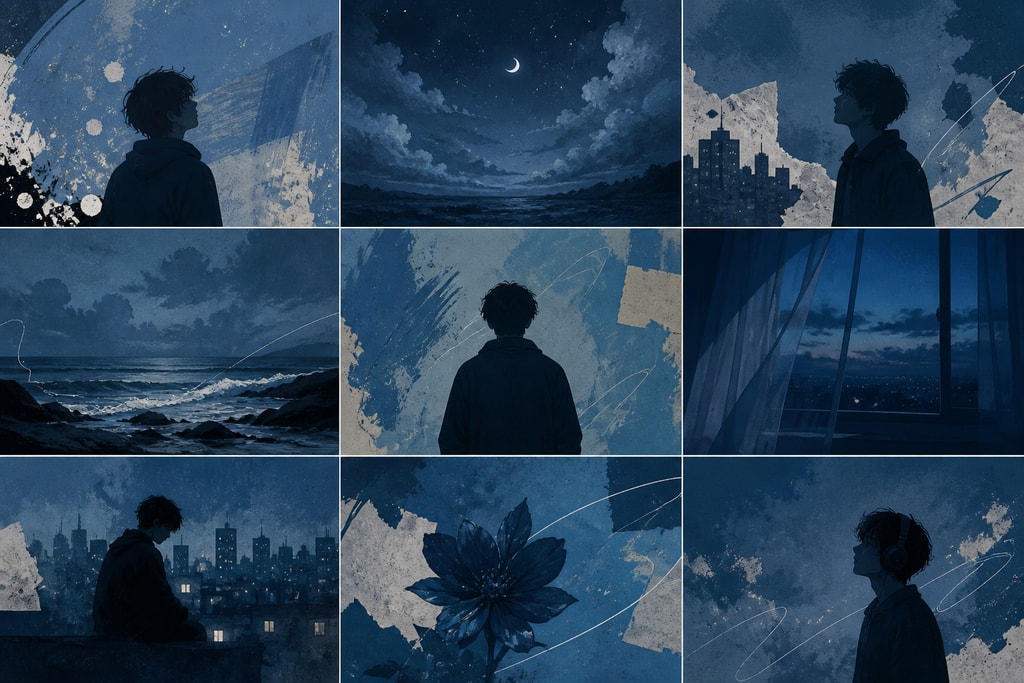
Consistency is critical in creating a cohesive viewer experience. Ensure that elements like color schemes, imagery, and font styles are harmonized, preventing visual dissonance and enhancing aesthetic appeal.
Methods for Creating Custom Backgrounds
Using Stock Footage and Images
Stock libraries, like Pexels and Unsplash, are treasure troves of visuals that suit a plethora of themes. These platforms provide licenses to use high-quality images and videos free of charge for your projects.
Generating AI-Driven Visuals

AI tools like Stable Diffusion offer innovative ways to create personalized images. By inputting text prompts, artists can generate images that perfectly align with their creative vision, providing endless possibilities for background creation.
Incorporating Personal Media
Personal photos and videos lend authenticity and depth to your lyric video, making it uniquely yours. This personal touch can be particularly powerful in connecting with your audience on a more intimate level.
Integrating Custom Backgrounds into Lyric Videos
Using Video Editing Software
Tools such as Adobe Premiere Pro and CapCut provide features for seamlessly swapping existing video backgrounds with custom ones. They offer intuitive controls that facilitate complex editing with simplicity.
Leveraging Lyric Video Creation Tools
Platforms like LyricMagic Pro make customization straightforward. With user-friendly interfaces, these tools allow artists to focus on creative expression rather than technical hurdles.
Best Practices for Custom Backgrounds in Lyric Videos
- Keep It Simple: Opt for minimalist backgrounds to ensure lyrics remain the focal point.
- Use Subtle Movements: Incorporate gentle animations to add depth without overwhelming viewers.
- Test for Readability: Always preview your video to guarantee that the lyrics are easily readable.
Common Mistakes to Avoid
- Overcomplicating Visuals: Overly busy backgrounds can distract from the message.
- Ignoring Consistency: Disparate visual elements may confuse viewers.
- Neglecting Contrast: Poor text-background contrast diminishes readability significantly.
Practical Examples and Decision Criteria
Assess your song's mood and message. Does the song tell a story of growth? Consider using a timelapse of nature. Is it about personal struggles? Dark, abstract imagery might enhance the tone. Evaluate different background types with your audience's perspective in mind.
Enhanced Frequently Asked Questions
Q: Can AI-generated images be used legally in commercial projects?
A: Yes, though artists should verify AI tool licensing to comply with legal standards. Example Source
Q: How can complex backgrounds be managed while retaining lyric readability?
A: Utilize high-contrast colors and add shadows or outlines to text for clarity. Implement simple designs that do not distract from the lyrics. Example Source
Q: What software can ease the creation of lyric videos with custom backgrounds?
A: Tools like LyricMagic Pro provide templates and customization to simplify the creation process.
Q: How do I create a personal connection through my video?
A: Use personal imagery or relatable stock footage that reflects your narrative, adding authenticity.
Conclusion
Incorporating custom backgrounds into lyric videos transforms them from simple lyric displays to rich, immersive visual experiences. By carefully selecting or creating backgrounds that align with your song's theme and ensuring they support the lyrics, you engage and captivate your audience effectively.
For professionals seeking to streamline this process, consider using LyricMagic Pro to enhance your video projects with innovative and customizable options.
Sources and Further Reading
- Background – Lyric Video Maker
- Stable Diffusion for Lyric Video Backgrounds: AI-Generated Visuals That Hit
- Color Theory for Lyric Videos: Picking Palettes That Pop
- Remove Video Background for Lyric Videos | CapCut
- LyricMagic Pro
For more professional tips on lyric video creation, visit the KaraMagic homepage.



