Introduction
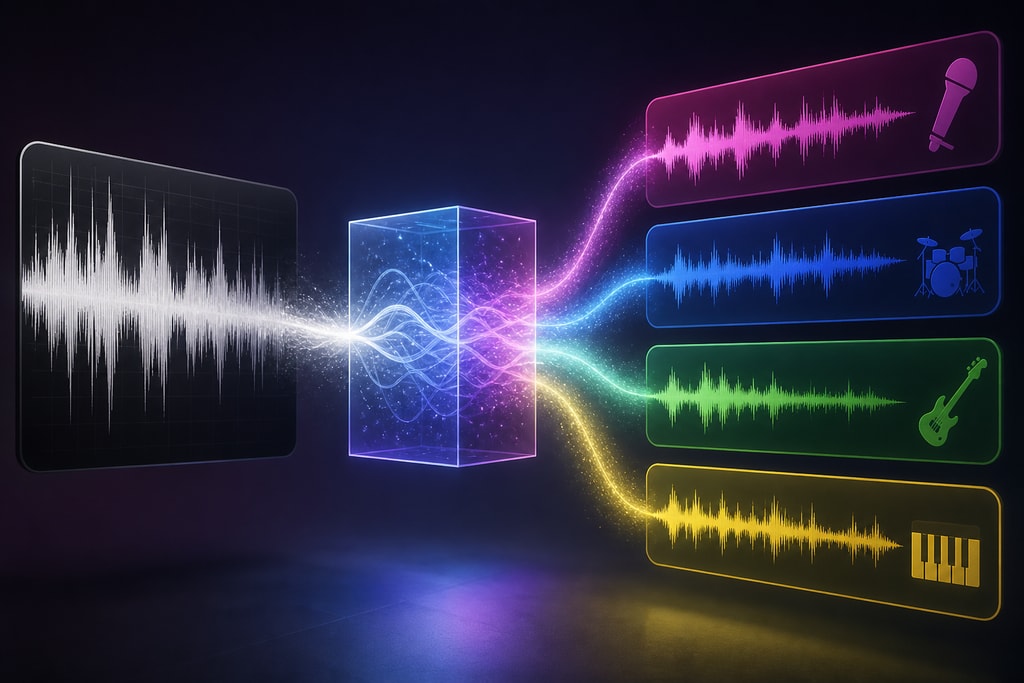
Removing vocals from a song has long been a challenge for musicians, producers, and karaoke enthusiasts. In 2026, advancements in artificial intelligence (AI) have revolutionized this process, making it more accessible and effective than ever before. This guide explores the latest AI-driven vocal removal techniques, their applications, and how tools like KaraMagic can enhance your music production workflow.
—
The Evolution of Vocal Removal Techniques
Traditional Methods
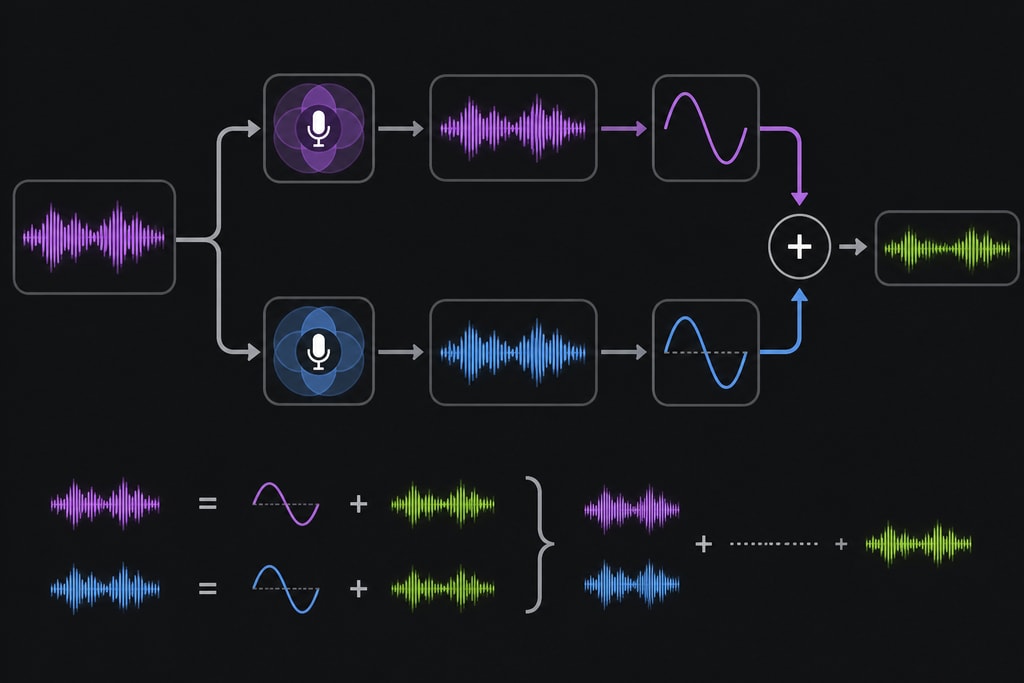
Historically, vocal removal relied on phase cancellation, a technique that subtracts one stereo channel from another to eliminate center-panned vocals. However, this method often resulted in significant loss of audio quality and was ineffective for complex mixes. Understanding its limitations reveals why modern approaches are necessary.
Practical Example: Try using phase cancellation on a mono track to see why stereo separation is crucial.
AI-Powered Techniques
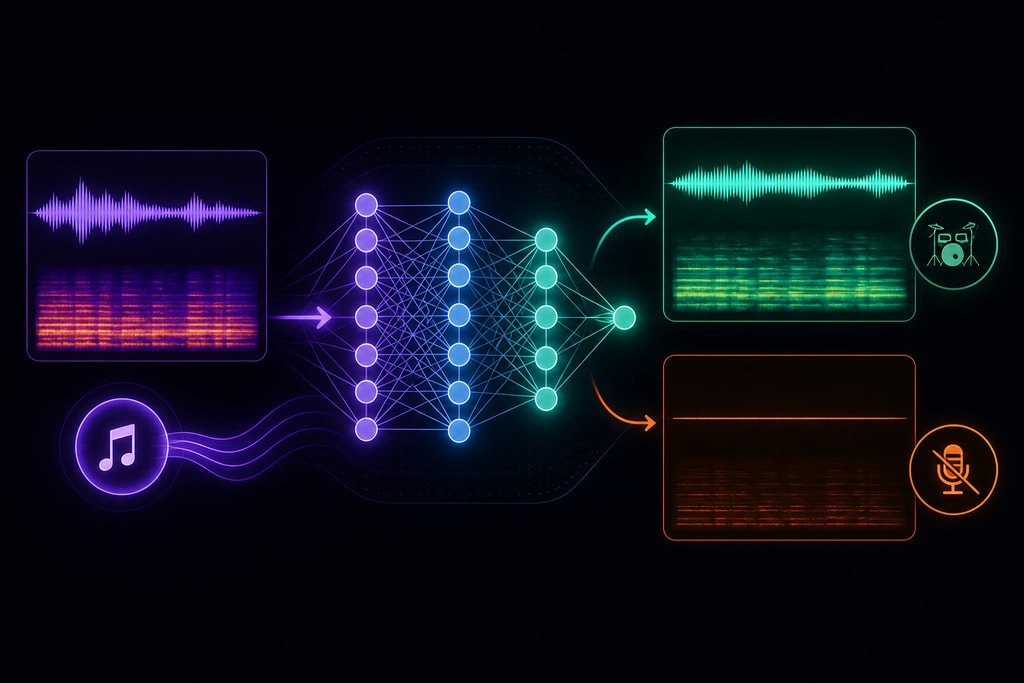
Modern AI vocal removers utilize neural networks trained on vast datasets to identify and separate vocal tracks from instrumentals. These models analyze various audio features, such as formant patterns and pitch contours, to achieve cleaner separations. Notable AI models include MDX-Net and Demucs, which have set new standards in stem separation quality.
Decision Criteria: When choosing an AI tool, consider the complexity of your audio and the desired output quality.
—
Leading AI Vocal Removal Tools in 2026
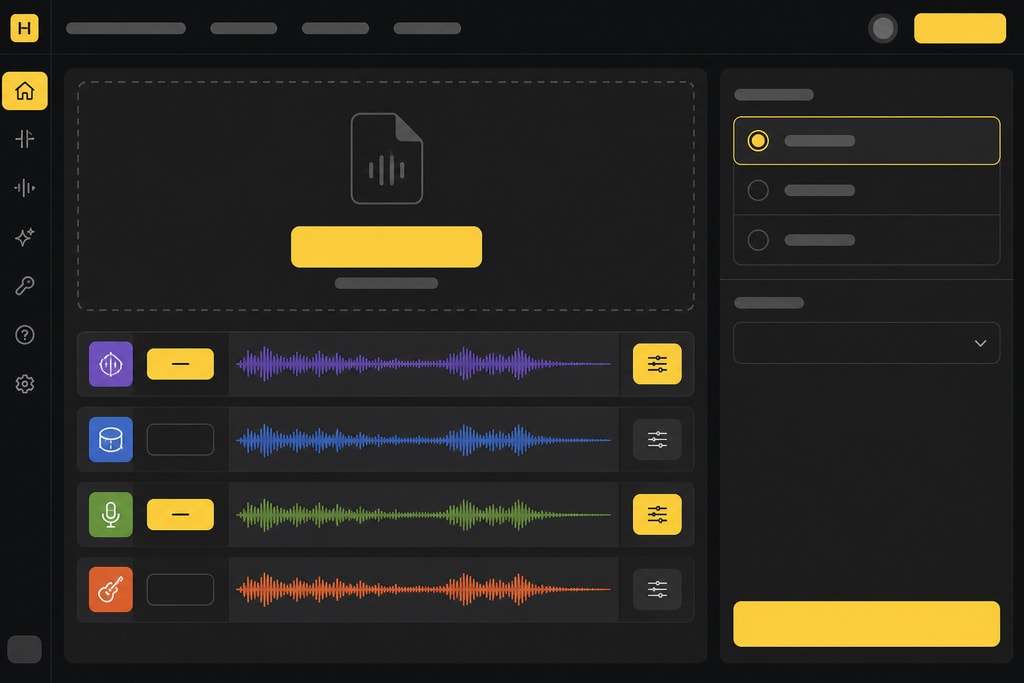
Several AI-powered tools have emerged as leaders in vocal removal:
- LALAL.AI: Known for its precise stem separation and minimal bleed, LALAL.AI offers a user-friendly interface suitable for both amateurs and professionals. Learn more
- Moises: This mobile-friendly application provides quick processing and integrates features like pitch and speed adjustment, making it ideal for on-the-go edits. Explore Moises
- iZotope RX Music Rebalance: A plugin-based solution that allows continuous suppression of vocal levels, offering a more natural sound for complex mixes. Read more
Mistakes to Avoid: Avoid tools that don't allow manual fine-tuning, as automated results can vary in quality.
—
Factors Influencing Vocal Removal Quality
The effectiveness of vocal removal depends on several factors:
- Mix Complexity: Songs with clear separation between vocals and instruments yield better results. Dense mixes with overlapping frequencies pose challenges for AI models.
- Vocal Processing: Tracks with heavy reverb, delay, or vocal doubling can complicate the separation process, leading to artifacts in the output.
- Source Material: High-quality, lossless audio files provide better inputs for AI processing compared to compressed formats.
Topic-specific Advice: Always aim for recordings with minimal effects for best results.
—
Step-by-Step Guide to Removing Vocals Using AI Tools
- Select an AI Vocal Remover: Choose a tool that fits your needs, considering factors like processing speed, output quality, and additional features.
- Upload Your Track: Import the audio file into the chosen application. Ensure the file is of high quality to achieve optimal results.
- Configure Settings: Adjust parameters such as separation strength and output format according to your preferences.
- Process the Track: Initiate the vocal removal process. This may take a few seconds to minutes, depending on the tool and file size.
- Review and Edit: Listen to the output for any artifacts or residual vocals. Some tools offer post-processing options to refine the results.
- Export the Instrumental: Once satisfied, export the instrumental track for use in karaoke, remixes, or other projects.
—
Enhancing Your Workflow with KaraMagic
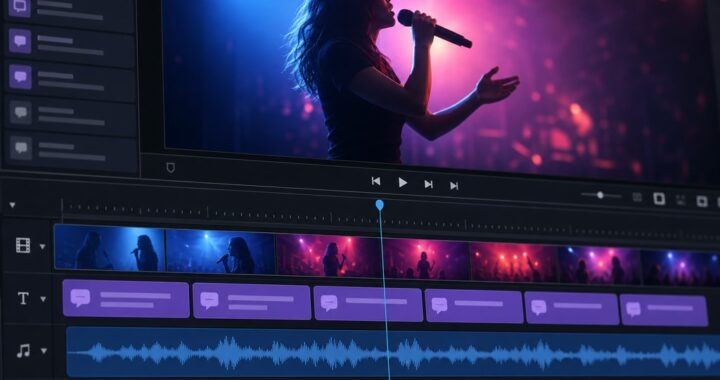
KaraMagic offers a suite of Mac desktop applications designed to streamline the creation of karaoke and lyric videos. By integrating AI-driven vocal removal, KaraMagic simplifies the process of producing high-quality karaoke tracks offline, ensuring user privacy and eliminating the need for cloud processing.
Key Features of KaraMagic Pro:
- Watermark-Free Exports: Produce professional-quality videos without watermarks.
- Lyric Editing: Customize lyrics to match your preferred style and timing.
- Customizable Backgrounds: Personalize the visual aspect of your videos to enhance viewer engagement.
- Batch Processing: Efficiently process multiple videos, saving time and effort.
For more information, visit the KaraMagic Pro page.
—
Common Challenges and Solutions in Vocal Removal
Despite advancements, users may encounter challenges during vocal removal:
- Residual Vocals: Some vocals may remain due to complex mixes. Solution: Use tools with advanced separation algorithms and manual editing features.
- Audio Artifacts: Unwanted noises or distortions can occur. Solution: Opt for high-quality input files and adjust processing settings to minimize artifacts.
- Loss of Instrumental Quality: The instrumental track may lose fidelity. Solution: Choose tools that preserve the original audio quality and offer post-processing enhancements.
Internal Links: Explore KaraMagic Pro for solutions.
—
Legal Considerations in Vocal Removal
When using vocal removal techniques, it's essential to consider legal aspects:
- Copyright Laws: Ensure you have the right to modify and distribute the resulting tracks. Unauthorized use can lead to legal repercussions.
- Licensing Agreements: Some AI tools may have specific licensing terms. Review these agreements to understand usage rights and limitations.
—
Frequently Asked Questions (FAQ)
Q: Can AI remove vocals from any song?
A: While AI has significantly improved vocal removal capabilities, results vary based on the song's mix and production quality. Simple mixes yield better outcomes than complex ones.
Q: Is vocal removal legal?
A: Vocal removal is legal for personal use. However, distributing modified tracks without proper authorization may infringe on copyright laws.
Q: Do AI vocal removers work on live recordings?
A: AI tools can process live recordings, but the quality of separation may be lower due to ambient noise and less controlled mixing.
Q: Are there free AI vocal removal tools available?
A: Yes, several free tools offer vocal removal services, though they may have limitations in processing quality or output formats.
Q: How can I improve the quality of vocal removal?
A: Use high-quality audio files, select advanced AI tools, and consider manual post-processing to refine the results.
Advice: Check out internal resources on KaraMagic.
—
Conclusion
The landscape of vocal removal has transformed with AI advancements, offering powerful tools for musicians, producers, and karaoke enthusiasts. By understanding the techniques, tools, and considerations outlined in this guide, you can effectively create high-quality instrumentals and karaoke tracks. Explore KaraMagic's offerings to further enhance your music production experience.
—
Sources and Further Reading