Introduction
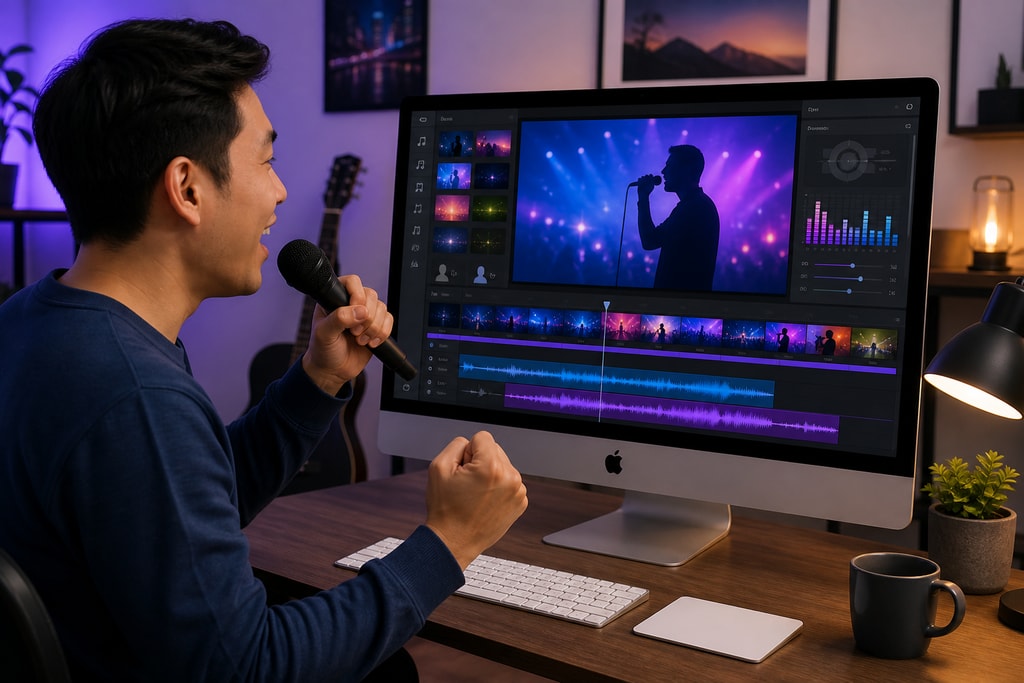
Karaoke has evolved from a fun pastime to a creative outlet for music enthusiasts and content creators. For Mac users in 2026, selecting the right karaoke software is the key to transforming singing sessions into professional experiences. This guide delves into the top karaoke software available for Mac, with a focus on KaraMagic, an industry leader in offline, AI-enhanced karaoke creation.
KaraMagic: A Comprehensive Solution for Mac Users
Overview
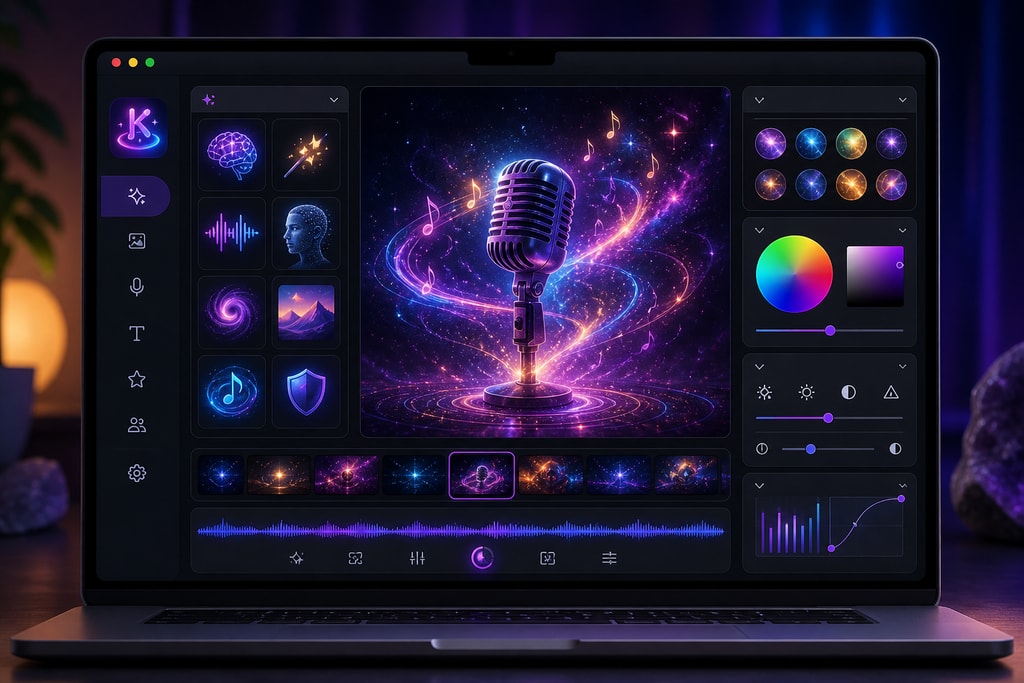
KaraMagic offers an efficient suite of Mac applications designed to create karaoke and lyric videos without reliance on cloud services. This is pivotal for reducing latency and preserving user privacy.
Product Lineup
- KaraMagic Free: Convert audio files into karaoke videos through AI technologies that handle vocal removal, lyric transcription, and timing. Ideal for beginner enthusiasts.
- KaraMagic Pro: Enhances the Free version with premium features like watermark-free exports, advanced lyric editing, adding customizable backgrounds, and batch processing.
- LyricMagic Free: Tailored for creating YouTube-ready lyric videos, utilizing AI for accurate transcription and timing.
- LyricMagic Pro: Adds advanced editing tools, batch processing, and customization to your lyric videos.
These applications are optimized for Apple Silicon Macs, work offline, and safeguard user privacy by processing data locally.
Key Features
- AI-Powered Vocal Removal: Extract vocals to create instrumental tracks with ease.
- Lyric Transcription and Timing: Automate the transcription and timing of lyrics to streamline the creative process.
- Offline Functionality: Ensures reliability and privacy by eliminating the dependence on internet connectivity.
- User-Friendly Interface: An intuitive design tailored for creators to enhance productivity.
Practical Examples
- Home Entertainment: Customize karaoke tracks for personal enjoyment during gatherings.
- YouTube Channels: Enhance video content with high-quality lyric videos.
- Educational Purposes: Develop practice tools for music lessons or rehearsals.
- Event Hosting: Tailor karaoke sessions for themed parties or corporate events.
Evaluating Other Notable Karaoke Software for Mac
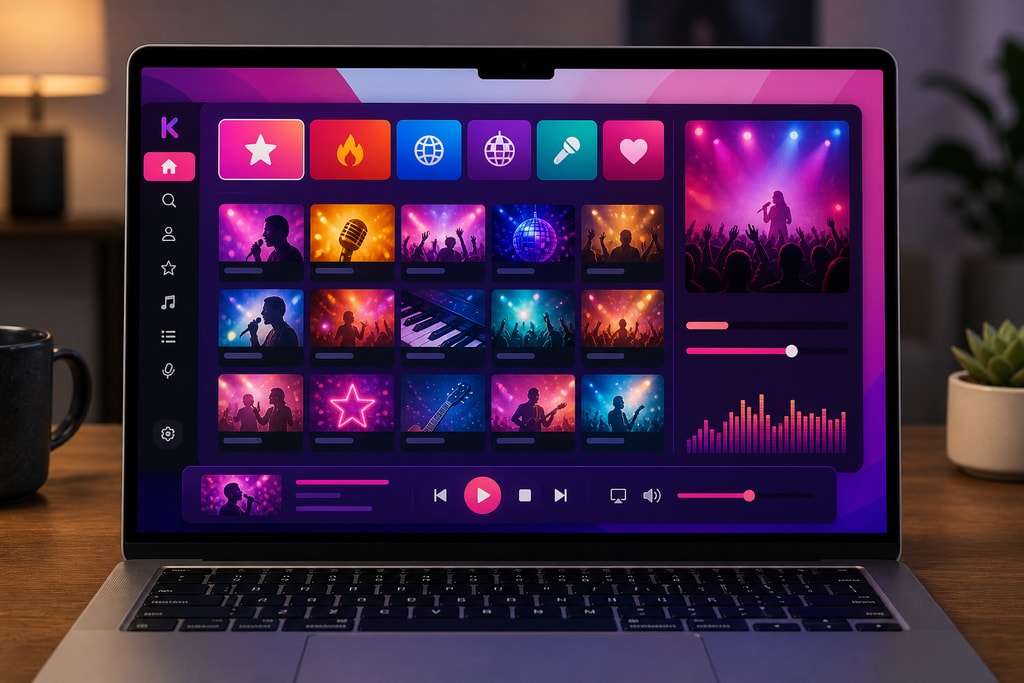
While KaraMagic stands out, several alternatives offer unique features for diverse needs.
KaraFun
Overview
KaraFun offers a wide-ranging collection of karaoke tracks and is a reliable performer for live entertainment. It boasts an extensive song library but requires a subscription for full access.
Key Features
- Expansive Song Library: Thousands of songs across multiple genres.
- Customization: Adjust key and tempo to harmonize with your voice.
- Offline Mode: Save songs for offline play.
Considerations and Mistakes to Avoid
- Subscription Required: Full library access necessitates ongoing costs.
- Connectivity Dependence: Some features require internet, leading to potential downtime during events.
MidiCo
Overview
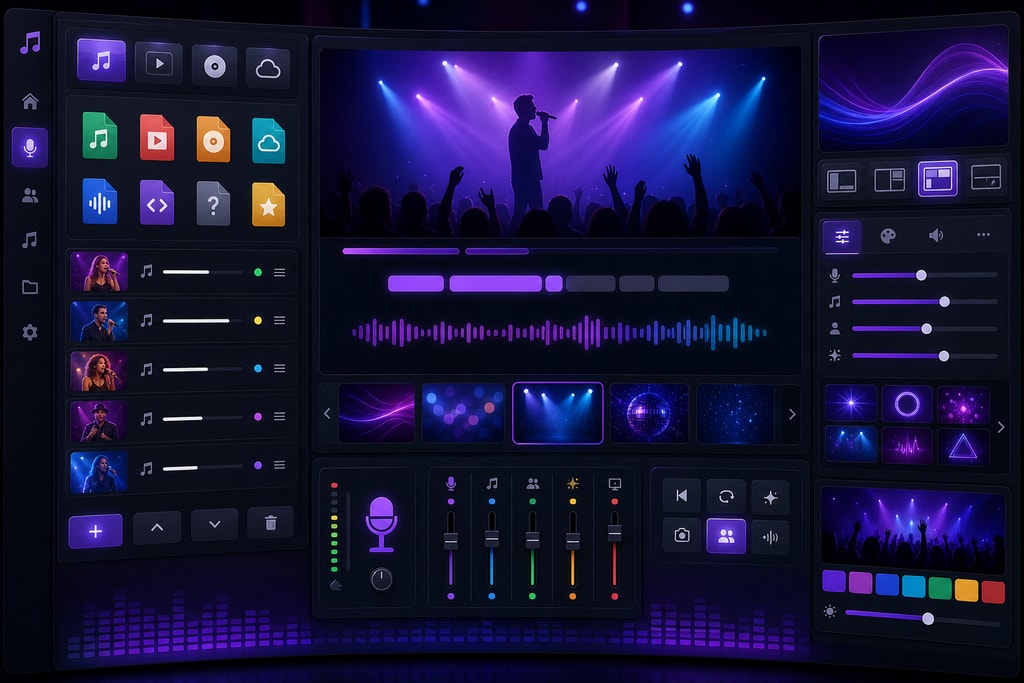
MidiCo is tailored for professionals hosting karaoke events. Its strength lies in comprehensive format support and the ability to create custom karaoke tracks.
Key Features
- All-Inclusive Hosting Tools: Includes show management and CDG creation tools.
- Wide Format Support: Compatible with multiple karaoke file formats.
Considerations and Mistakes to Avoid
- Learning Curve: New users may need time to master the numerous features.
- Purchase Required: Features beyond the trial mode require payment.
Decision-Making Guide
When choosing the right software, consider these crucial factors:
| Factor | KaraMagic | KaraFun | MidiCo | |————————|————————————————————————–|————————————————————————|———————————————————————–| | Offline Functionality | Full offline capability, ensuring privacy. | Limited; requires internet for some features. | Capable of offline operations. | | AI-Powered Features | Industry-leading AI for vocal and lyric handling. | Basic karaoke features, without AI enhancement. | Manual processes; lacks AI. | | Customization Options| Advanced options in Pro; suitable for creators. | Limited to audio playback settings. | Extensive, but requires learning investment. | | User Interface | Designed for simplicity and efficiency. | Friendly interface, but may miss advanced functionality. | Professional-grade with a steeper learning curve. | | Cost | Free and Pro versions; Pro offers full feature set. | Subscription for full library access. | Paid software for complete functionality. |
Frequently Asked Questions (FAQ)
Q: Can KaraMagic be used offline?
A: Absolutely, all KaraMagic applications operate entirely offline, ensuring privacy and uninterrupted creative flow.
Q: Is batch processing available in KaraMagic?
A: Yes, batch processing is supported in KaraMagic Pro, allowing efficient handling of multiple projects.
Q: Does KaraMagic offer a trial version?
A: While KaraMagic Free offers basic features, the Pro version provides advanced capabilities for serious creators.
Q: What sets KaraMagic apart in terms of user experience?
A: Its intuitive interface and robust offline functionality make it ideal for creators who demand privacy and reliability.
Q: Can I customize lyrics in KaraMagic?
A: Yes, especially in the Pro version, you can tailor lyrics to fit perfectly with your musical arrangement.
Conclusion
Choosing the right karaoke software involves assessing your needs and how each option aligns with your creative goals. Whether you seek the AI prowess and privacy of KaraMagic or the expansive library of KaraFun, understanding each platform's strengths and limitations will guide your decision. For more insights and free tools, visit the KaraMagic homepage.