

Introduction
In the rapidly evolving digital landscape, content creators are continually seeking tools that enhance their workflow, ensure data security, and provide consistent performance. While cloud-based solutions have gained popularity, offline video tools remain indispensable for many creators. This guide delves deeply into the significance of offline video tools, offering practical examples, decision criteria, common pitfalls, and expert advice to help creators make informed decisions.
The Rise of Offline Video Tools
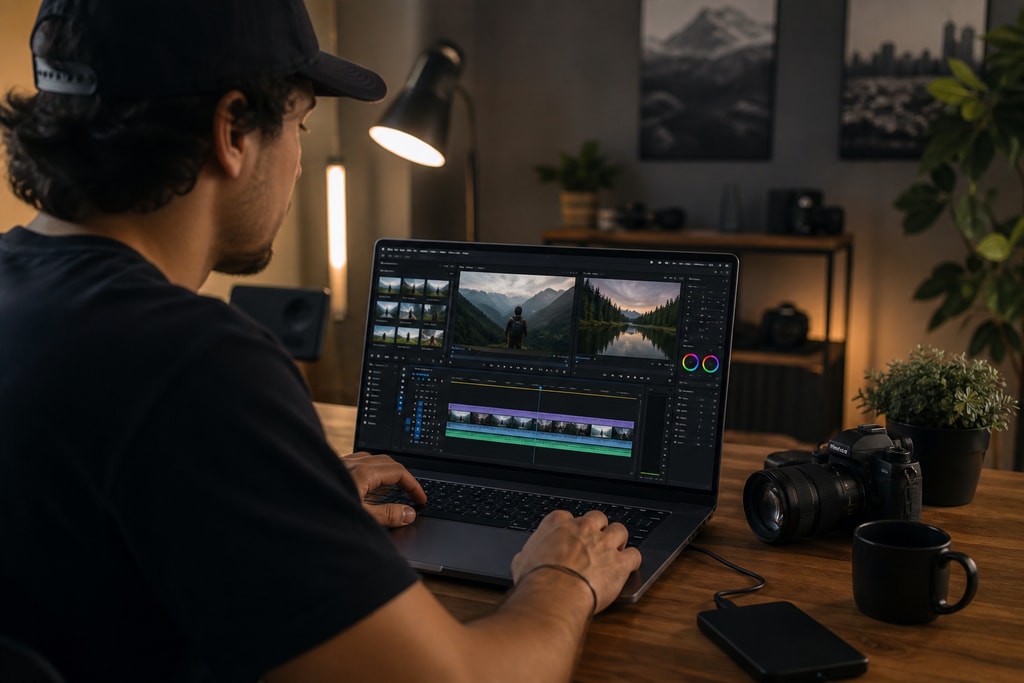
Offline video tools are software applications that operate entirely on a user's local machine without requiring an internet connection. Professionals across industries have relied on these tools due to their reliability and comprehensive capabilities in editing and post-production.
Historical Context
Before the surge of cloud computing, offline tools were the only option for video editing. These programs evolved to offer robust features, making them the backbone of media creation even as cloud alternatives emerged.
Modern Developments
Recent innovations in offline video tools have incorporated AI-powered functionalities, bridging the gap with cloud-based services while maintaining offline advantages.
Key Benefits of Offline Video Tools
Enhanced Privacy and Data Security
One of the primary concerns for creators is the security of their content. Offline tools ensure that all data remains on the local device, mitigating risks associated with data breaches or unauthorized access. This feature is invaluable for sensitive projects and proprietary information.
Consistent Performance and Reliability
Offline tools, unaffected by internet connectivity, offer uninterrupted workflows. This consistency is crucial for creators in remote areas or places with unreliable internet. For instance, field journalists often rely on offline tools to edit footage in real-time without risking connectivity issues.
Cost-Effectiveness
Many offline video tools operate on a one-time purchase model, eliminating recurring subscription fees typical of cloud services. Independent creators and small teams can benefit significantly from these savings, reallocating their budget towards higher-quality equipment or marketing.
Full Control Over Resources

Offline operation allows creators to maximize their hardware capabilities, resulting in faster rendering times and efficient editing. A practical example is a documentary filmmaker who can leverage offline tools on powerful laptops, editing high-resolution footage seamlessly.
Popular Offline Video Tools for Creators
Several offline video editing tools have emerged as favorites due to their robust features and user-friendly interfaces.
DaVinci Resolve
A professional-grade editor popular on macOS, Windows, Linux, and iPad. DaVinci Resolve supports cutting, color grading, audio editing, and more, offering a plethora of features in its free version and AI tools in its Studio version for a one-time fee. (techradar.com)
Adobe Premiere Pro
Often considered the go-to desktop video editing app for Macs and Windows, Adobe Premiere Pro offers a customizable interface and robust AI features. It is recommended for professional users with its subscription model. (techradar.com)
Final Cut Pro
Exclusive to Mac and iPad, Final Cut Pro boasts a clean interface and quick editing abilities. Despite lacking in some customization, it provides high-end features for a one-time fee. (techradar.com)
Movavi Video Editor
An affordable and user-friendly non-linear editing software available for Windows and macOS. It's ideal for quick, intuitive editing with moderate hardware requirements. (digitalcameraworld.com)
Offline vs. Online Video Editing: A Comparative Analysis
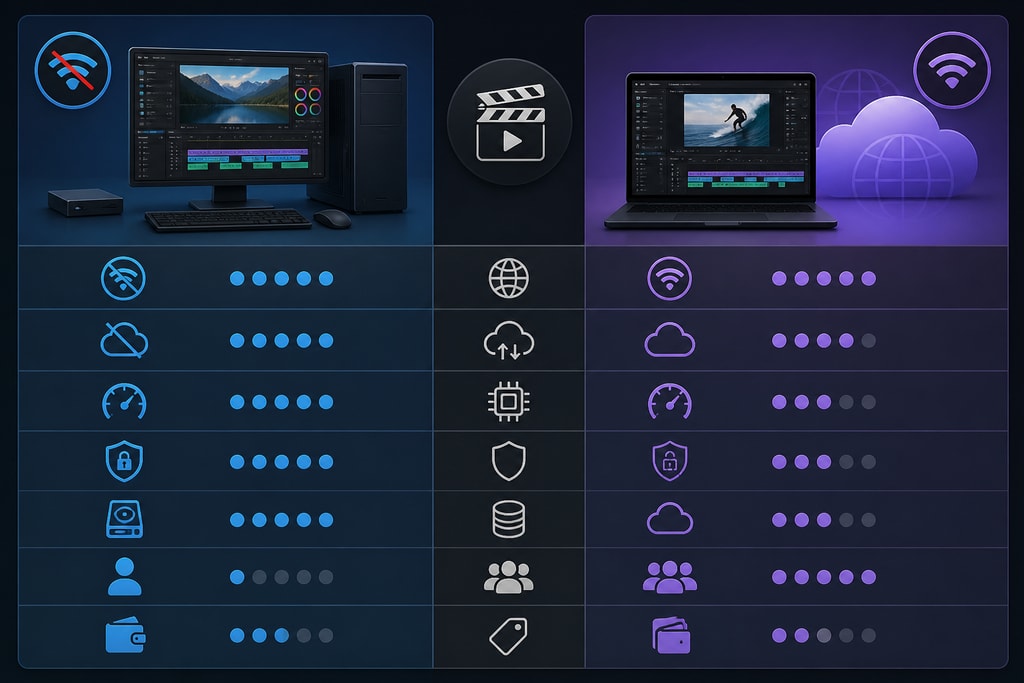
When choosing between offline and online tools, several factors are worth considering:
| Aspect | Offline Video Tools | Online Video Tools | |————————|————————————————————————————-|——————————————————————————————————| | Internet Dependency| No internet required for full functionality. | Requires stable internet; performance affected by bandwidth. | | Data Security | Data stays on local devices; reduced breach risks. | Data stored on cloud servers; potential vulnerabilities. | | Performance | Utilizes local hardware; consistent performance. | Dependent on server performance; potential latency issues. | | Cost Structure | Often one-time purchase; no recurring fees. | Typically subscription-based; ongoing costs. | | Feature Set | Comprehensive features; may require manual updates. | Regular updates; may lack advanced features found in offline counterparts. |
Checklist: Is an Offline Video Tool Right for You?
Consider the following factors to determine if an offline video tool aligns with your needs:
- Internet Reliability: Do you often work in areas with limited or unstable internet access?
- Data Sensitivity: Are you handling confidential or proprietary content that requires enhanced privacy?
- Budget Constraints: Do you prefer a one-time purchase over ongoing subscription fees?
- Hardware Capabilities: Is your local hardware robust enough for high-demand video editing?
- Feature Requirements: Do offline tools offer the functionalities you need for successful projects?
Common Mistakes and How to Avoid Them
Neglecting Hardware Requirements
Failing to match hardware capabilities with the tool's demands can lead to inefficient workflows. Always check system requirements before purchasing.
Overlooking Update Policies
Updates for offline tools might not be automatic; regularly check for them to maintain performance and security.
Ignoring Compatibility Issues
Ensure the tool supports all necessary formats and works with other software in your pipeline to avoid workflow disruptions.
Expert Advice and Topic-Specific Tips
- Leverage Local Rendering: Make the most of your hardware's GPU acceleration to reduce rendering times.
- Combine Tools for Best Results: Use a combination of offline and online tools to optimize various stages of post-production.
- Invest in Quality Storage: High-capacity SSDs can improve data transfer speeds, enhancing overall efficiency.
FAQs
Q: Can offline video tools handle high-resolution footage?
A: Yes, many offline video tools are equipped to handle high-resolution footage, including 4K and 8K videos, as long as your hardware meets the necessary specifications.
Q: Are offline video tools suitable for collaborative projects?
A: While offline tools primarily operate on a single device, many include features for collaboration, such as project file sharing and compatibility with detachable storage devices.
Q: How do offline tools compare in terms of updates and support?
A: Offline tools may require manual updates, but reputable providers release patches and new versions regularly. Support is usually available through forums, customer service, and community input.
Conclusion
Offline video tools offer a range of benefits crucial for today's creators, including enhanced privacy, consistent performance, cost-effectiveness, and complete control over resources. By evaluating individual needs and advantages, creators can decide if an offline video tool is right for their content efforts.
For karaoke and lyric video creation offline, KaraMagic provides Mac desktop applications designed with privacy and offline functionality in mind.
Sources and Further Reading
- I'm a video editor and this is the best video editing software of 2026 for creative professionals and creators
- Movavi Video Editor 2026: An affordable and feature-packed non-linear video editor
For more insights on video tools and related content, visit the KaraMagic homepage and explore KaraMagic Free for karaoke video creation tools.



