Creating high-quality karaoke videos can transform a simple hobby into engaging content that captivates audiences globally. Whether you're an aspiring YouTuber, a music teacher, or planning a karaoke event, mastering video production is essential. In this guide, we'll dive deep into practical steps and considerations to elevate your karaoke video quality.
Understanding the Basics
Before you start upgrading, take a moment to evaluate your current setup. This involves understanding your equipment, software capabilities, and environment. An honest assessment is the first step in moving forward.
Choose the Right Equipment
Investing in quality equipment is non-negotiable.
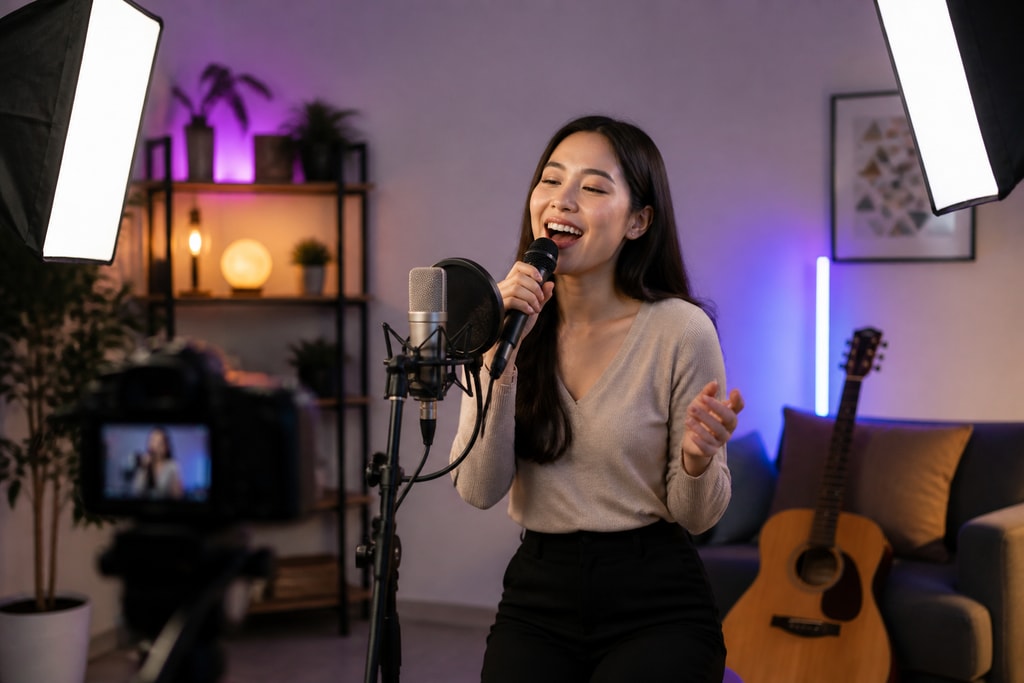
- Camera: While smartphones offer convenience, dedicated devices like DSLRs or mirrorless cameras can offer better resolution and low-light performance. Look for cameras that provide at least 1080p HD.
- Microphone: Consider using a condenser microphone for studio conditions and a dynamic microphone for live environments. Tip: Test different options to find the best fit for your space.
- Lighting: Invest in softbox lighting or utilize natural light strategically to minimize shadows and highlight the performer effectively.
Practical Software Solutions
Choosing the right software can significantly influence your production process. Software such as KaraMagic Pro offers advanced features suitable for both beginners and professionals.
- Editing Suites: Look for editing tools that offer batch processing, AI-driven vocal removal, and customizable backgrounds.
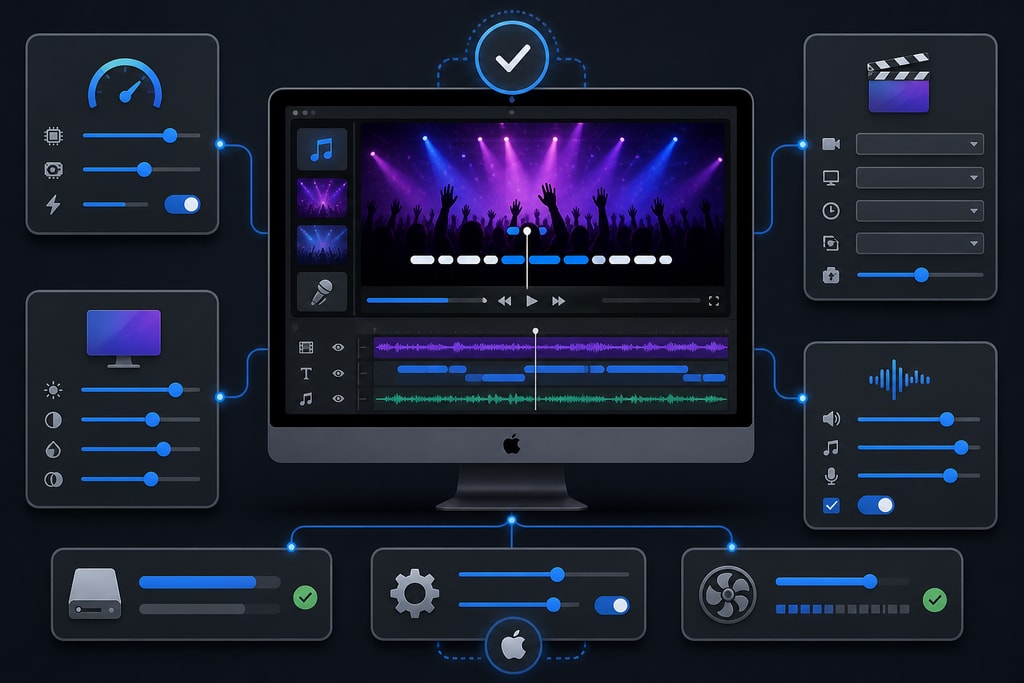
- Settings Optimization: Regularly adjust software settings to suit video resolution and audio quality requirements.
Internal recommendation: Explore the KaraMagic homepage for additional resources and tools.
Perfecting Lighting and Sound
Tips for Better Lighting
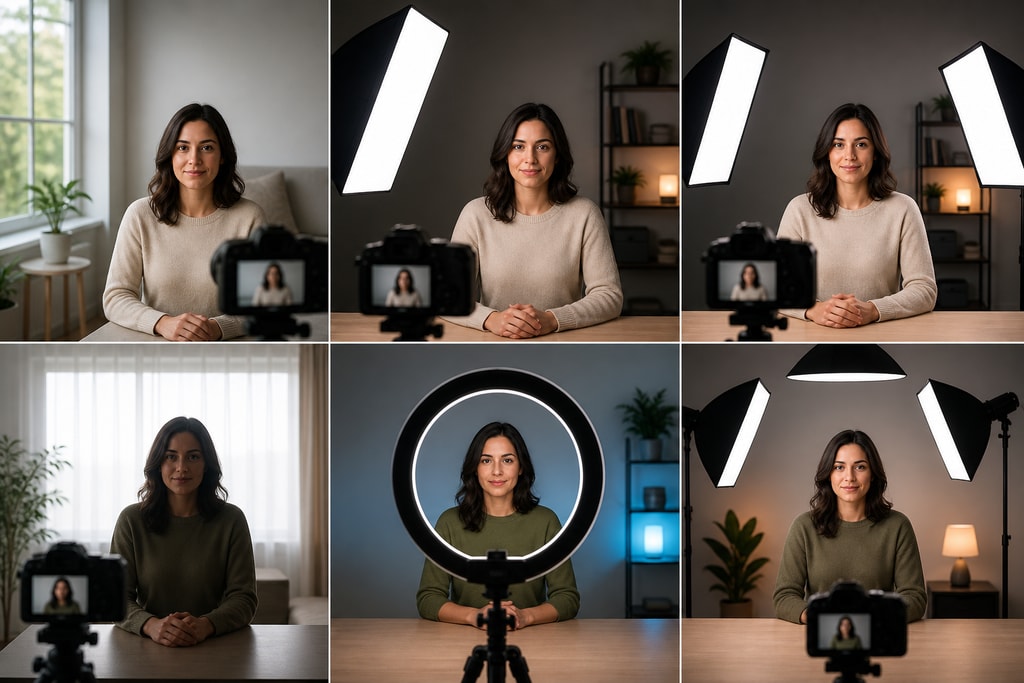
- Natural Light: Utilize golden hour (just after sunrise or before sunset) for the softest lighting.
- Artificial Options: Softbox or ring lights offer diffuse lighting that reduces harsh shadows.
- Experimentation: Try different angles to discover which lighting position works best for your theme.
Optimizing Sound Quality
- Prevention: Minimize ambient noise through soundproofing or selecting secluded spaces for recording.
- Microphone Settings: Adjust the gain and experiment with different settings to find the optimal levels for clear audio.
Strategic Software Settings Adjustments
Maximize your software's capabilities by honing its settings:
- Resolution: Always aim for the highest reasonable resolution without compromising processing speed.
- Lyric Synchronization: Use automated tools or manual adjustments to ensure lyrics match the performance flawlessly.
Editing and Post-Production Excellence
Editing is where the magic truly happens. Key considerations include:
- Color Correction: Ensure consistency in lighting and vibrancy.
- Transitions: Utilize smooth and seamless transitions to maintain viewer engagement.
- Syncing: Perfectly align audio tracks with lyrics using waveform timelines.
- Upgrade Options: Consider upgrading to KaraMagic Pro for enhanced post-production tools.
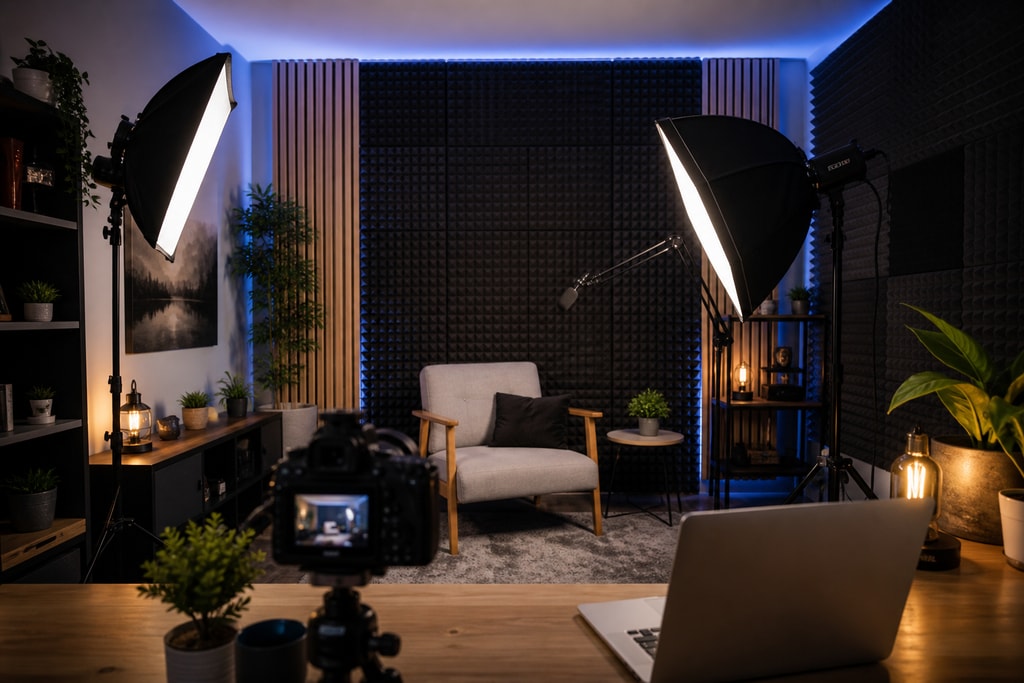
Establishing a DIY Studio
Transform a room into a video recording haven:
- Soundproofing: Use foam panels or fabric to eliminate echo.
- Lighting Setup: Arrange multiple light sources to create a professional atmosphere.
By establishing a home studio, you maintain control over your environment, leading to consistent and high-quality results.
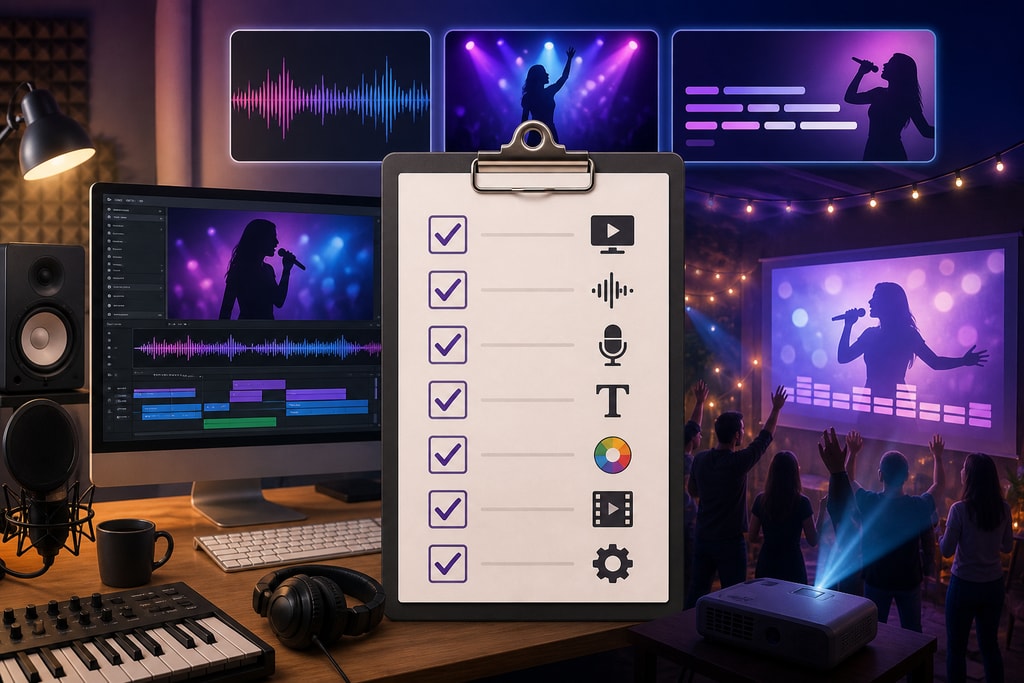
Checklist for Quality Assurance
- Camera: Ensure capabilities for 1080p or higher.
- Microphone: Test the dynamic vs. condenser options based on your acoustics.
- Lighting: Focus on bright yet diffuse illumination.
- Software: Keep software updated to leverage cutting-edge features.
- Backgrounds: Choose clean designs or utilize digital options from KaraMagic.
Mistakes to Avoid
- Underestimating Lighting: Poor lighting can undermine video quality regardless of the camera used.
- Ignoring Software Updates: New updates often come with improved features and bug fixes.
- Overlooking Audio Quality: Even perfect visuals can suffer from poor sound. Don’t neglect your audio setup.
Frequently Asked Questions
What are the best tools for karaoke video editing? KaraMagic Pro is highly recommended for its comprehensive suite of editing tools.
How do I ensure my karaoke videos stand out? Focus on originality in visuals and sound quality by utilizing diverse angles and settings.
What are common pitfalls in karaoke video production? Failing to optimize lighting, neglecting audio setup, and using outdated software.
Is it worth investing in professional equipment? Yes, investing in high-quality equipment can significantly enhance video production quality.
For further enhancement, explore KaraMagic Pro to take your karaoke videos to the next level.
Sources and Further Reading
- Guide to Video Production Quality – Videomaker
- Lighting Tips for Better Video – CreativeLive
- Top Microphones for Video Production – SoundGuys
- DIY Home Studio Setup Guide – Shure
Enhance your karaoke video projects with this comprehensive guide to achieve professional quality that captivates and retains viewers. Leverage our tips, recommended tools, and methods to create visually appealing and sonically pleasing content.