
Introduction
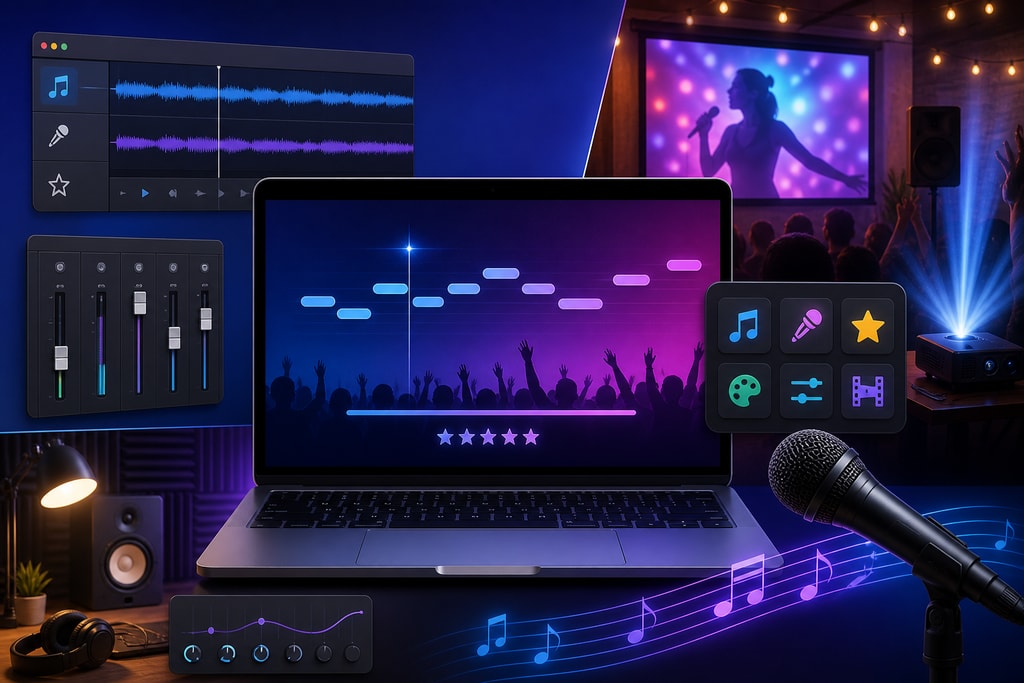
In the age of digital entertainment, karaoke has transformed from clunky machines into streamlined software applications, especially appealing to Mac users. The right karaoke software can make all the difference in user experience, from beginner enthusiasts to professional singers. This guide explores the crucial features that every Mac-compatible karaoke software should possess to deliver the ultimate singing experience.
User-Friendly Interface
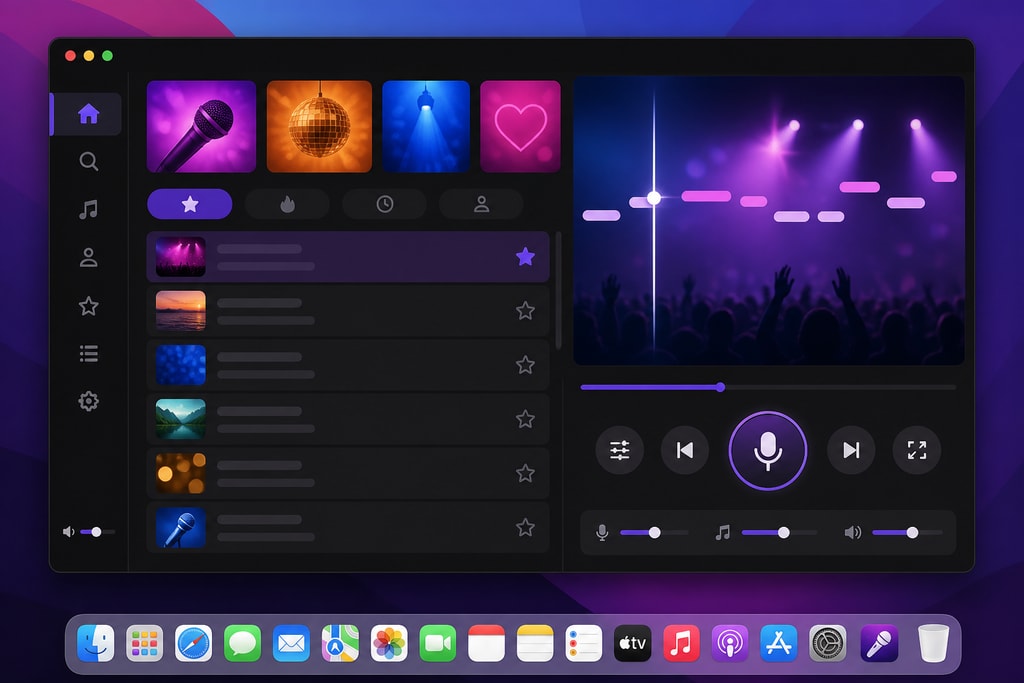
A clean, intuitive interface is paramount for any karaoke software. It should offer seamless navigation, allowing users to easily browse and select songs, adjust settings, and manage playlists without needing prior experience. An example is KaraFun, which provides intuitive navigation and minimalistic design.
Practical Example: When planning a karaoke night, an easily navigable interface ensures all participants, regardless of technical skill, can quickly find their favorite tracks and adjust playback settings at a glance.
Mistakes to Avoid: Avoid overly complex software that overwhelms users with unnecessary features and cluttered layouts.
Extensive Song Library
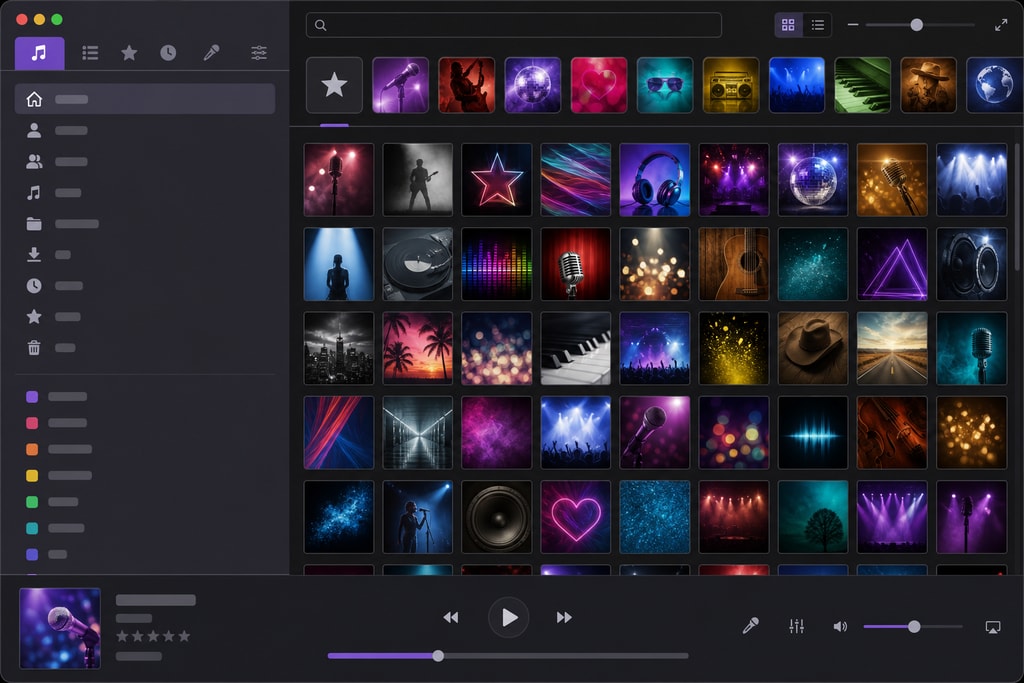
A vast and regularly updated song library is essential. It ensures a diverse selection of music, catering to various tastes. KaraFun offers over 54,000 studio-quality tracks, covering a wide array of genres.
Decision Criteria: Look for software that includes your favorite genres and allows easy song search and discovery. Ensure the library is frequently updated with new releases.
High-Quality Audio and Video Playback
Superior audio and video quality are foundational. High-definition video backgrounds and studio-quality backing tracks set an engaging atmosphere for singers. KaraFun exemplifies this feature with its high-definition options.
Topic-Specific Advice: Check if the software supports your preferred audio formats and resolutions, ensuring compatibility with your existing equipment.
Customizable Audio Settings
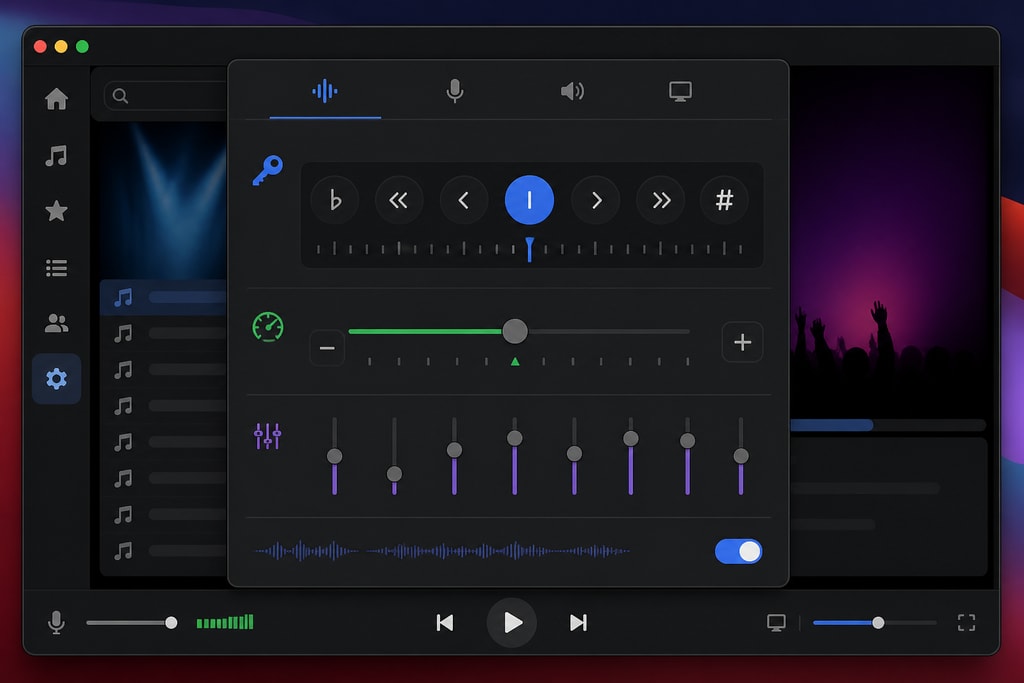
Software that allows modification of audio settings such as key and tempo is vital for tailoring songs to different vocal ranges. KaraFun enables users to adjust these parameters seamlessly.
Practical Examples: Teachers using karaoke as a teaching tool can adjust song settings to match students' vocal capabilities, fostering a supportive learning environment.
Mistakes to Avoid: Ensure that adjustments do not compromise audio quality. Poorly implemented settings can distort sound and reduce enjoyment.
Offline Mode
Offline functionality is invaluable, ensuring uninterrupted sessions free from internet dependency. KaraFun offers this feature, allowing users to download songs for offline usage.
Decision Criteria: For frequent travelers or those in areas with unreliable connectivity, offline capability is a necessity.
Singer Management and Rotation
For group settings, efficient management of singer queues ensures smooth session flow. KaraFun provides tools for organizing singer rotations.
Topic-Specific Advice: Look for features that allow easy reordering or skipping of singers, and consider automated rotation suggestions.
Compatibility with Various File Formats
Supporting multiple file formats like MP3+G, CDG, and various video files adds versatility. KaraFun supports a wide range, fitting diverse needs.
Regular Updates and Support
Continuous updates and responsive support are crucial for maintaining software reliability. KaraFun is known for its commitment to regular updates and excellent customer service.
Practical Example: Regular updates ensure your software remains secure and compatible with new Mac OS releases, protecting your investment.
Additional Considerations
- Budget: Consider whether the software provides value at its price point and whether it offers a freemium model for initial trials.
- Equipment Needs: Ensure compatibility with your existing sound system and assess required resources.
FAQ
Q: Can I use karaoke software on older Mac devices? A: Most software, like KaraFun, has system requirements that detail compatibility with older models. Check these before purchasing.
Q: How do I transfer my song library to different devices? A: Many software solutions offer cloud storage options or device synchronization features. Verify that file transfers are supported by your choice.
Q: Is there a subscription model for accessing more songs? A: Yes, many platforms offer premium subscriptions to expand access to their extensive libraries and additional features.
Conclusion
Selecting the right karaoke software involves weighing features that enhance usability, audio-visual quality, and overall performance. For Mac users committed to an elevated karaoke experience, KaraFun offers a comprehensive suite of features to meet those needs.
Sources and Further Reading
- KaraMagic homepage: Your source for karaoke insights and purchasing options.
- KaraMagic Pro: Explore advanced workflow solutions tailored for karaoke video creation.
- KaraFun Official Website
- Best Karaoke Software for Mac 2026
- Top 10 Karaoke Software Tools in 2026
- The Ultimate Guide to Karaoke Software for Macs
Note: These sources provide additional insights into karaoke software features and considerations for Mac users.



