Introduction
Creating engaging karaoke videos has never been easier, thanks to tools like KaraMagic. Whether you're a hobbyist or a professional, choosing between KaraMagic Free and KaraMagic Pro is crucial to meet your specific needs. This guide will provide a detailed comparison of features, offer practical advice, highlight common mistakes to avoid, and answer frequently asked questions to help you make an informed decision.
KaraMagic Free: Features and Benefits
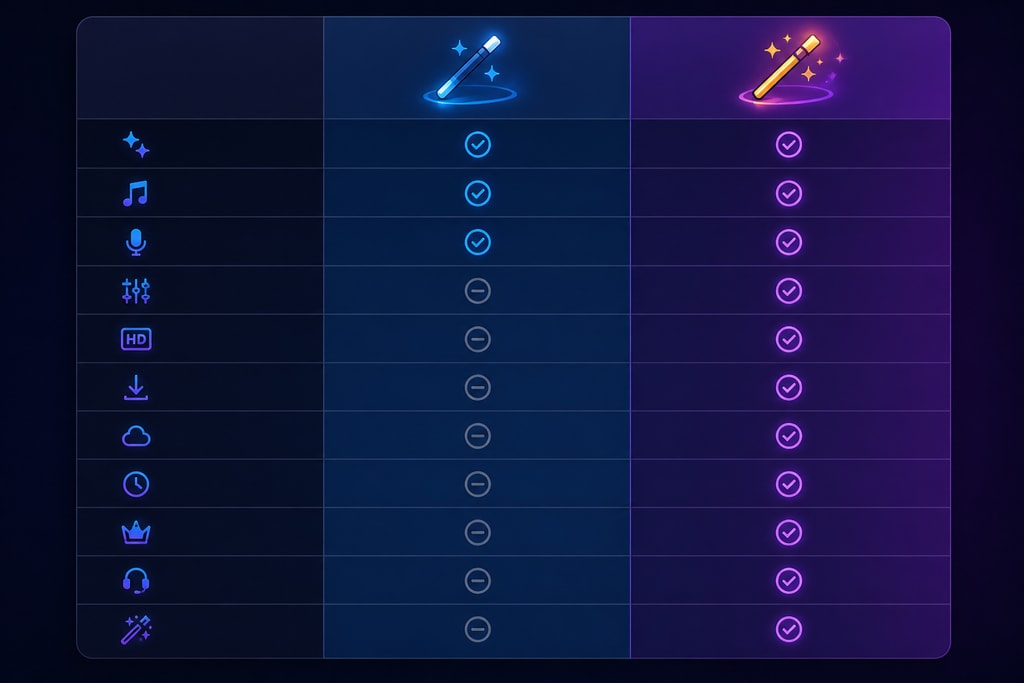
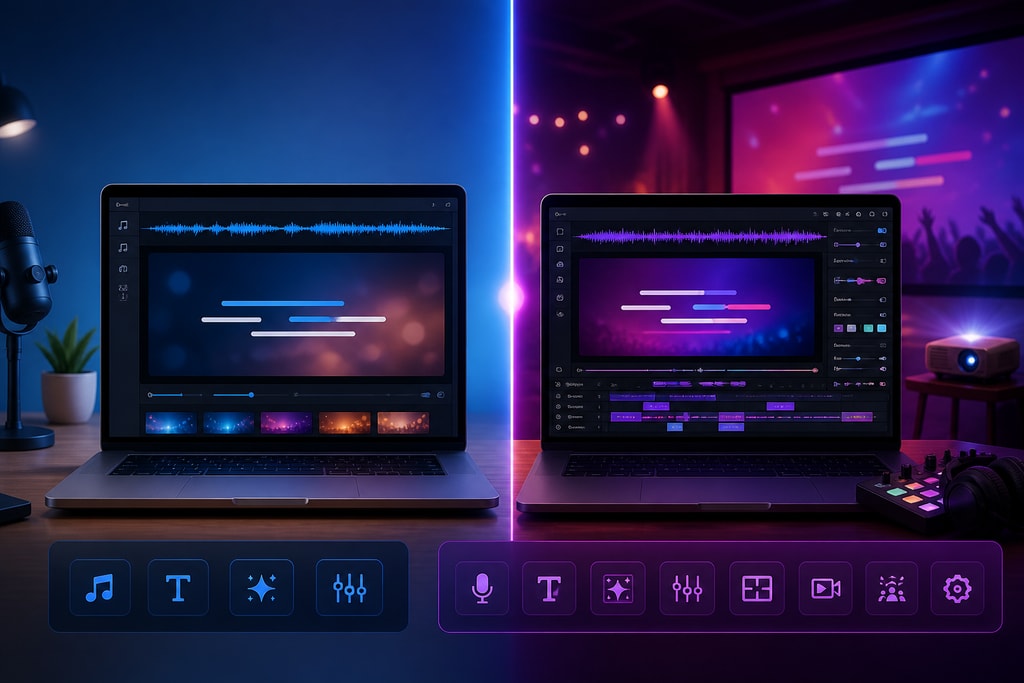
KaraMagic Free offers a robust set of features for users looking to create karaoke videos without financial commitment. Key functionalities include:
- AI-Powered Vocal Removal: Effortlessly isolate instrumental tracks from your favorite songs. This is ideal for trying out new mashups or testing your singing skills.
- Lyric Transcription and Timing: Automatically transcribe lyrics and synchronize them with the music, a perfect feature for those starting with karaoke video creation without heavy investment.
- Embedded Lyrics: Integrate lyrics directly into the video, enhancing the karaoke experience. Casual users or beginners benefit most from this feature.
However, be mindful that exports from the Free version include a watermark, which may not be suitable for professional presentations. Casual creators or educational purposes might find this an acceptable trade-off.
KaraMagic Pro: Advanced Capabilities
For users seeking more control and professional-quality outputs, KaraMagic Pro builds upon the Free version with additional features:
- Watermark-Free Exports: Produce clean videos without any branding, making it perfect for professional musicians or event organizers.
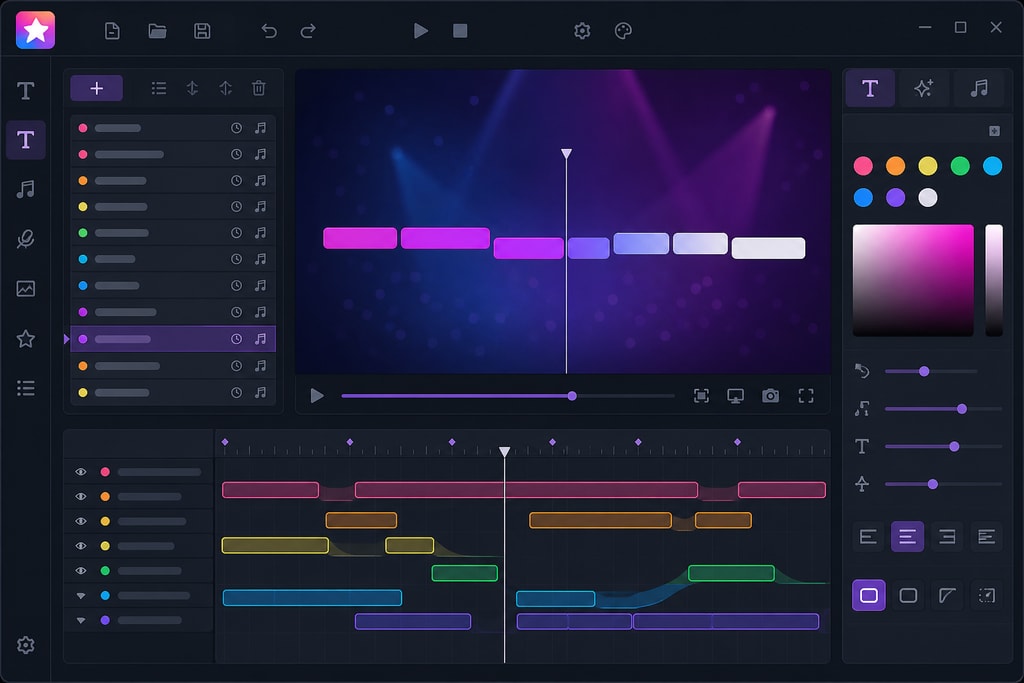
- Lyric Editing: Customize and refine lyrics to match your preferences. This feature allows for multilingual karaoke creation, appealing to a global audience.
- Customizable Backgrounds: Personalize the visual aesthetics of your videos, which can enhance engagement through thematic backgrounds.
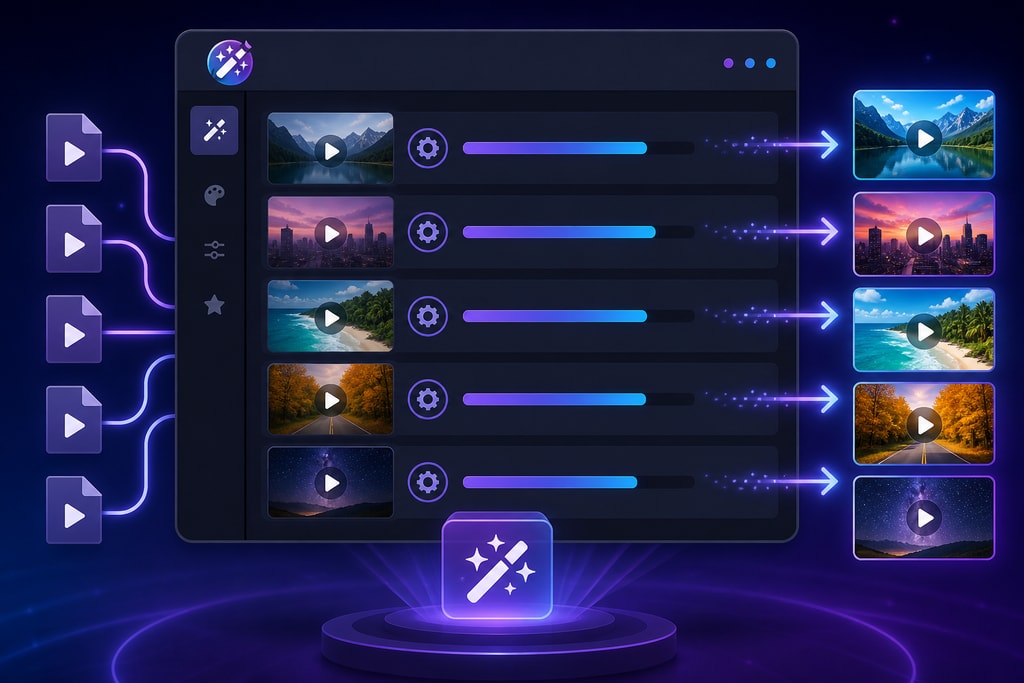
- Batch Processing: Efficiently handle multiple videos simultaneously, saving time and effort for high-volume content creators.
These enhancements are indispensable for serious content creators who require polished and customizable karaoke videos.
Practical Examples of Use
Example 1: Creating a School Event Video
A teacher wants to create a karaoke video for a school event. Using KaraMagic Free, the video is quickly made with basic features. However, to remove the watermark and customize backgrounds with school colors, they upgrade to KaraMagic Pro.
Example 2: Band Promotion
A local band seeks to promote its new single. They use KaraMagic Pro for a professional, branded karaoke video, leveraging the batch processing to create multiple language versions quickly.
Decision Criteria
When choosing between KaraMagic Free and Pro, consider the following factors:
- Purpose: If you're creating videos for personal use or practice, the Free version may suffice. For professional appearances, the Pro version's advanced features are invaluable.
- Volume: For high-volume projects, such as those by professional event organizers, the Pro version's batch processing capabilities are indispensable.
- Customization Needs: If you require specific visual styles or lyric adjustments, the Pro version offers the necessary tools to achieve your vision.
Common Mistakes to Avoid
- Ignoring System Requirements: Ensure your system meets the software requirements for smooth operation. KaraMagic is optimized for Apple Silicon Macs.
- Overlooking Export Needs: If you plan to use your videos professionally, remember that the Free version includes a watermark.
FAQs
Q: Can I upgrade from KaraMagic Free to Pro? A: Yes, upgrading is straightforward. Visit the KaraMagic Pro page for more details.
Q: Is there a trial period for KaraMagic Pro? A: KaraMagic offers a free version to test basic features. For Pro features, consider reviewing the KaraMagic Pro page for trial options.
Q: Are there any system requirements for KaraMagic? A: KaraMagic is optimized for Apple Silicon Macs and operates entirely offline, ensuring user privacy and eliminating the need for internet connectivity during the creation process.
Q: How can I use KaraMagic for educational purposes? A: Use the Free version for creating educational karaoke in languages taught in schools, making learning engaging and interactive.
Conclusion
Both KaraMagic Free and Pro offer valuable tools for karaoke video creation. Your choice depends on your specific needs, project volume, and desired level of customization. The Free version is excellent for personal use and small projects. In contrast, KaraMagic Pro offers full features for professional-quality outputs, suitable for serious creators. For those seeking advanced features and professional-quality outputs, KaraMagic Pro provides a comprehensive solution.
Sources and Further Reading
- KaraMagic Free
- KaraMagic Pro
- KaraMagic Homepage
- Creating Professional Karaoke Videos
- The Benefits of Educational Karaoke in Schools
Note: This guide is based on information available as of 2023.