
Introduction
In 2026, lyric videos remain a compelling format for engaging YouTube audiences, merging music with visuals in dynamic ways. For creators intent on producing high-quality content efficiently, mastering the workflows—from ideation to uploading—is crucial. This comprehensive guide will equip you with the tools and techniques needed to create standout lyric videos that capture attention and boost viewer engagement.
Planning Your Lyric Video
Every successful production begins with strategic planning, setting the stage for a seamless creation process.
Define Your Concept and Style
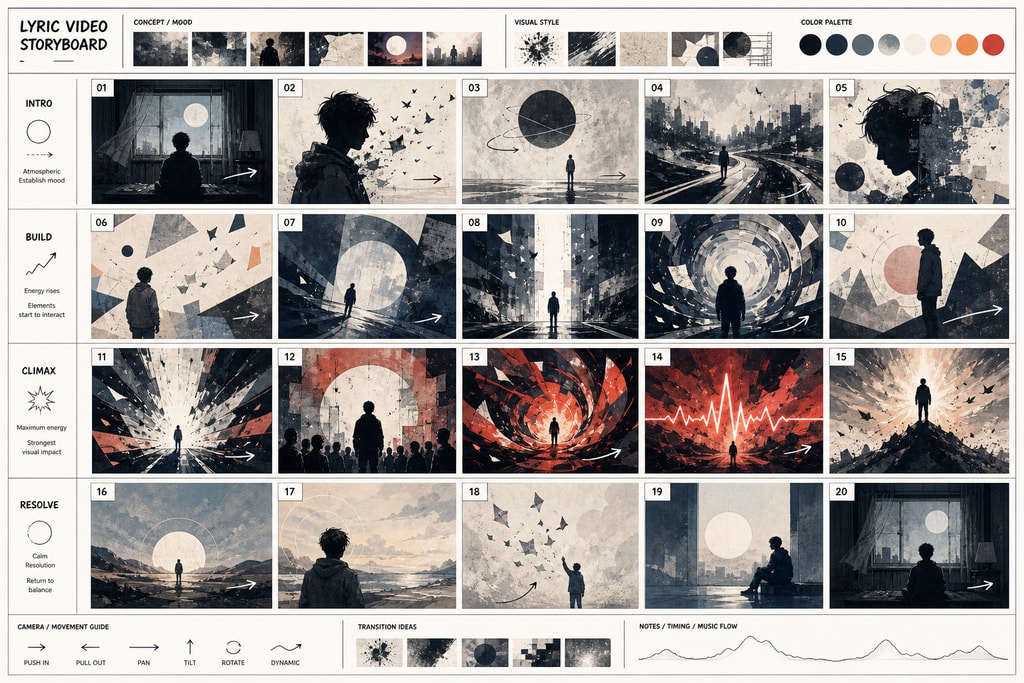
Understanding your song's emotional and thematic underpinnings is key. Decide whether a minimalist look with typography or an elaborate animated style best complements your music. Emulate styles that captivate your audience while maintaining uniqueness.
Practical Tip: Sketch storyboard layouts to visually plan how lyrics will interact with backgrounds and animations.
Prepare Your Assets
- Audio File: Secure the final mastered version.
- Lyrics: Double-check lyrics for accuracy—a single mistake can detract from professional polish.
- Visual Elements: Collate images, videos, or animations that will unify your theme.
Mistakes to Avoid: Avoid starting production without a clear style in mind, which can lead to inconsistent video quality and viewer disengagement.
Choosing the Right Tools
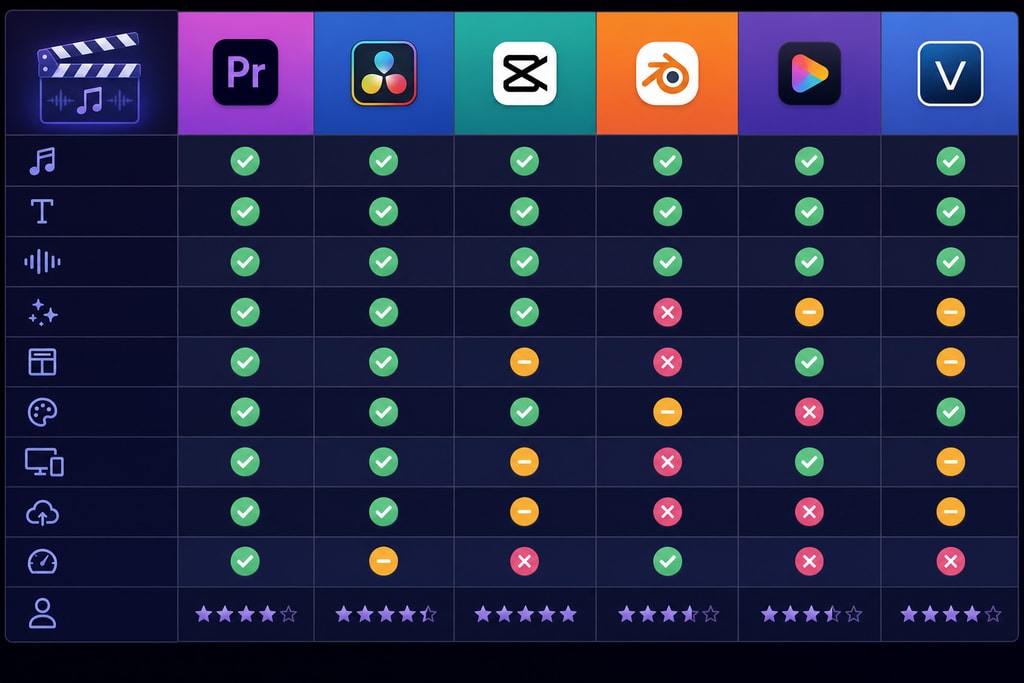
The tools you choose directly impact both quality and efficiency.
Desktop Applications
- KaraMagic Pro: Ideal for those desiring extensive control over offline projects with AI assistance for lyric transcription and customizable backgrounds.
- Superstring: Supports both Mac and Windows, simplifying the lyric video production process with user-friendly interfaces. Explore more at LyricMagic Pro.
Online Platforms
- LYRC: Offers high-accuracy auto-transcription and beat-specific lyric placement, perfect for streamlined production.
- Epitrite: Facilitates quick browser-based video creation with limited editing experience requirement.
Decision Criteria: Choose based on operating system compatibility, the complexity of desired features, and budget.
Synchronizing Lyrics with Audio
Synchronization is where technical precision meets creativity.
Manual Synchronization
For those who want ultimate control, manually align each lyric line with the corresponding audio segment. While this can be time-consuming, especially for detailed projects, it ensures utmost precision.
Automated Synchronization
Current AI-driven tools offer automatic lyric and audio alignment, significantly reducing editing time. Learn more about automated solutions at LyricMagic Free.
Topic-Specific Advice: Test automated outputs for accuracy, as AI may misalign lyrics in complex tracks with irregular beats.
Enhancing Visual Appeal
Visual components hold the power to mesmerize and maintain viewer interest.
Typography and Animation
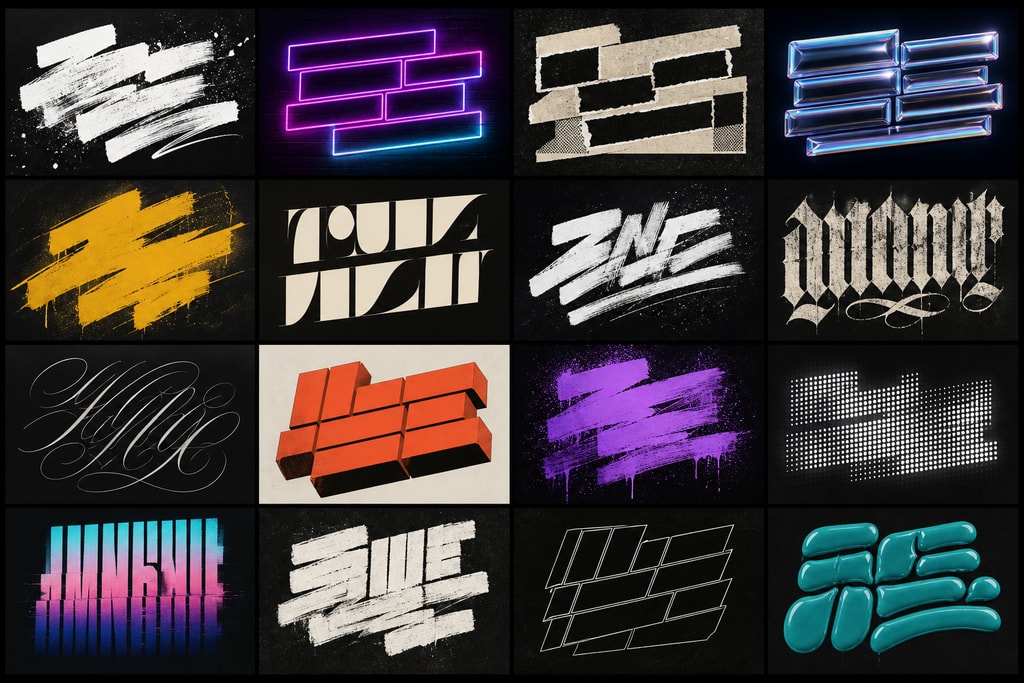
Select fonts and animations that echo the song's essence. Tools like Superstring allow for diverse customization, aligning the visuals with your artistic vision.
Backgrounds and Effects
Integrate backgrounds and visual effects that bolster rather than dominate. KaraMagic Pro aids in tailoring visuals to your specifications, offering a wide array of options.
Practical Example: Utilize subtle animations to highlight specific lyrical phrases, drawing viewer focus.
Optimizing for YouTube
To harness YouTube's potential, optimization is vital.
Video Format and Resolution
Adhere to the 16:9 ratio and aim for at least 1080p resolution to maintain viewing fidelity across all devices.
Metadata and SEO
Craft descriptive titles, compelling descriptions, and accurate tags with keywords. This can significantly aid discoverability on YouTube searches.
Internal Link Suggestion: Use LyricMagic Pro to learn advanced SEO strategies tailored for lyric videos.
Thumbnails
Design thumbnails that are visually appealing and reflective of your video’s content. A high-impact thumbnail can significantly increase click-through rates.
Mistake to Avoid: Generic thumbnails can lead to reduced audience interest and lower video engagement.
Checklist for Lyric Video Production
An organized workflow enhances efficiency and effectiveness:
- Conceptualization:
- Finalize the video theme and style.
- Gather and verify all assets (audio, lyrics, visuals).
- Tool Selection:
- Assess software based on project needs and personal proficiency.
- Synchronization:
- Evaluate between manual or automated methods.
- Visual Design:
- Opt for typography and animations that align with the song.
- Embed supportive backgrounds and effects.
- Optimization:
- Format to suit YouTube’s technical specifications.
- SEO-optimize video metadata.
- Develop an engaging thumbnail.
FAQs
Q: Can I create lyric videos without prior video editing experience?
A: Absolutely. Platforms like LYRC and Epitrite simplify processes with user-friendly interfaces and automations designed for beginners.
Q: How long does it typically take to produce a lyric video?
A: The duration depends on complexity and tools. Automated systems can output videos in 10-20 minutes, while manual processes may span several hours.
Q: Are there free tools available for lyric video creation?
A: Yes, free versions like Superstring offer essential functions suitable for basic projects.
Enhance Your Skills
By integrating thoughtful planning and efficient tools, creators can produce engaging lyric videos that stand out. Explore further solutions with KaraMagic Free for a comprehensive look into free tool capabilities.
Conclusion
Producing captivating lyric videos is within reach by employing strategic workflows and robust tools. By adapting to evolving trends in 2026 and leveraging platforms like KaraMagic Pro, creators can craft visually and audibly superior content. Dive deeper with LyricMagic Pro for advanced features necessary for the professional realm.
Sources and Further Reading



