
Creating engaging karaoke videos has become accessible and efficient, thanks to KaraMagic's suite of Mac desktop applications. Whether you're a casual enthusiast, a professional content creator, or an event host, KaraMagic offers tools aligned with your needs. Choosing between the Free and Pro versions might be challenging, but this guide will assist you in making an informed decision by comparing the features, use cases, and potential pitfalls of each version.
Overview of KaraMagic Versions
KaraMagic provides two primary versions of its software:
- KaraMagic Free: A powerful tool that converts music videos or audio files into karaoke videos using AI for vocal removal, lyric transcription, timing synchronization, and embedding lyrics directly into the video.
- KaraMagic Pro: An advanced version that enhances the Free version by offering watermark-free exports, lyric editing capabilities, customizable backgrounds, and batch processing for multiple videos.
Feature Comparison
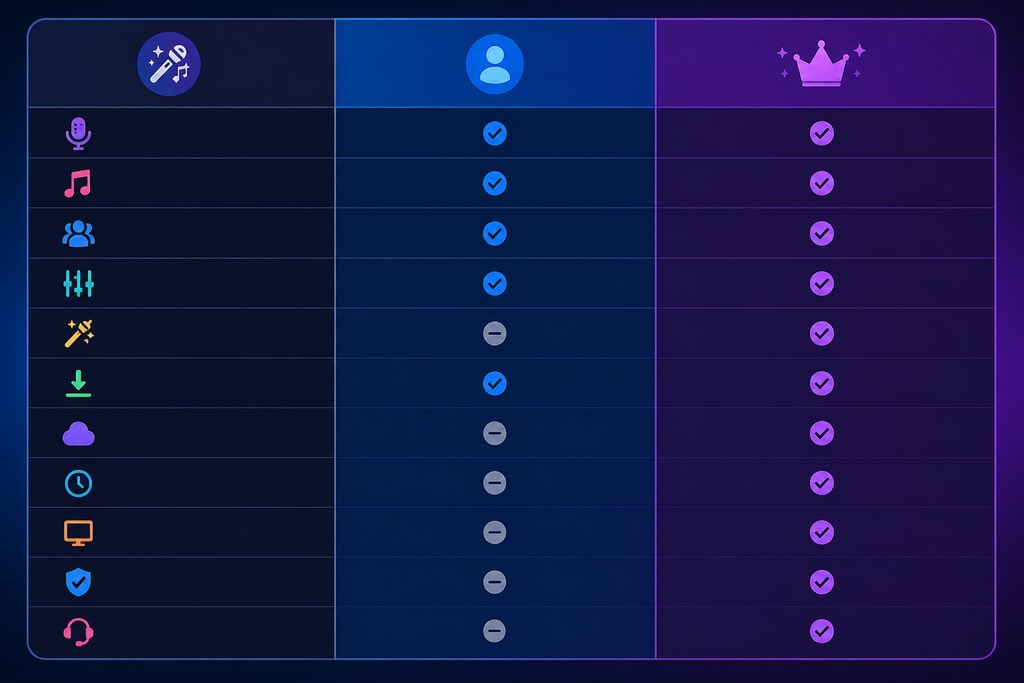
Understanding the differences between the Free and Pro versions is crucial in determining which aligns with your requirements. Below is a detailed comparison:
| Feature | KaraMagic Free | KaraMagic Pro | |———————————|—————-|—————| | Vocal Removal | Yes | Yes | | Lyric Transcription | Yes | Yes | | Timing Synchronization | Yes | Yes | | Embedded Lyrics | Yes | Yes | | Watermark-Free Exports | No | Yes | | Lyric Editing | No | Yes | | Customizable Backgrounds | No | Yes | | Batch Processing | No | Yes |
Vocal Removal
Both versions utilize advanced AI algorithms to remove vocals from audio tracks, allowing you to create instrumental versions suitable for karaoke. Users have appreciated the accuracy and quality, though it's advisable to test a few tracks to understand the nuances of vocal frequencies.
Lyric Transcription and Timing
KaraMagic employs AI to transcribe lyrics and synchronize them with the music, ensuring accurate timing. This feature is reliable for most tracks, but reviewing the transcription occasionally is recommended for complex lyrics.
Embedded Lyrics
The software embeds synchronized lyrics directly into the video, providing a seamless viewing experience. This integration helps ensure that lyrics appear in sync with the audio, maintaining the essence of a live karaoke session.
Watermark-Free Exports
- Free Version: Exports include a KaraMagic watermark. Perfect for casual users who don't mind branding.
- Pro Version: Allows for watermark-free exports, offering a more professional appearance. Essential for professionals seeking a clean final product.
Lyric Editing
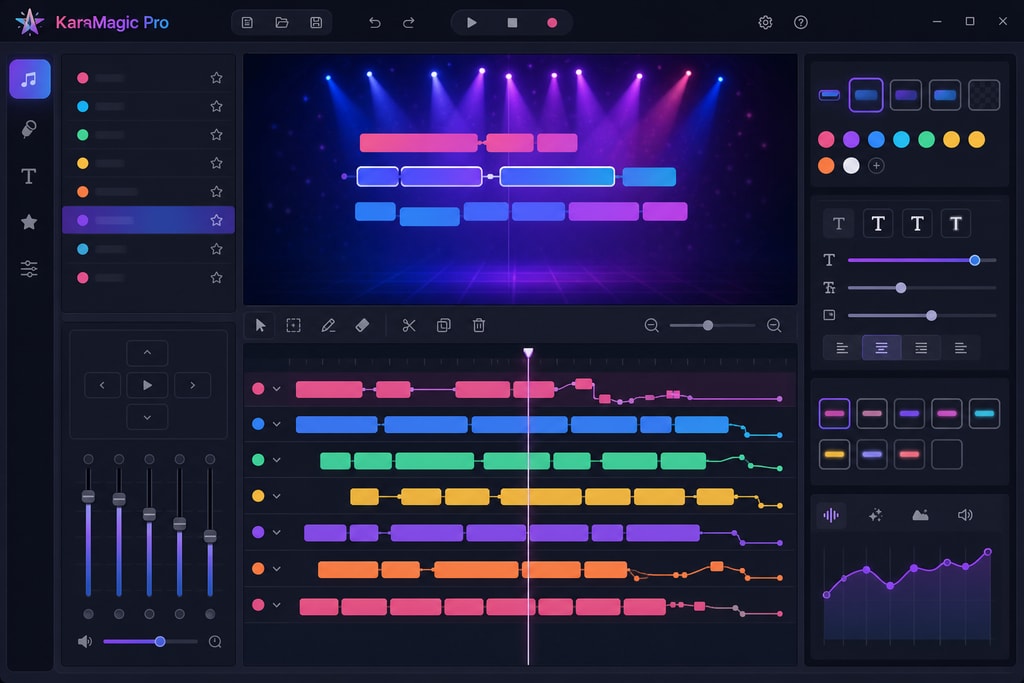
- Free Version: Does not support manual lyric editing. Suitable for straightforward tracks.
- Pro Version: Provides tools to edit lyrics, allowing corrections and customizations crucial for professionals and creators.
Customizable Backgrounds
- Free Version: Limited to default backgrounds. Adequate for home or community use.
- Pro Version: Offers customizable backgrounds to enhance visual appeal, aligning with specific themes or brands, invaluable for event planners or content creators.
Batch Processing
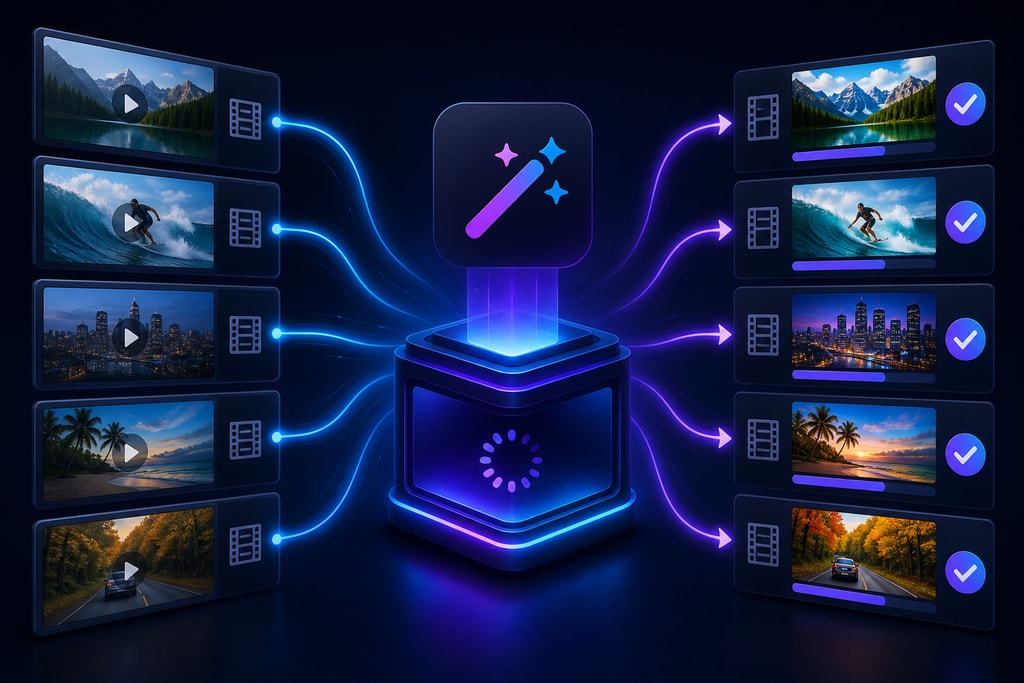
- Free Version: Handles videos individually, which can be time-consuming.
- Pro Version: Supports batch processing, enabling multiple videos to be processed simultaneously, significantly saving time and effort.
Use Cases and Recommendations
Choosing between the Free and Pro versions depends on your specific needs and goals. Consider these scenarios:
For Casual Users and Hobbyists
If creating karaoke videos for personal enjoyment or small gatherings, the Free version provides robust tools like vocal removal and lyric synchronization, allowing quality productions at no cost.
For Event Organizers and Educators
Professionals hosting events or educating need clean, branded videos, making the Pro version ideal. Watermark-free outputs and batch processing ensure a polished experience.
For Content Creators and Influencers
For YouTube creators or influencers, the ability to edit lyrics, utilize custom backgrounds, and batch process videos offers flexibility and quality, aligning with the needs for professional content.
Common Mistakes to Avoid
- Ignoring Lyric Synchronization: Double-check synchronization, especially for intricate tracks. Mistiming can disrupt the experience.
- Overlooking Format Options: Ensure your export format matches your playback system, as mismatches can lead to playback issues.
- Neglecting Trial Features: Explore Pro features through trials to see if they meet your needs before purchase.
- Batch Processing Carelessness: While efficient, ensure all files in a batch meet your quality standards individually.
Decision-Making Checklist
Consider the following to guide your decision:
- Do you require watermark-free videos?
- Yes: Pro Version
- No: Free Version
- Is lyric editing important for your projects?
- Yes: Pro Version
- No: Free Version
- Do you need customizable backgrounds to match specific themes or branding?
- Yes: Pro Version
- No: Free Version
- Will you be processing multiple videos regularly?
- Yes: Pro Version
- No: Free Version
Frequently Asked Questions (FAQ)
Q: Can I try the Pro features before purchasing? A: Yes, KaraMagic offers a trial period for the Pro version to explore its advanced features before committing.
Q: Is there a significant learning curve when upgrading to the Pro version? A: The Pro version builds upon the Free version's interface, providing a smooth transition with minimal learning curve.
Q: Are there any subscription fees for the Pro version? A: KaraMagic Pro is available through a one-time purchase model, eliminating the need for recurring subscription fees.
Q: Can I upgrade from the Free to the Pro version without losing my projects? A: Yes, upgrading retains all existing projects and settings.
Q: What internal tools assist in creating high-quality content? A: Tools for lyric editing, customizable backgrounds, and batch processing cater to creators focused on quality outputs.
Conclusion
Both KaraMagic Free and Pro versions offer powerful tools for creating karaoke videos on Mac. Your choice should be guided by your specific needs, customization level required, and the volume of videos you produce. For casual use, the Free version suffices, while the Pro version caters to professionals seeking advanced functionalities and polished outputs.
Explore more about our offerings and download the version that suits you: KaraMagic Free or KaraMagic Pro.
—
Note: This article is based on information available as of July 2026. For the most current details and updates, please refer to the official KaraMagic website.



