Introduction
As we move into an increasingly digital world, concerns about privacy have become more prevalent. Content creators, particularly those involved in video, are seeking tools that enable them to create and edit content without exposing sensitive data. Offline video creation tools offer a significant advantage, allowing users to handle their projects entirely on their local devices. This guide will explore the benefits of these tools, offer insights into top options, and provide practical advice for selecting the best offline video editor for your needs.
Why Privacy Matters in Video Creation
Video creation often involves sharing sensitive information inadvertently, whether through background scenes, personal footage, or audio snippets. When using online editors, there are inherent risks such as:
- Data Breaches: Cloud-based tools upload your media to external servers, which increases the risk of unauthorized access.
- Indiscriminate Storage: Media stored on the cloud may persist even after deletion from your account, leading to indefinite data retention concerns.
- Unauthorized Usage: Platforms might use your media for purposes like AI training without explicit consent, raising ethical issues.
By opting for offline video tools, creators can mitigate these risks, keeping their media secure and under their control.
Advantages of Using Offline Video Tools
Offline video editors offer several key benefits:
- Enhanced Security: Processing media locally means your data remains on your device, reducing exposure to online threats.
- Independence from Internet: Working offline allows uninterrupted editing even without internet connectivity.
- Faster Processing: Local hardware can process high-res videos more efficiently by eliminating the need to upload or download large files.
- Privacy Assurance: You retain full control over your data without third-party interference.
Top Offline Video Creation Tools
Explore these top video editors that focus on privacy:
1. DaVinci Resolve
Features & Benefits
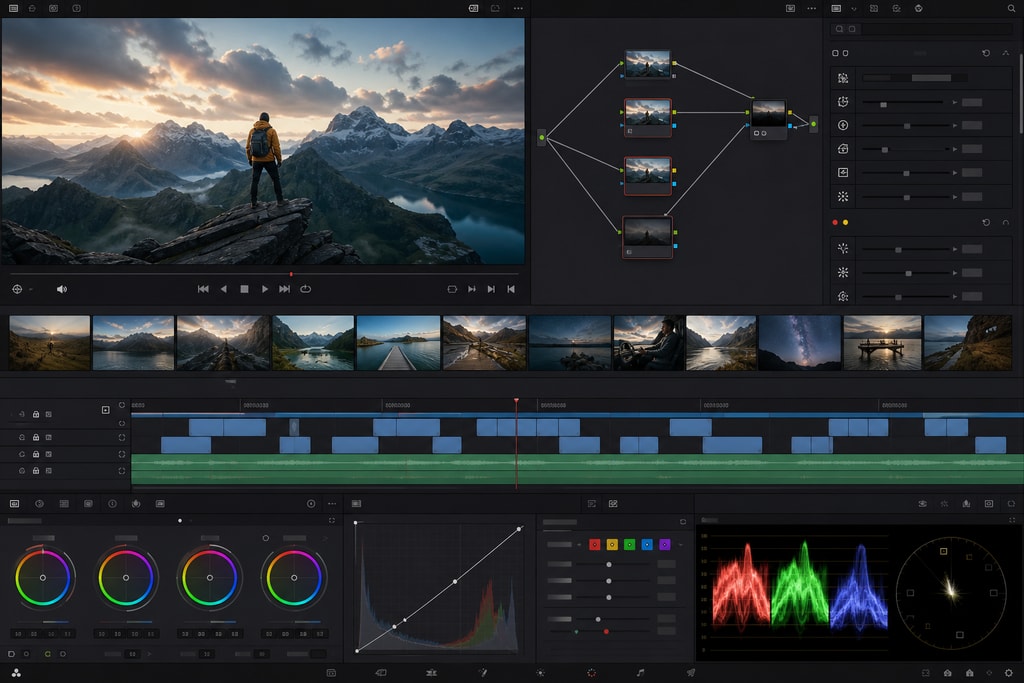
DaVinci Resolve offers a suite of professional editing tools, including advanced color correction and multi-format support. Its offline functionality ensures all media is kept private.
Best Use Cases:
- Complex video productions with detailed editing needs.
- Projects requiring professional color grading.
Learn More:
DaVinci Resolve Official Website
2. AetherCut
Features & Benefits
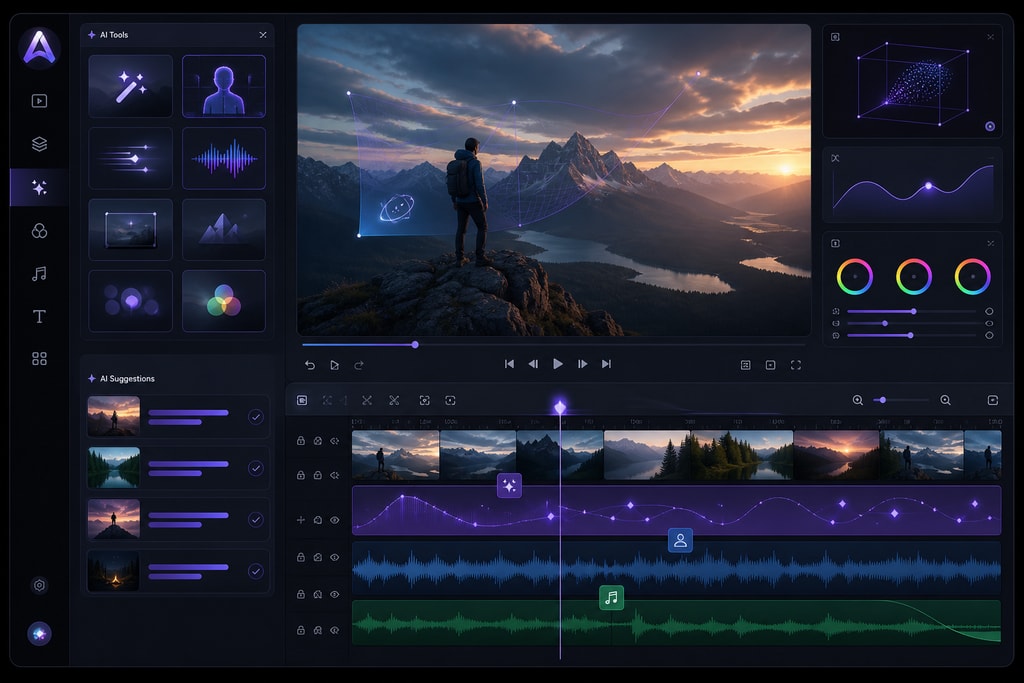
AetherCut is a browser-based tool operating entirely in your device without uploading files. It provides AI-powered editing features like automatic captions.
Best Use Cases:
- Quick edits that utilize AI assistance.
- Privacy-conscious users looking for proof of local-only processing.
Learn More:
AetherCut Privacy Video Editor
3. Klippy
Features & Benefits
Running in your browser using WebAssembly, Klippy ensures complete offline functionality and offers a variety of editing tools.
Best Use Cases:
- Beginners needing straightforward editing capabilities.
- Extensive video format support including MP4, WebM, and GIF.
Learn More:
Klippy Privacy-First Offline Video Editor
4. CamoSuite
Features & Benefits
CamoSuite is designed for professional confidentiality, offering tools like document anonymization and transcription—all offline.
Best Use Cases:
- Scenarios requiring confidentiality and secure media handling.
Learn More:
CamoSuite – Offline Privacy Tools
Mistakes to Avoid with Offline Video Tools
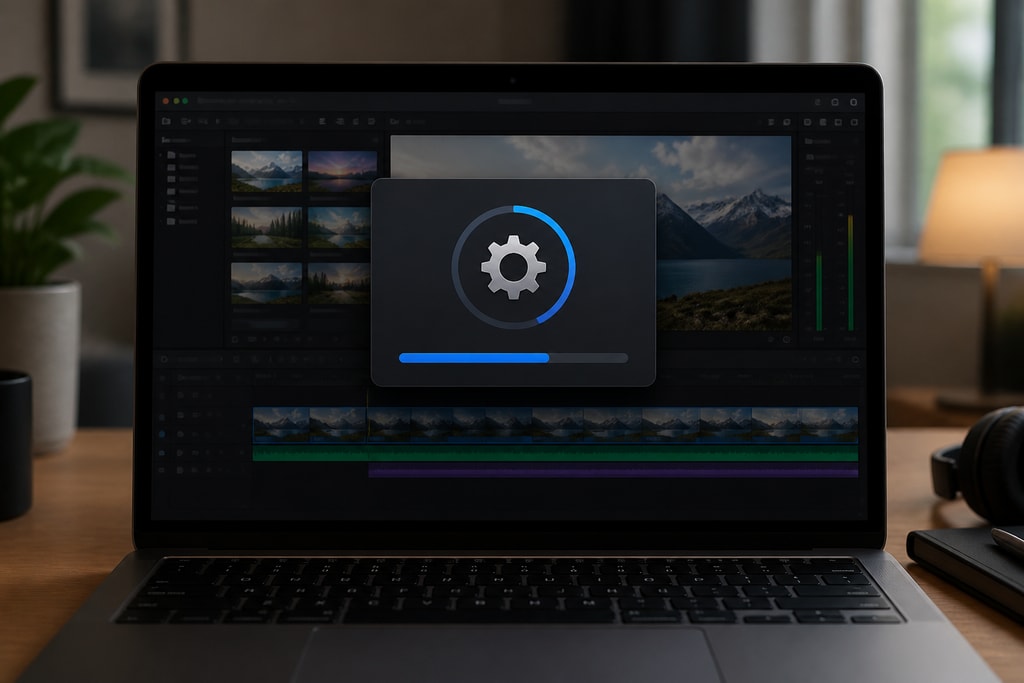
- Ignoring Software Updates: While offline editing tools primarily work locally, keeping them updated is crucial for security enhancements and performance improvements.
- Underestimating Hardware Requirements: Ensure your device meets the necessary specs for smooth operation; otherwise, your workflow may be disrupted.
- Neglecting Backups: Regularly back up projects to avoid data loss due to system failures.
Checklist: Factors to Consider When Choosing an Offline Video Editor
- Feature Set: Ensure the video editor offers the necessary editing capabilities for your projects.
- User Interface: A tool should be intuitive, catering to both novice and experienced users.
- Compatibility: Confirm that the software matches your device's hardware specifications.
- Cost-Effectiveness: Evaluate pricing against value; watch for hidden costs or subscription models.
- Privacy Practices: Verify that the editor ensures privacy through local processing without telemetry.
Frequently Asked Questions (FAQ)
Are offline video editors less powerful than online ones?
Offline editors often provide comparable, if not superior, feature sets to online versions, focusing on high-quality, professional-grade tools.
Do I need an internet connection to use offline video editors?
Initially, an internet connection might be required for software installation or updates. However, day-to-day operations do not need internet access.
How can I be sure my data is safe with offline editors?
Offline editors maintain all processing on your local device. Users can also check software privacy policies and offline capabilities, aligning with KaraMagic privacy policy.
Conclusion
Staying private and secure during video creation is pivotal as digital threats rise. Offline video editors like DaVinci Resolve, AetherCut, Klippy, and CamoSuite offer powerful tools while ensuring your media remains exclusively under your control. As you decide on an offline video editor, consider both your project's requirements and the tool's privacy capabilities. These insights can help guide you to the right solution that safely aligns with your creative vision and privacy needs.
For creating karaoke videos privately, explore KaraMagic, which offers Mac desktop tools focusing entirely on offline use, ensuring your media's security.