Introduction
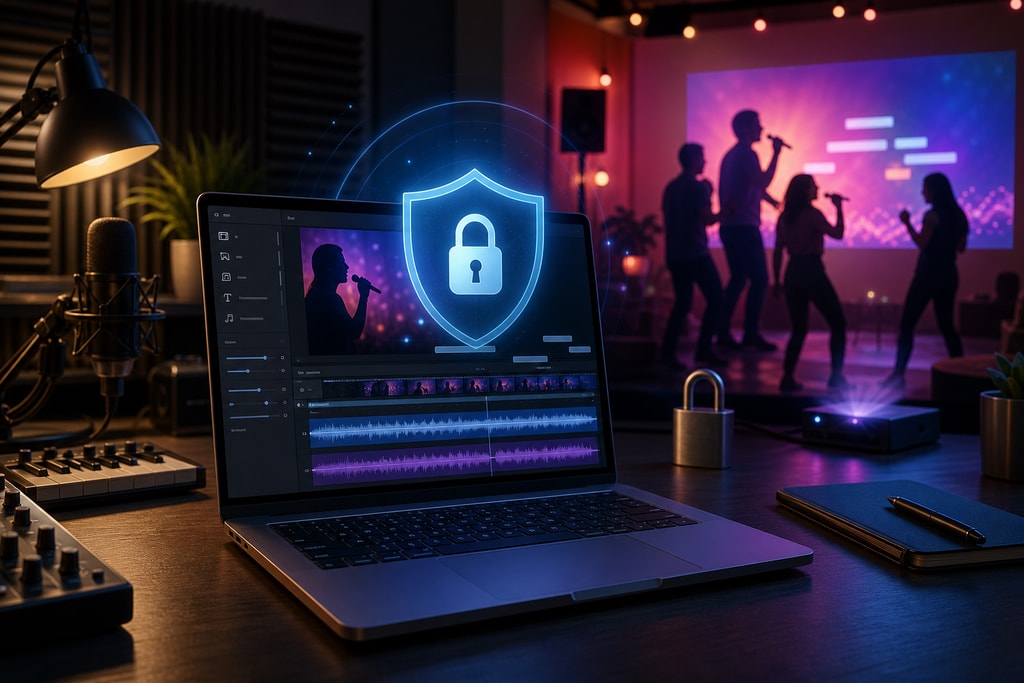
Creating karaoke videos is a creative pursuit for many enthusiasts, but the risk of privacy invasion through data breaches makes it crucial to focus on secure methods. This comprehensive guide provides detailed insights into offline karaoke video creation, helping you protect your personal data while achieving high-quality results.
Why Offline Karaoke Video Creation Matters
When creating karaoke videos online, your personal files may be exposed to potential security threats. Opting for offline solutions ensures that your data remains on your device, preventing unauthorized access and misuse. Offline video creation not only reduces risks but also provides you with full control over your creative process.
Risks of Online Karaoke Video Creation
- Data Breach: Uploading sensitive data can lead to hacking incidents.
- Unauthorized Access: Servers might be prone to unauthorized third-party access.
- Loss of Control: Online tools might limit your creative adjustments after uploading.
Choosing the Right Offline Karaoke Software
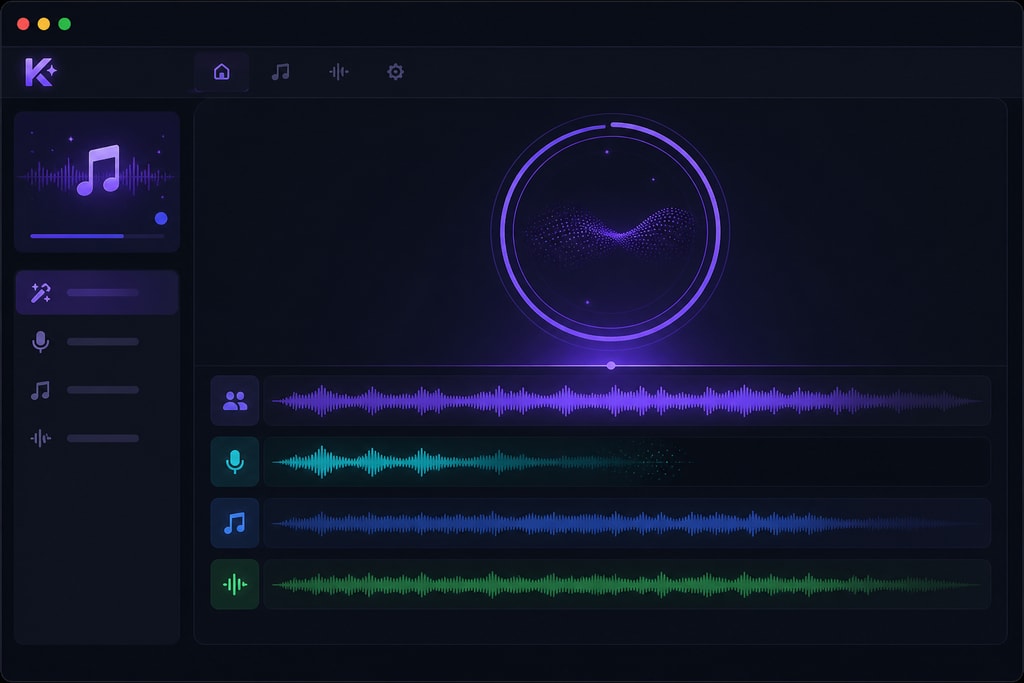
A critical step in ensuring privacy is selecting the right software. Here's what to consider:
- Local Processing: Ensure your chosen software operates entirely offline without needing the internet.
- Comprehensive Features: Prioritize tools offering vocal removal, lyric synchronization, and video editing.
- User Experience: Choose software with a straightforward interface.
- Compatibility: Verify OS compatibility to avoid technical issues.
KaraMagic offers a powerful suite of applications for karaoke video creation, ensuring all processing occurs locally on your device.
Key Steps in Creating Karaoke Videos Offline
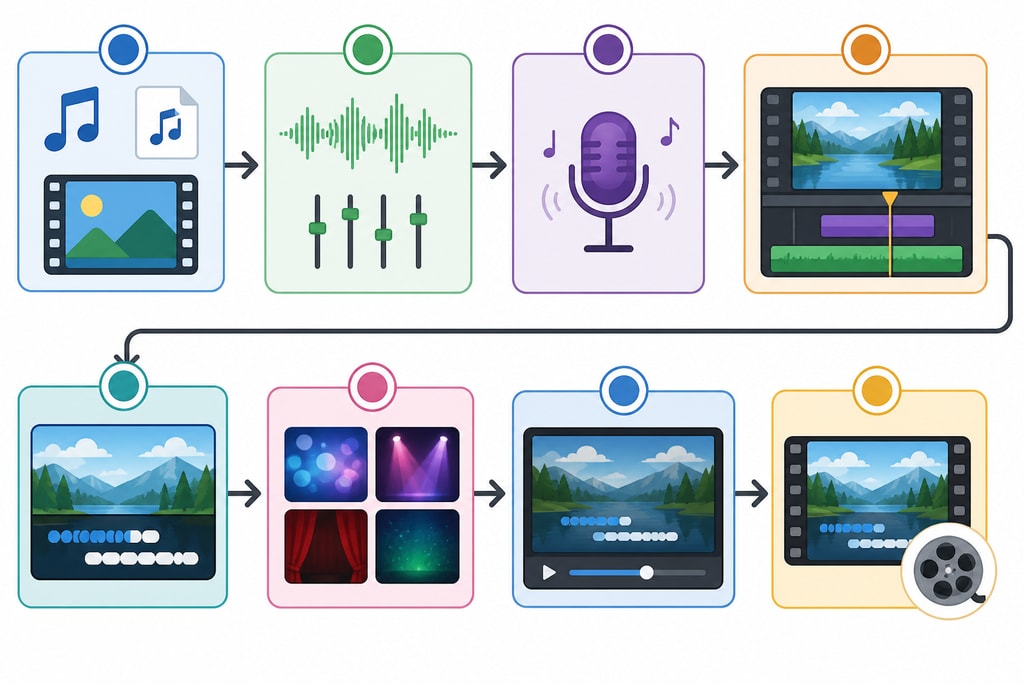
Here's a step-by-step guide to creating karaoke videos while maintaining privacy:
1. Prepare and Organize Your Audio Files
- Choose high-quality formats such as WAV or FLAC to improve audio outcomes. Learn more about file formats
2. Remove Vocals Effectively
- Leverage AI-driven tools to separate vocals. Note that total removal may not be possible, but quality and software capability can enhance results. Source
3. Add and Synchronize Lyrics
- Carefully synchronize lyrics with the instrumental to ensure coherence and readability. Use software to ensure the text is visually accessible. Source
4. Design an Engaging Video
- Opt for simple, non-distracting backgrounds and ensure text is legible. Busy visuals can detract from the viewer's experience. Source
5. Export Quality Videos
- Export the final video in a compatible format such as 1080p MP4 for universal device support. Export settings checklist
Expert Tips for Successful Offline Karaoke Creation
- Organize Your File Library: Implement a systematic file management approach to enhance efficiency.
- Regular Backups: Ensure regular backups of your projects to prevent accidental data loss.
- Frequent Software Updates: Keep your software updated to leverage new features and security patches.
Frequently Asked Questions
Q: Can I create karaoke videos without any internet connection?
A: Yes, it is entirely possible using offline software solutions like KaraMagic.
Q: Is it legal to create karaoke versions of any song?
A: Always ensure you have the necessary permissions for using songs to avoid copyright lawsuits.
Q: How do I enhance the quality of vocal removal?
A: Utilize high-quality audio files and advanced settings in AI-powered software. Learn more
Q: What are the best practices for video file exporting?
A: Ensure you use standardized formats like MP4 and appropriate resolutions (e.g., 1080p) for compatibility.
Conclusion
Offline karaoke video creation is an effective strategy to safeguard your privacy while maintaining creative freedom. By selecting the right software and adhering to industry best practices, you can achieve exemplary results without jeopardizing your personal data. Explore KaraMagic's offerings to find the perfect fit for your needs.
Sources and Further Reading
- KaraMagic Homepage
- KaraMagic Privacy Policy
- Voice Remover: Create Karaoke Tracks from Any Song in 2026
- How to Make a Karaoke Video: Complete Guide
- Karaoke Video Export Settings Checklist
- Karaoke Videos with Lyrics: Create and Export MP4
- Best Practices for Social Media: Proven Tips 2026
- Best Free Karaoke Maker Tools in 2026