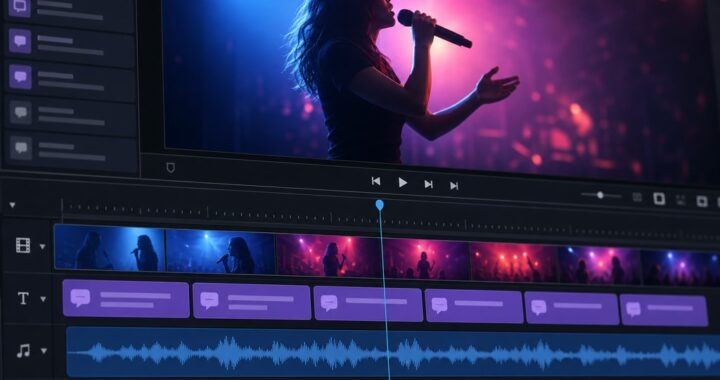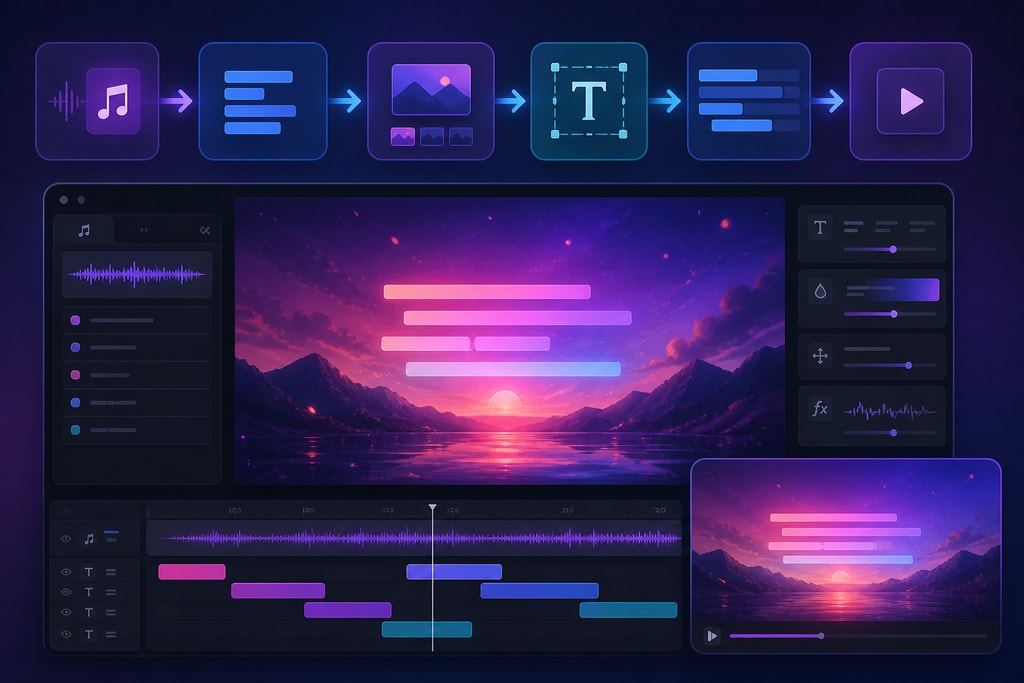
Creating engaging lyric videos is now an essential part of music promotion. These videos provide a dynamic way for artists to connect with audiences, intertwining visual appeal with lyrical storytelling. Advancements in technology make automating the production of these videos more accessible than ever. This guide dives deep into the best tools of 2026, offering insights, practical examples, and strategies to streamline your lyric video creation process.
The Importance of Lyric Videos
Lyric videos act as a bridge between audio tracks and visual content, enhancing listener engagement and expanding reach across platforms like YouTube, TikTok, and Instagram Reels. They offer a cost-effective method for artists to visually share their music without requiring full-scale music video productions.
Lyric videos are particularly crucial in today’s digital environment, where visual content reigns supreme. They allow artists to increase their audience and engage with fans in new, interactive ways.
Key Features to Look for in Lyric Video Automation Tools
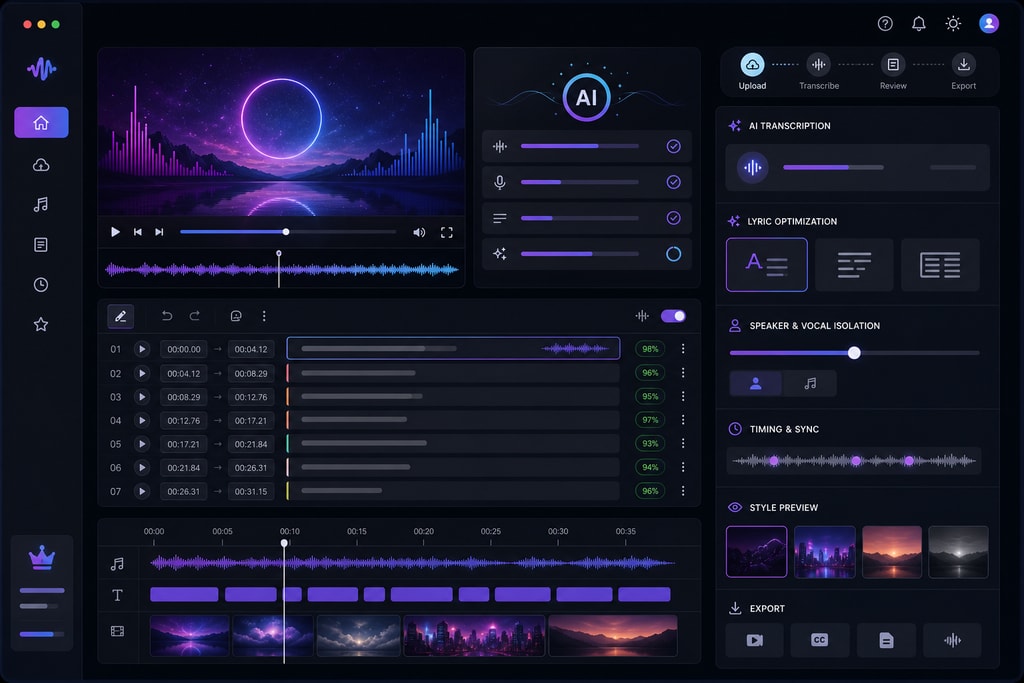
When selecting a lyric video automation tool, consider the following features:
- AI-Powered Transcription: Accurate audio-to-text conversion is crucial for syncing lyrics with your music.
- Beat Synchronization: Tools that align lyrics with the song's rhythm enhance the viewer's experience.
- Customization Options: Personalizing fonts, colors, and backgrounds ensures brand alignment.
- Export Quality and Formats: High-resolution outputs compatible with various platforms are essential.
- User-Friendly Interface: Intuitive design simplifies the creation process, even for beginners.
Top Lyric Video Automation Tools
LyricMV
Overview: LyricMV specializes in AI-driven lyric video creation, offering word-level transcription and synchronization.
Key Features:
- AI Transcription: Uses OpenAI's Whisper model for precise word-level timing.
- Template Library: Offers templates specifically for lyric videos.
- Timeline Editor: Allows fine-tuning of lyrics' timing with millisecond precision.
Pros:
- High accuracy in transcription.
- Designed specifically for lyric videos.
- Free preview without a credit card.
Cons:
- Limited free exports; higher-quality outputs require a subscription.
Pricing: Free tier available; premium plans start at $13 per month.
Source: LyricMV Blog
Epitrite
Overview: Epitrite focuses on AI transcription and beat synchronization, streamlining the lyric video creation process.
Key Features:
- Music-Specific Transcription: Tailored for music vocals, providing cleaner outputs.
- Beat Sync: Detects tempo and aligns lyrics to downbeats automatically.
Pros:
- Reduces manual timing efforts significantly.
- Free tier includes daily AI transcriptions.
Cons:
- Limited to transcription and synchronization; lacks advanced customization features.
Pricing: Free tier available; Pro version offers additional features.
Source: Epitrite Blog
Clipstars.ai
Overview: Clipstars.ai combines lyric video generation with full AI music video production in a single workflow.
Key Features:
- Auto-Transcription: Provides syllable-level synchronization without manual input.
- AI-Generated Visuals: Creates dynamic visuals that adapt to the song's emotional arc.
Pros:
- Comprehensive tool for both lyric and music video creation.
- Genre-aware pacing enhances visual rhythm.
Cons:
- May have a steeper learning curve due to its extensive features.
Pricing: Information not specified; likely subscription-based.
Source: Clipstars Blog
Pictory.ai
Overview: Pictory.ai offers a multi-purpose platform for content marketers and musicians, including lyric video creation.
Key Features:
- Auto-Sync Lyrics: Aligns lyrics with music automatically.
- Scene-Matched Visuals: Generates visuals that match the song's mood.
- High-Resolution Exports: Supports 1080p outputs for various platforms.
Pros:
- Versatile tool beyond lyric videos.
- Supports multiple formats for different platforms.
Cons:
- May not offer as deep customization as specialized lyric video tools.
Pricing: Plans start at $19 per month.
Source: Ezeetraffic Blog
LyricMagic Pro
Overview: Our own LyricMagic Pro caters specifically to professional musicians seeking top-notch lyric video production.
Key Features:
- Professional Templates: Don’t just follow trends; set them with professionally crafted templates.
- Brand Customization: Deep customization options for brand consistency.
- Community Support: Access an exclusive network of creators and resources.
Pros:
- Tailored for serious artists needing high-end production values.
- Seamlessly integrates into the KaraMagic ecosystem.
Cons:
- Designed for professionals, hence may not be ideal for hobbyists.
Pricing: Premium options detailed on the LyricMagic Pro page.
Source: Internal Product Information
How to Choose the Right Tool for Your Needs
Selecting the appropriate tool depends on your specific requirements:
- For High Accuracy and Customization: LyricMV offers precise transcription and extensive options.
- For Quick and Efficient Production: Epitrite provides fast transcription and synchronization.
- For Comprehensive Video Production: Clipstars.ai is suitable for those needing an all-in-one solution.
- For Multi-Purpose Content Creation: Pictory.ai suits users requiring versatility.
- For Professional Musicians: LyricMagic Pro provides tailored high-end production.
Consider your budget, the complexity of your project, and your level of experience when making a decision.
Step-by-Step Guide to Creating a Lyric Video with LyricMV
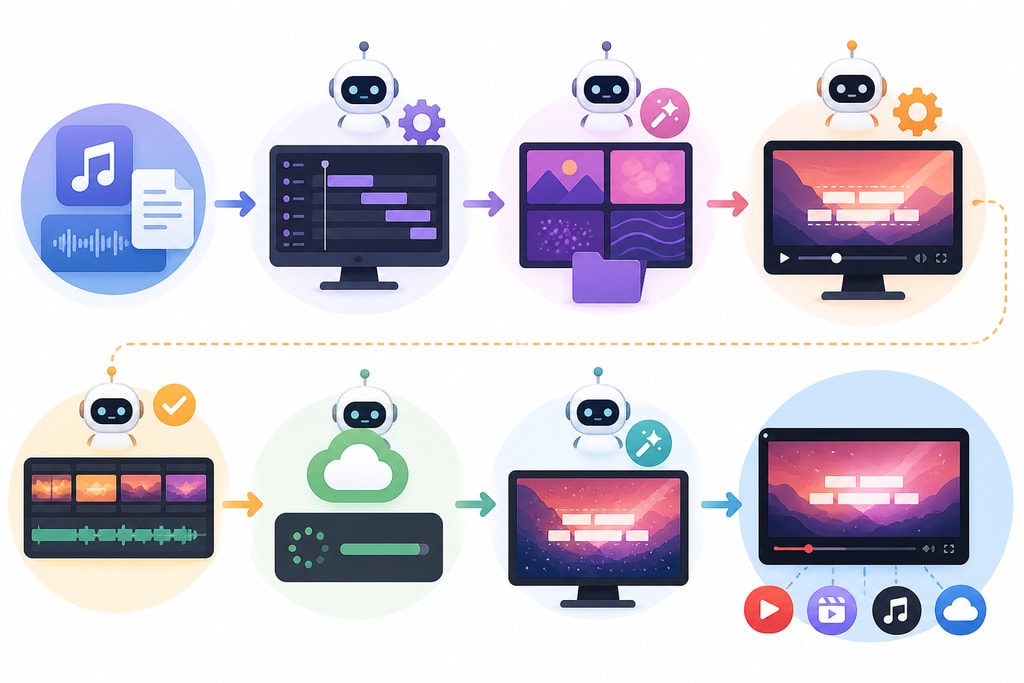
- Upload Your Audio: Start by uploading your track to LyricMV.
- AI Transcription: Automatically transcribe lyrics and sync with music.
- Choose a Template: Select a template that fits your song’s style.
- Customize: Adjust fonts, colors, and backgrounds for branding.
- Preview and Export: Review and export in your desired format and resolution.
Best Practices for Creating Engaging Lyric Videos
- Maintain Consistency: Use consistent fonts and colors aligned with your brand.
- Keep It Simple: Avoid overly complex animations that distract from the lyrics.
- Ensure Readability: Choose font sizes and colors that are easy to read.
- Sync Accurately: Ensure lyrics are perfectly timed with the music.
Mistakes to Avoid
- Ignoring Brand Consistency: Inconsistent visuals can confuse viewers.
- Overcomplicating the Design: Simplicity helps highlight the lyrics.
- Poor Timing: Misaligned lyrics can disrupt the viewing experience.
- Neglecting Audience Engagement: Ensure that your video encourages interaction and sharing.
FAQ
Q: Can I use these tools without prior video editing experience?
A: Yes, most are designed with user-friendly interfaces suitable for beginners.
Q: Are there free options available?
A: Yes, tools like LyricMV and Epitrite offer free tiers with basic features.
Q: How do these tools improve audience engagement?
A: They create visually engaging content that enhances the listener's connection to the music.
Q: Can I integrate these tools with social media platforms?
A: Most tools support formats for platforms like YouTube and TikTok for seamless posting.
Conclusion
Automating the creation of lyric videos offers musicians a powerful way to connect with fans and enhance their promotional efforts. By selecting the right tools and employing best practices, you can elevate your music’s visual appeal with ease. For more insights on how to harness video magic, explore KaraMagic's homepage and our LyricMagic Pro for professionals ready to take the next step.