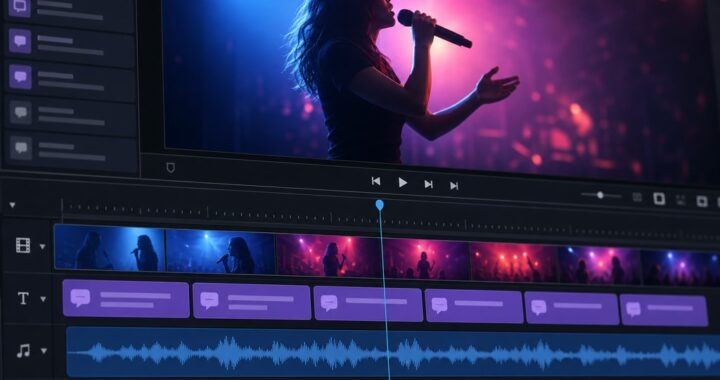
Introduction
In the digital age, privacy concerns are more prominent than ever, especially for content creators handling sensitive data. Offline AI tools have emerged as essential assets, offering comprehensive functionalities while safeguarding privacy by operating entirely offline. This guide explores the most effective offline AI tools in 2026, tailored for various content creation needs.
Why Opt for Offline AI Tools?
Offline AI tools present significant advantages over their cloud-based counterparts:
- Enhanced Privacy: All data processing is localized, reducing exposure to cyber threats.
- Consistent Access: Workflow interruptions due to internet issues become a thing of the past.
- Economic Efficiency: Avoid the recurring costs associated with subscription-based online services.
Essential Offline AI Tools for Creators
Deep Art Creator Pro

Overview: Deep Art Creator Pro is a sophisticated offline AI image generator, perfect for artists and designers who need to maintain privacy while producing high-quality visuals offline.
Key Features:
- Self-contained Model Storage: No cloud access required.
- Top-tier Image Quality: Capable of generating highly detailed images.
- Intuitive User Design: Perfect for novices and experienced users alike.
System Requirements:
- OS: Windows 10+, macOS 11+
- Hardware: 8GB RAM minimum, dedicated GPU for best results
Pricing:
- One-Time Fee: $199
Pros and Cons:
- Pros: Excellent privacy, no ongoing fees, quality outputs.
- Cons: Requires significant local storage, upfront cost.
Decision Criteria: Ideal for artists prioritizing privacy without sacrificing image quality.
Learn More: Deep Art Creator Pro Official Website
KaraMagic Pro
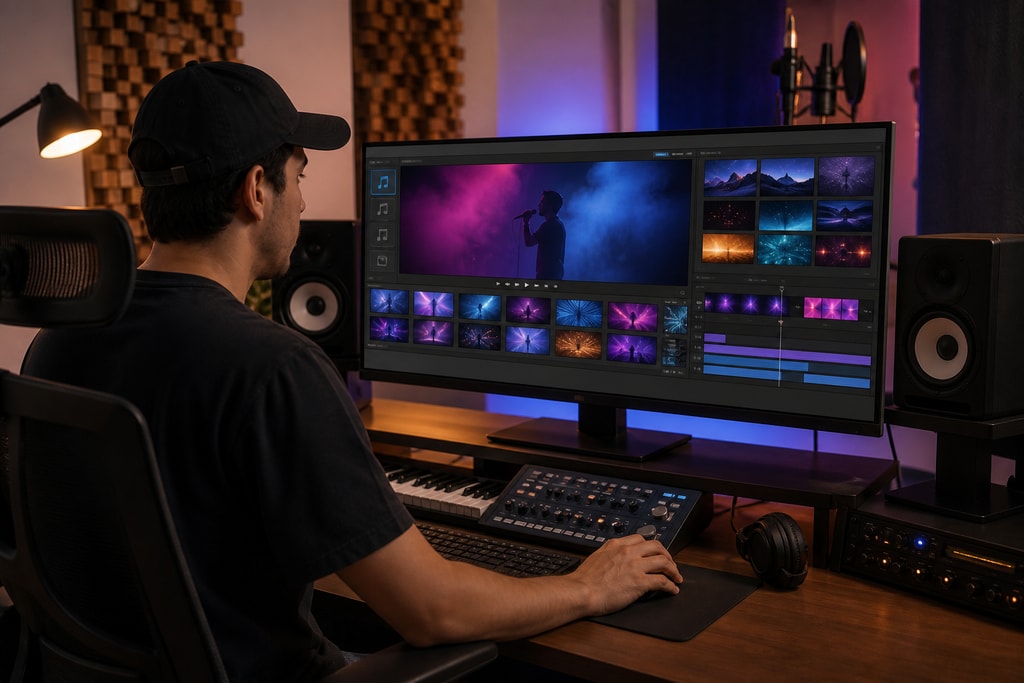
Overview: Especially crafted for music video creators, KaraMagic Pro is a standalone application that facilitates video creation without an internet connection, using AI for vocal isolation and lyrics synchronization.
Key Features:
- AI Vocal Isolation: Process tracks offline.
- Lyrics Automation: Facilitates seamless transcription and timing.
- Custom Video Backgrounds: Personalize your output.
- Batch Processing: Create multiple videos simultaneously.
System Requirements:
- OS: macOS 11+
- Hardware: Apple Silicon optimized
Pricing:
- Fixed Purchase Price: $99
Pros and Cons:
- Pros: Full offline operation, user-friendly, cost-effective.
- Cons: Restricted to macOS, storage-intensive.
Decision Criteria: Perfect for creators on macOS focusing on music video creation.
Learn More: KaraMagic Pro
Explore More: KaraMagic homepage
Aider

Overview: Aider is a command-line interface that provides offline AI-assisted coding capabilities, enhancing programmers' workflows without compromising privacy.
Key Features:
- AI Model Execution Locally: Preserve code confidentiality.
- Multi-Language Support: Works with major programming languages.
- Real-time Code Suggestions: Context-aware recommendations.
System Requirements:
- OS: Windows, macOS, Linux
- Hardware: 4GB RAM minimum
Pricing:
- Open Source: Free
Pros and Cons:
- Pros: Zero cost, improves coding efficiency.
- Cons: CLI required, lacks GUI support.
Mistakes to Avoid: Ensure you have proficiency in CLI environments before using.
Learn More: Aider GitHub Repository
LM Studio

Overview: LM Studio facilitates the execution of large language models on local machines, supporting a broad spectrum of AI needs, from text generation to data analysis.
Key Features:
- Local Model Hosting: Complete local execution.
- Multi-Functional: Text, code, and analytics.
- Simplified User Interface: Easier model interaction.
System Requirements:
- OS: Windows 10+, macOS 11+
- Hardware: 16GB RAM minimum, dedicated GPU suggested
Pricing:
- Free and Open-Source
Pros and Cons:
- Pros: Comprehensive functionality, no cost.
- Cons: Demanding system requirements.
Topic-Specific Advice: Ideal for tech-savvy users needing diverse AI applications.
Learn More: LM Studio Official Website
Factors to Consider
When evaluating offline AI tools, keep the following in mind:
- Compatibility: Match tool specs with your system.
- Resources: Assess hardware capacity to run models.
- Feature Alignment: Ensure the tool meets your creative goals.
- Budget: Factor in costs beyond the initial purchase.
Common Mistakes to Avoid
- Ignoring System Specs: Always confirm compatibility.
- Overlooking Future Needs: Choose tools with potential for scalability.
- Neglecting Updates and Support: Check the developer's support commitments.
Expanded FAQ
Q: Why choose offline AI tools over cloud-based solutions?
A: Offline tools provide robust privacy by keeping all data processing on local devices. They also guarantee uninterrupted service and reduce costs over time by avoiding subscription fees.
Q: Are offline AI tools as capable as online ones?
A: Many offline tools rival online services in terms of power and capabilities, though cloud options might offer superior scalability and frequent updates.
Q: How do offline tools handle updates?
A: Offline tools typically offer downloadable updates from the developer’s site. Ensure regular checks for version updates.
Q: Can I use offline tools in collaboration projects?
A: Definitely. Use network-sharing or file transfer protocols for collaborating with offline tools.
For further insights and updates, explore our KaraMagic homepage.