Introduction
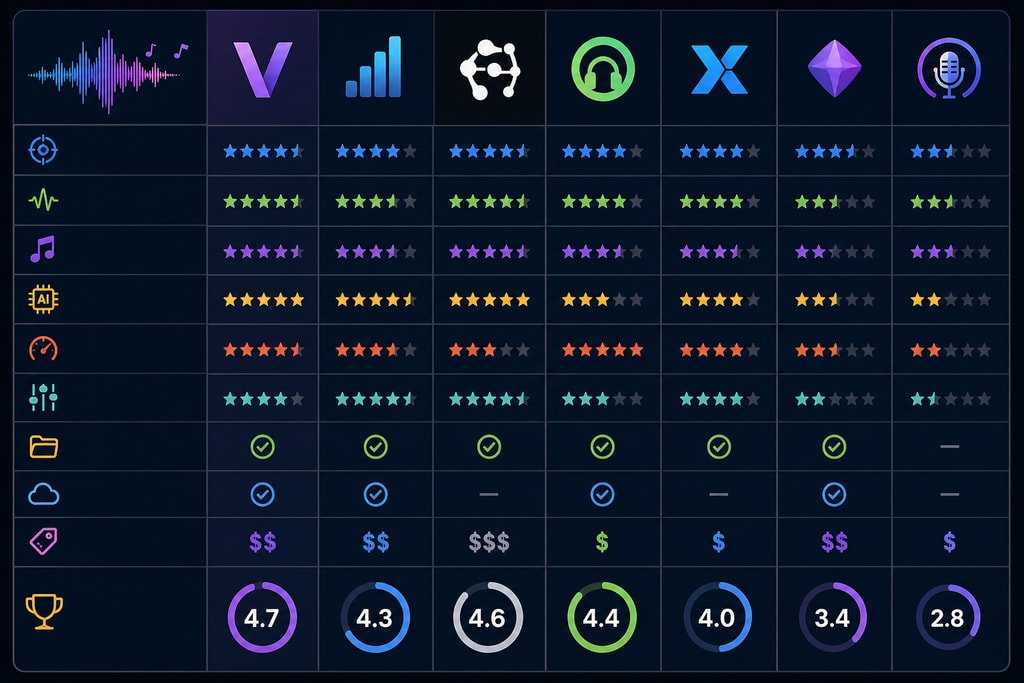
Vocal removal software is indispensable for musicians, producers, and karaoke enthusiasts aiming to isolate or remove vocals from audio tracks for remixing or karaoke creations. As options abound in 2026, selecting the right tool is crucial for achieving quality results while managing time and resources efficiently. This guide provides a detailed comparison of leading vocal removal software, shedding light on their features, effectiveness, and suitability for diverse needs.
Key Features to Consider
When evaluating vocal removal software, consider these crucial features:
- Separation Quality: The software must accurately isolate vocals, maintaining clarity and minimal artifacts.
- Processing Speed: Efficient audio processing saves time during production.
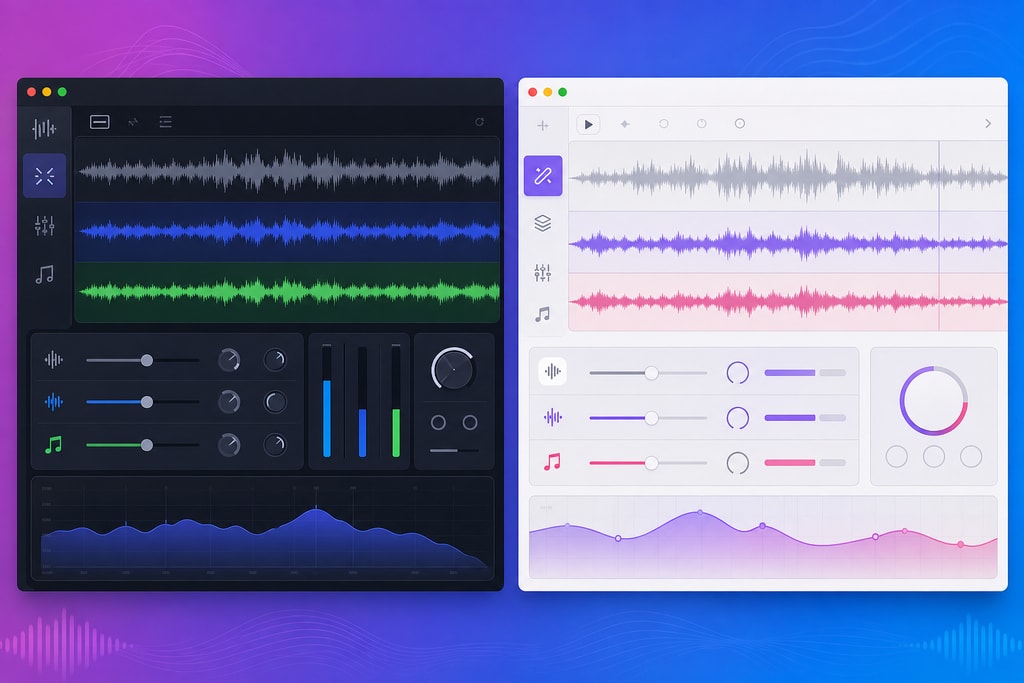
- User Interface: A user-friendly design ensures quick mastery and seamless workflow.
- Platform Compatibility: Cross-platform availability enhances flexibility.
- Pricing Model: Evaluate costs against your budget and project needs.
Internal resources:
- KaraMagic Pro for advanced workflows in karaoke creation.
Top Vocal Removal Software Options
1. Spleeter
Overview
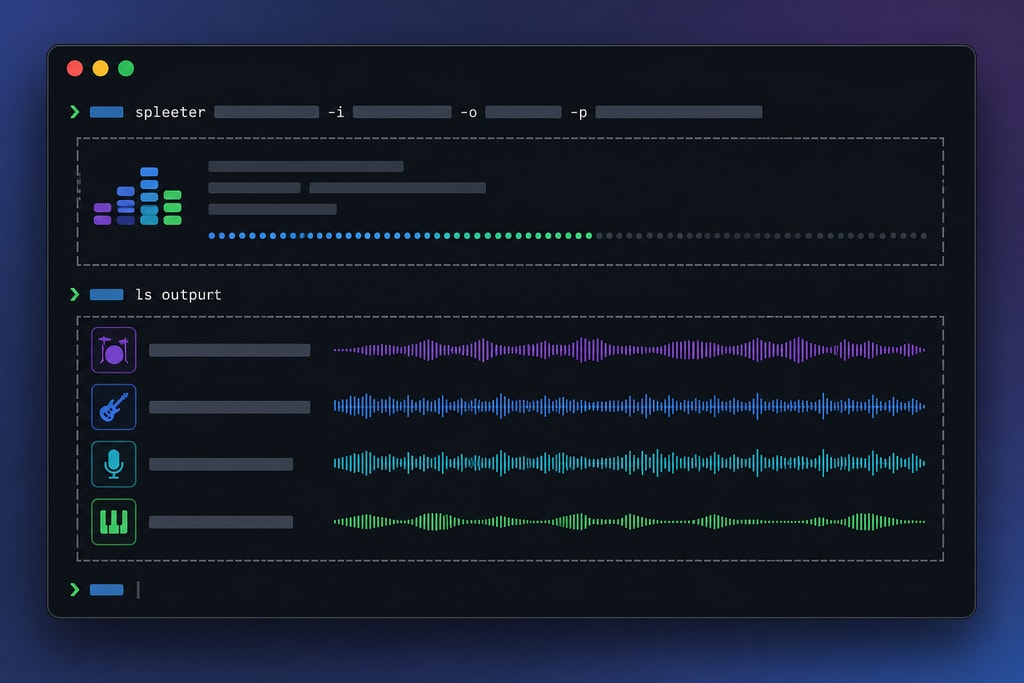
Spleeter by Deezer is a renowned open-source machine learning tool for audio separation. It utilizes pre-trained models to split audio into stems.
Key Features:
- Exceptional separation quality using deep learning.
- Command-line interface appealing to tech-savvy users.
- Available in 2, 4, or 5 stem configurations.
Pros:
- Free and open-source.
- High precision in vocal isolation.
Cons:
- Requires technical expertise.
- Lacks a graphical user interface.
Best For: Tech enthusiasts looking for a no-cost, high-quality solution.
Source: WorldMetrics
2. LALAL.AI
Overview
LALAL.AI provides a web-based, AI-driven service to separate vocals and instruments effectively.
Key Features:
- Offers up to 10 different stem options.
- Intuitive web interface.
- Batch processing increases workflow efficiency.
Pros:
- Superior separation quality with few artifacts.
- Accessible without software installation.
Cons:
- Subscription costs start at $15/month.
- Internet connection required for use.
Best For: Users seeking a high-caliber online solution.
Source: Dian-Nao Software
3. Moises
Overview
Moises offers a versatile platform for musicians, providing both mobile and web applications for practice and performance improvement.
Key Features:
- Extracts up to 5 stems, including full band separation.
- Features like BPM and key detection.
- Includes practice tools such as metronome and looping.
Pros:
- User-friendly mobile interface.
- Helpful for practice and education.
Cons:
- Subscription starts at $3.99/month.
- Free version allows limited usage.
Best For: Musicians needing a supportive practice environment.
Source: Dian-Nao Software
4. Ultimate Vocal Remover (UVR)
Overview
UVR offers a no-cost solution with high-quality results by employing a variety of AI models for offline processing.
Key Features:
- Expands options with multiple AI models.
- Suitable models for various audio types.
- Offline use improves privacy and accessibility.
Pros:
- Free and user-driven.
- High-quality comparable with commercial alternatives.
Cons:
- Complex setup demanded for initial use.
- Minimal add-on features.
Best For: Tech-proficient users prioritizing cost-efficiency.
Source: Dian-Nao Software
5. MiOffice AI
Overview
MiOffice AI combines speed and quality in a web-based digital workspace, offering a potent vocal removal tool.
Key Features:
- Two AI models provide studio-like separation.
- Ultra-fast processing speeds.
- Compatible with various formats.
Pros:
- Rapid processing and no watermarks.
- Simple access via web with no installation required.
Cons:
- Usage based on per-access pricing.
- Requires online connectivity.
Best For: Users needing quick, effective vocal removal without repeated costs.
Source: MiOffice AI
Decision-Making Criteria
Choosing the right vocal removal software depends on several factors:
- Purpose: Professional production, personal use, or educational purposes may require different levels of quality and tools.
- Budget: Open-source options might be appealing for budget constraints.
- Technical Skill: Consider software complexity versus your technical comfort level.
- Feature Needs: Additional features like looping and BPM detection might be beneficial.
Mistakes to Avoid
- Ignoring Compatibility: Check if the software can run on your operating system.
- Overlooking Internet Requirements: Some tools require constant connectivity, which might limit use.
- Neglecting Support and Community: Open-source tools may lack commercial support, requiring community reliance.
FAQs
Q: Can I use vocal removal software to make high-quality karaoke tracks?
A: Yes, by isolating instrumentals, you can create high-quality karaoke tracks. However, results vary based on the original track's quality.
Q: Are there free options available and how do they compare to paid ones?
A: Yes, options like Spleeter and UVR offer impressive results without cost, though they often require more technical setup compared to paid options.
Q: What should I consider when choosing between online and offline solutions?
A: Consider your internet reliability, privacy concerns, and the need for speed in processing.
For further reading, visit KaraMagic Homepage for more guides on audio editing tools.
Conclusion
In 2026, the landscape of vocal removal software is rich with robust options tailored for diverse needs and budgets. From open-source solutions to subscription-based services, understanding your priorities will streamline the selection process, allowing for creative and production excellence.