Creating captivating lyric videos is a strategic way to engage your audience on YouTube. In today's fast-paced digital landscape, efficiency is key to standing out. Let’s delve deep into mastering workflows, utilizing the best tools, and applying strategies that maximize both speed and quality in lyric video production.
The Importance of Efficient Workflow
Your success as a YouTube creator hinges on producing high-quality content swiftly. An optimized workflow not only preserves quality but also boosts output, meeting the high demands of modern viewers.
Understanding Your Audience
Your content resonates when tailored to viewer preferences. Research your audience demographics; younger viewers often favor dynamic visuals and timely uploads. Efficient production can drive growth and engagement by maintaining quality without delay.
Essential Tools for Lyric Video Production
Investing in the right tools can propel your production efficiency to new heights:
- LyricMagic Pro: Offers unparalleled features such as advanced lyric editing, bespoke backgrounds, and batch processing capabilities, drastically cutting down production time.
- Adobe After Effects: Perfect for creating custom animations and visual effects that captivate.
- Final Cut Pro: Delivers precise video editing, tailored for Mac users.
Tool Selection Criteria
When choosing tools, prioritize ease of use, automation capabilities, and integration with existing software. Ensure the tool supports the format you require and provides sufficient support and updates.
Streamlined Workflow Processes
An efficient workflow is the backbone of rapid production. Here's a structured approach to optimize your workflow:
Pre-Production Planning
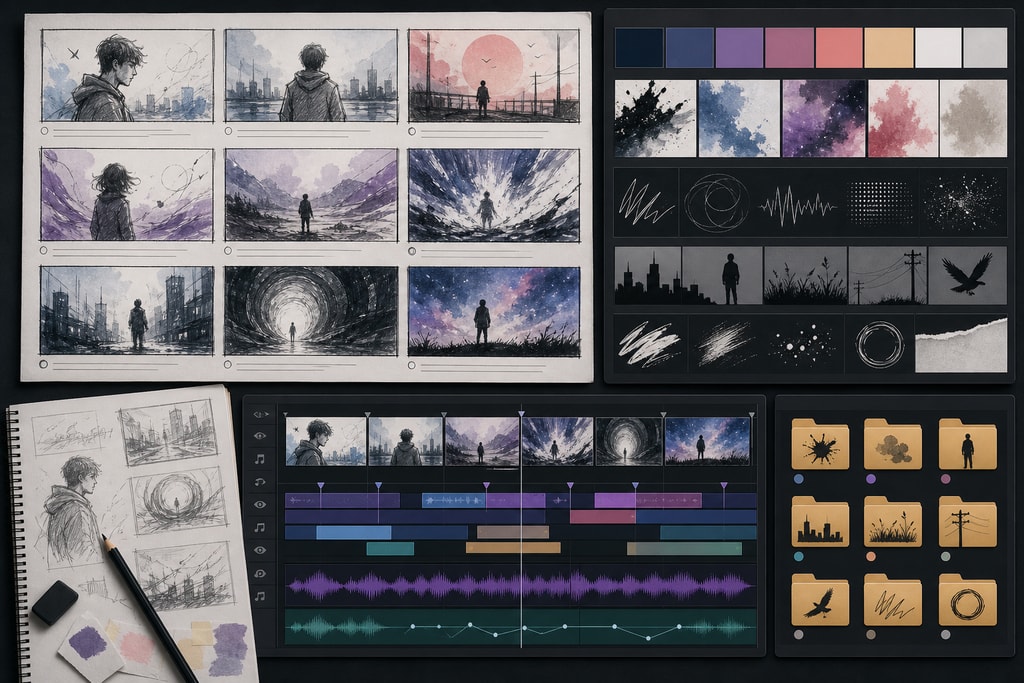
Effective planning lays the foundation for smooth production:
- Script Your Visuals: Draft detailed storyboards for consistent lyric presentation.
- Organize Assets: Collect and categorize all visual and audio materials in advance.
Efficient Audio Syncing
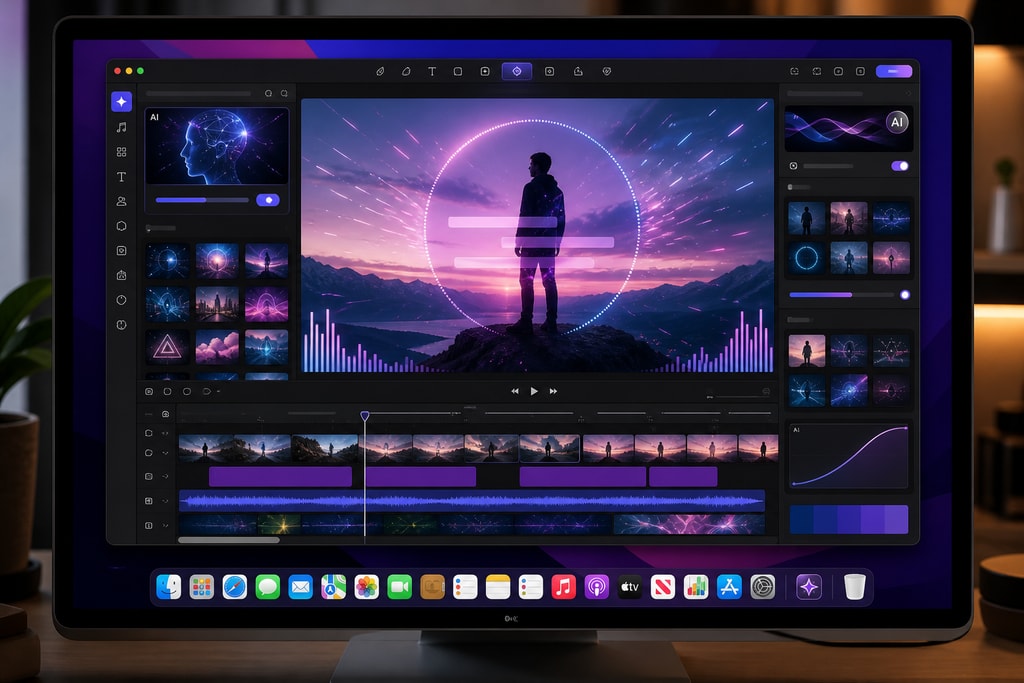
Utilize tools with AI features such as KaraMagic Pro to ensure accurate and seamless audio syncing. Proper syncing guarantees that lyrics match the rhythm and pace, enhancing viewer experience.
Design Automation
Repetitive tasks can stifle creativity. Automation tools can provide relief:
- Template Creation: Use templates to maintain visual consistency across multiple videos.
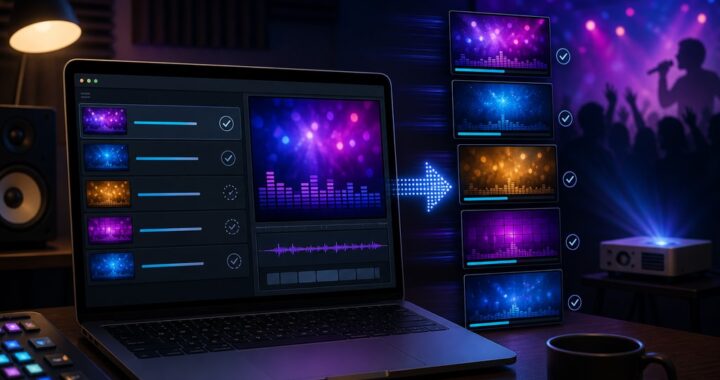
- Batch Processing: Employ software capable of batch processing to save considerable time and resources.
Decision Criteria and Mistakes to Avoid
Overlooking critical factors can derail your production. Here are key points to consider:
- Consistency vs. Creativity: Balance polished templates with unique elements to avoid a monotonous channel aesthetic.
- Over-Reliance on Automation: While automation is beneficial, excessive dependency can lead to generic outputs.
- Ignoring Updates: Stay updated with software enhancements to leverage new features that can enhance your production.
Checklist for Lyric Video Production
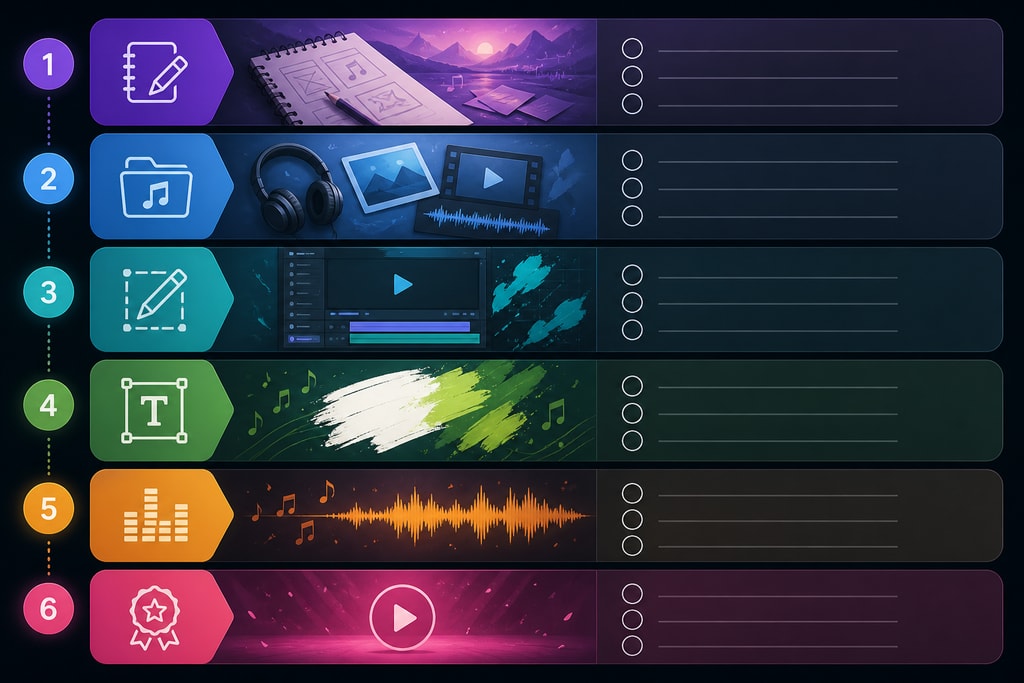
To streamline your production process, follow this comprehensive checklist:
- [ ] Plan and storyboard your video.
- [ ] Gather all essential video and audio assets.
- [ ] Utilize AI tools for precise lyric syncing.
- [ ] Create and apply templates for brand consistency.
- [ ] Conduct a detailed review for final adjustments and polish.

Common Challenges and Solutions
Navigating common hurdles can improve your production quality and efficiency:
Timing Issues
Solving synchronization problems is crucial. Tools like LyricMagic's AI feature provide automatic lyric timing, correcting issues effortlessly.
Creativity Blocks
Keep your creative juices flowing by exploring similar content and using templates as a source of inspiration.
Technical Glitches
Mitigate software issues by maintaining backups and regularly updating software to minimize disruptions.
Topic-Specific Advice
For creators aspiring to excel, here are some specialized insights:
- Leverage SEO: Optimize video titles, descriptions, and tags to boost discoverability.
- Collaborate with Artists: Joint projects can expand audience reach and create unique content.
- Focus on Branding: Maintain consistent branding to strengthen channel identity.
Frequently Asked Questions
How can I make my lyric videos stand out on YouTube?
Incorporate unique visuals, incorporate themed elements, and consistently maintain high-quality standards. Use tools like LyricMagic for flexible customization.
What are the time-saving tools available?
AI-driven applications such as LyricMagic streamline audio and lyric syncing processes, massively cutting manual editing time.
Can I create high-quality lyric videos offline?
Absolutely. With tools from KaraMagic, you can work offline, ensuring uninterrupted and private production sessions.
How can I ensure my videos meet YouTube’s standards?
Stay updated on YouTube’s latest guidelines and ensure your content complies to avoid penalties. Prioritize high-resolution outputs and optimal sound quality.
What's the benefit of batch processing?
Batch processing allows you to handle multiple videos simultaneously, significantly saving on time and effort while maintaining consistency across outputs.
Sources and Further Reading
- Optimizing Video Production Workflows — Tips for streamlining production.
- Adobe After Effects Official Site — Details on video effects software.
- Final Cut Pro Features — Discusses editing features of Final Cut Pro.
By utilizing these advanced workflows and tools, YouTube creators can craft engaging lyric videos more efficiently. By leveraging resources like LyricMagic Pro and adhering to industry best practices, you’ll enhance both the quality and productivity of your content production. For those starting or looking to upgrade, explore LyricMagic Free or consider an upgrade for enhanced capabilities. Let your creative journey elevate your channel to new heights.