In today's fast-paced digital world, vocal editing tools are essential for creators aiming to produce high-quality audio content. Whether you're a musician, podcaster, or content creator, selecting the right vocal editing tool can significantly elevate your audio production process.
The Importance of Vocal Editing Tools
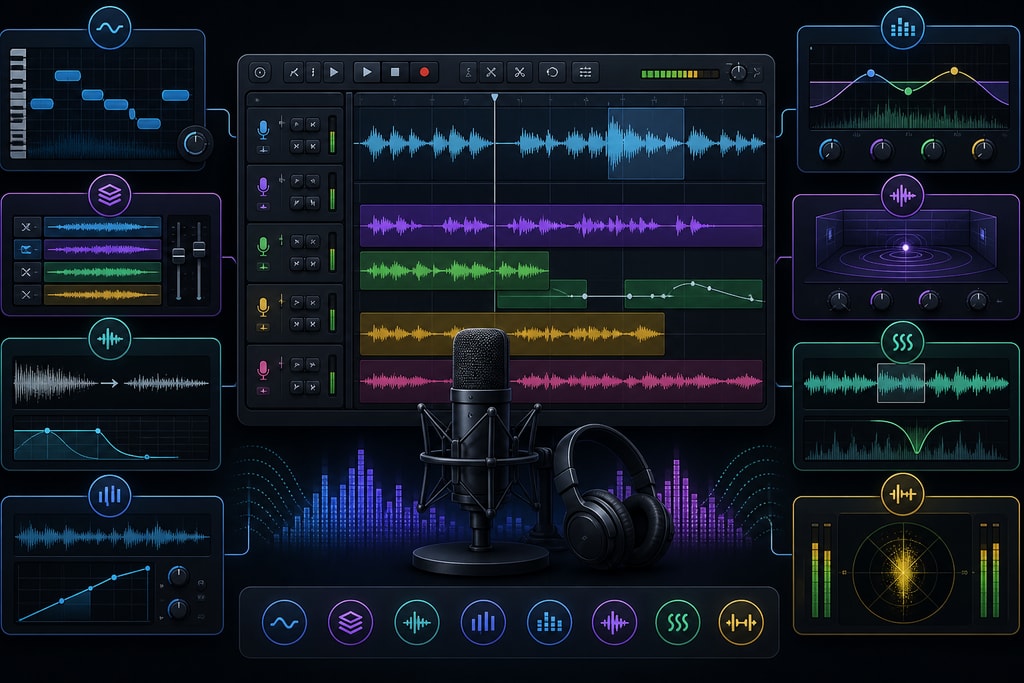
Vocal editing tools allow creators to fine-tune vocal tracks by adjusting pitch, removing noise, adding effects, and more. This results in professional-sounding audio that can engage listeners and enhance the overall quality of any project.
Practical Examples
Consider a podcaster looking to enhance vocal clarity and reduce background noise during remote interviews. A tool like Adobe Audition can automate noise reduction and refine the final output.
Common Mistakes to Avoid
- Over-editing: Avoid altering vocals to the point where they sound unnatural.
- Ignoring Compatibility: Ensure tools work seamlessly with your existing setup to prevent workflow disruptions.
Top Vocal Editing Tools in 2026
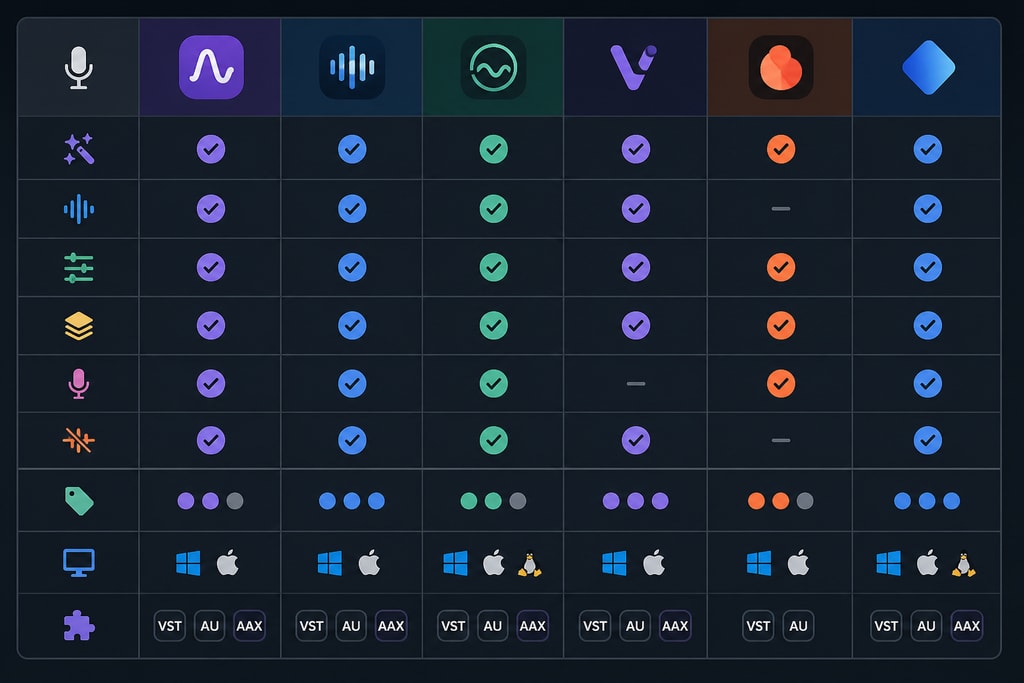
Here's a detailed look at some of the most popular vocal editing tools available in 2026:
1. Adobe Audition
Adobe Audition continues to be a favorite among creators due to its comprehensive suite of audio editing tools. Its features include multitrack editing, audio restoration, and powerful effects. Adobe Audition is ideal for those looking for a professional-grade tool.
Pros and Cons
- Pros: Extensive features, professional quality, excellent support.
- Cons: Higher learning curve for beginners.
2. Celemony Melodyne
Known for its pitch correction capabilities, Celemony Melodyne is an industry-standard for vocal editing. Creators can manipulate vocal tracks with surgical precision, correcting pitches and enhancing harmonics without compromising on quality.
Use Case
Perfect for musicians requiring precise pitch correction to maintain musical integrity.
3. Audacity
For creators seeking a free and open-source option, Audacity remains a powerful tool for basic vocal editing. It offers features like noise reduction, pitch adjustment, and easy-to-use editing capabilities, making it accessible for beginners.
Best Practices
Begin with Audacity if you're experimenting with vocal editing before investing in more advanced tools.
4. iZotope Nectar
iZotope Nectar provides a comprehensive vocal processing suite tailored for music production and voice-over work. With features like pitch correction, harmonization, and creative effects, it caters to both novice and advanced users.
Decision Criteria
Consider iZotope Nectar if project complexity demands sophisticated vocal layers and harmonization.
5. Logic Pro X
For Mac users, Logic Pro X offers an extensive array of features for vocal editing, including Flex Pitch for pitch correction and a robust set of effects and plugins.
Advanced Tips
Utilize Logic Pro X's rich library of effects and plugins for creative explorations in sound design.
Decision-Making Guide
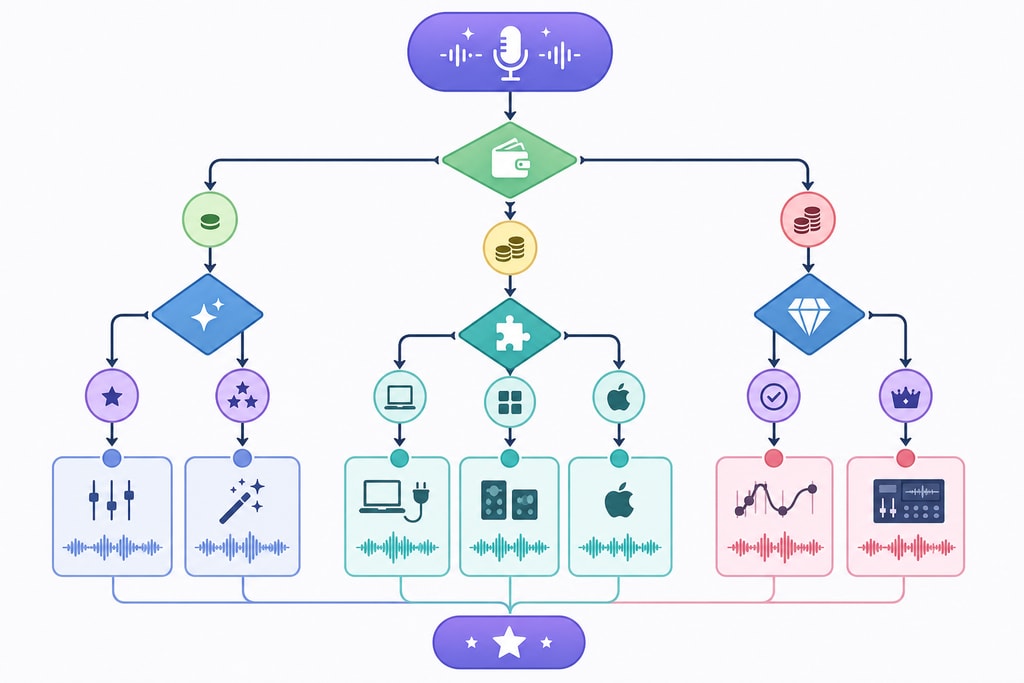
When selecting a vocal editing tool, consider the following checklist:
- Budget: Determine if a free tool like Audacity meets your needs or if investing in a paid option is warranted.
- Features: Consider the specific features necessary for your projects, such as pitch correction or multitrack editing.
- Ease of Use: Evaluate the learning curve and user interface.
- Compatibility: Ensure tool compatibility with your existing hardware and software.
Mistakes to Avoid
- Ignoring Support: Opt for tools with reliable customer support to resolve issues promptly.
Frequently Asked Questions
What should I look for in a vocal editing tool?
Key features to look for include pitch correction, noise reduction, compatibility with your setup, and ease of use.
Are free tools as effective as paid ones?
While free tools like Audacity offer basic functionalities, paid tools usually provide more advanced features and better user support.
How can I integrate vocal editing tools with KaraMagic for karaoke production?
KaraMagic offers tools like KaraMagic Pro to integrate vocal edits into karaoke projects, providing advanced editing features and batch processing.
Leveraging KaraMagic for Vocal Editing
KaraMagic offers a range of tools that complement vocal editing, especially for those interested in creating karaoke or lyric videos. The KaraMagic Pro version provides advanced editing features and batch processing that can enhance your workflow.
Conclusion
Selecting the right vocal editing tool can greatly impact your creative output. By understanding your needs and exploring different options, you can find a tool that suits your project perfectly. For creators interested in lyric and karaoke video production, KaraMagic offers tailored solutions for offline use.
Sources and Further Reading
- Adobe Audition Overview – Adobe
- Celemony Melodyne – Celemony
- iZotope Nectar Features – iZotope
Using these tools, creators can push the boundaries of their audio content, making a mark in the world of digital media. Explore KaraMagic for karaoke and lyric video tools that complement your vocal editing endeavors.