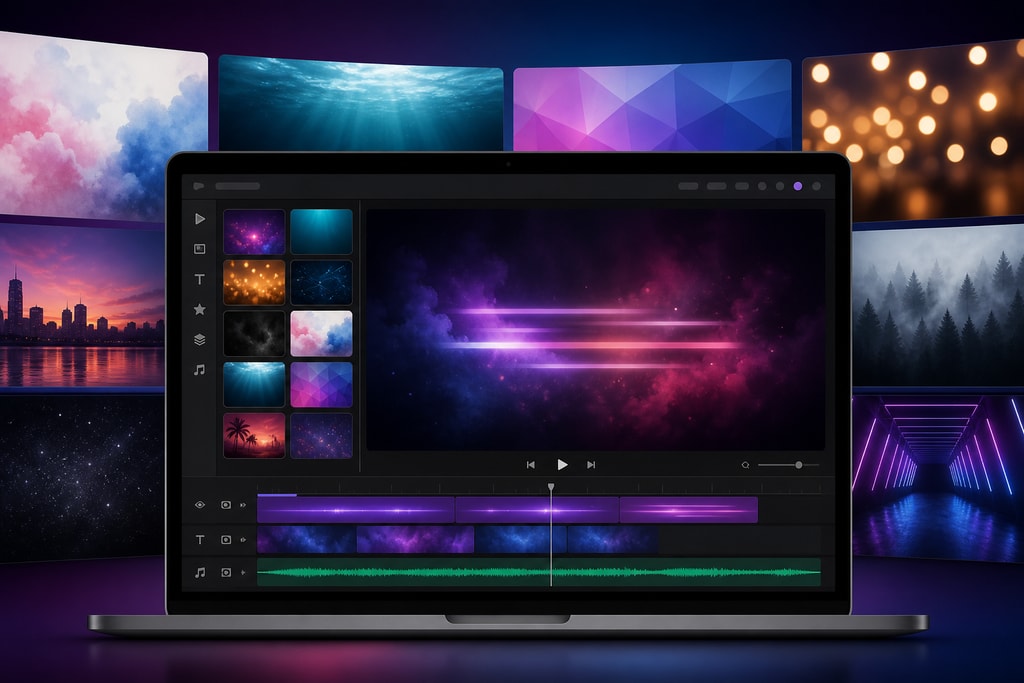
Creating compelling lyric videos is an art that blends audio and visual elements, where the right background can make a significant impact. With LyricMagic Pro, creators can take advantage of powerful tools to customize backgrounds, enhancing the video's appeal and engagement. In this guide, we'll delve deeper into the techniques and best practices that will set your videos apart.
Understanding the Role of Backgrounds
Backgrounds in lyric videos are more than a visual fill; they are a narrative tool that enhances storytelling. They contribute to the mood, emphasize the lyrics' context, and hold the viewers' attention. As such, the choice of background can significantly influence the emotional reception of the music video.
Selecting the Ideal Background
Choosing the right background involves a careful balance between creativity and appropriateness. Here’s how to make an informed decision:
- Theme and Emotion Alignment: Consider how the background’s visual style reflects the song's mood and theme. A minimalist vector may suit more abstract lyrics, while vibrant landscapes could enhance energetic tunes.
- Readability and Contrast: Lyrics must remain clear and legible. Opt for backgrounds that maintain high contrast with the text. Consider using text shadows or outlines for added clarity. For more on enhancing text contrast, refer to our article on LyricMagic Color Techniques.
- Cultural and Contextual Relevance: Choose backgrounds that respect the song's message and cultural undertones without overshadowing its primary elements.
Practical Example: Theme Matching
For a country ballad about longing, a sunset over rolling hills can complement the lyrical sentiment. For dance tracks, geometric patterns in bright colors create a visual echo of the vibrant beats.
Tools and Features in LyricMagic Pro
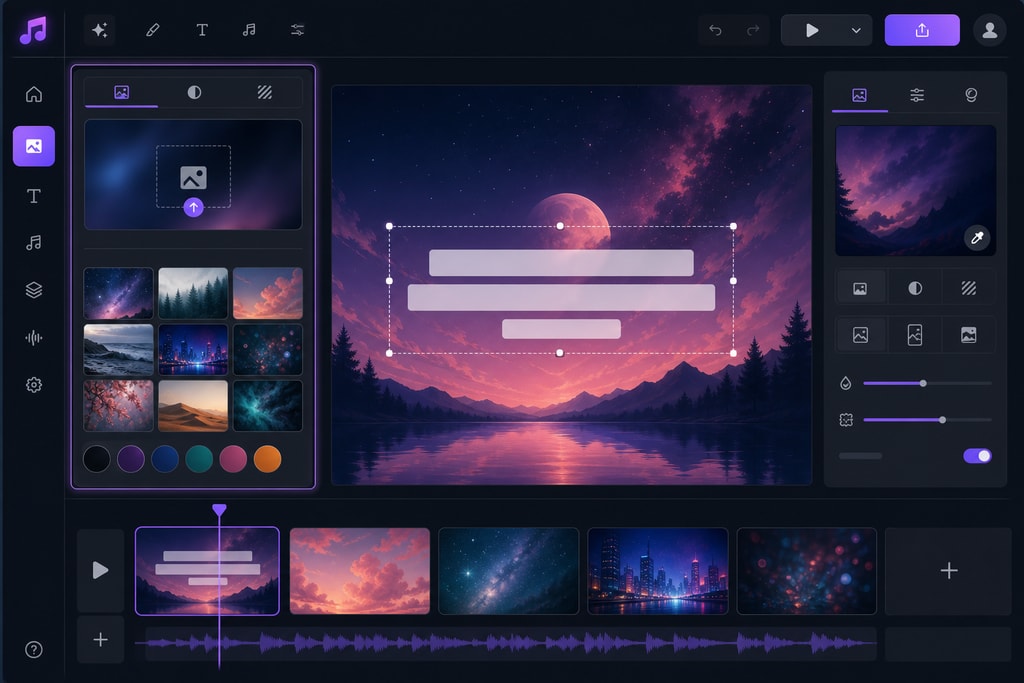
LyricMagic Pro offers a suite of features tailored for creating, editing, and refining video backgrounds:
- Extensive Stock Library: Access a wide array of free-to-use media, ranging from abstract art to dynamic live video backgrounds.
- Custom Upload Capabilities: Personalize your content by uploading your own images and videos, making each project unique.
- Aspect Ratio Controls: Ensure your videos are perfect for their platform with easy adjustments for YouTube, Instagram, and more. For more insights on utilizing these features, consider upgrading to LyricMagic Pro.
Editing Techniques for Impactful Visuals
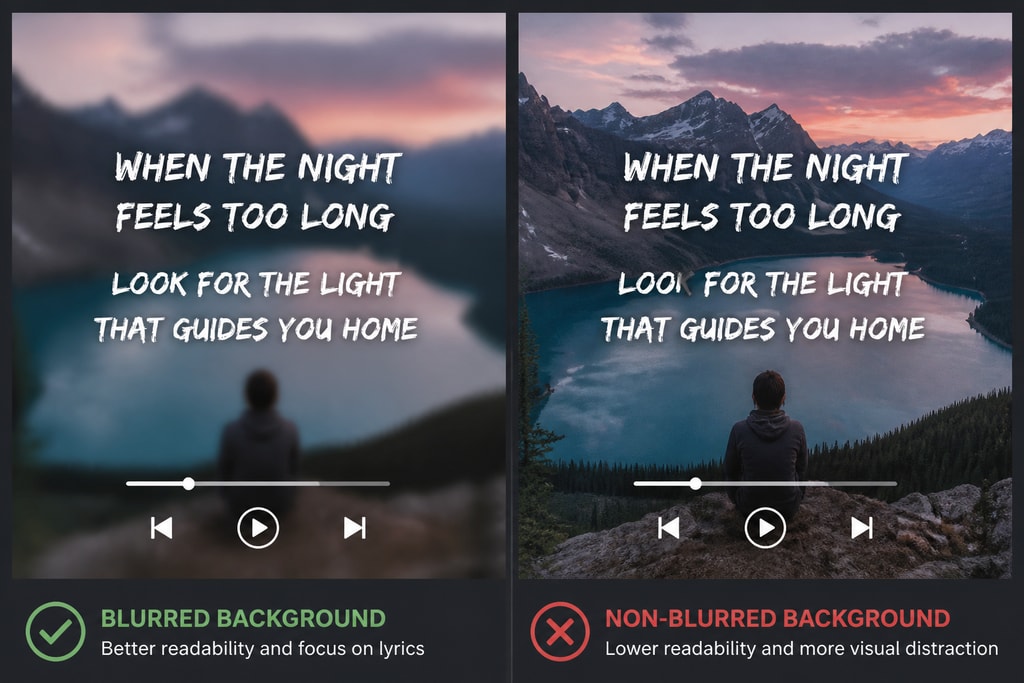
After selecting a background, refine it with editing techniques to amplify its effects:
- Applying Blurs: A slight blur can bring focus to the lyrics, especially in busy backgrounds. Experiment with different intensities to find the perfect balance.
- Adding Movement: Incorporate subtle panning or slight rotation to static images to inject life into the video.
- Color Grading Adjustments: Tailor the color scheme to evoke certain emotions—for instance, sepia tones for nostalgia.
Synchronizing Backgrounds with Song Structure
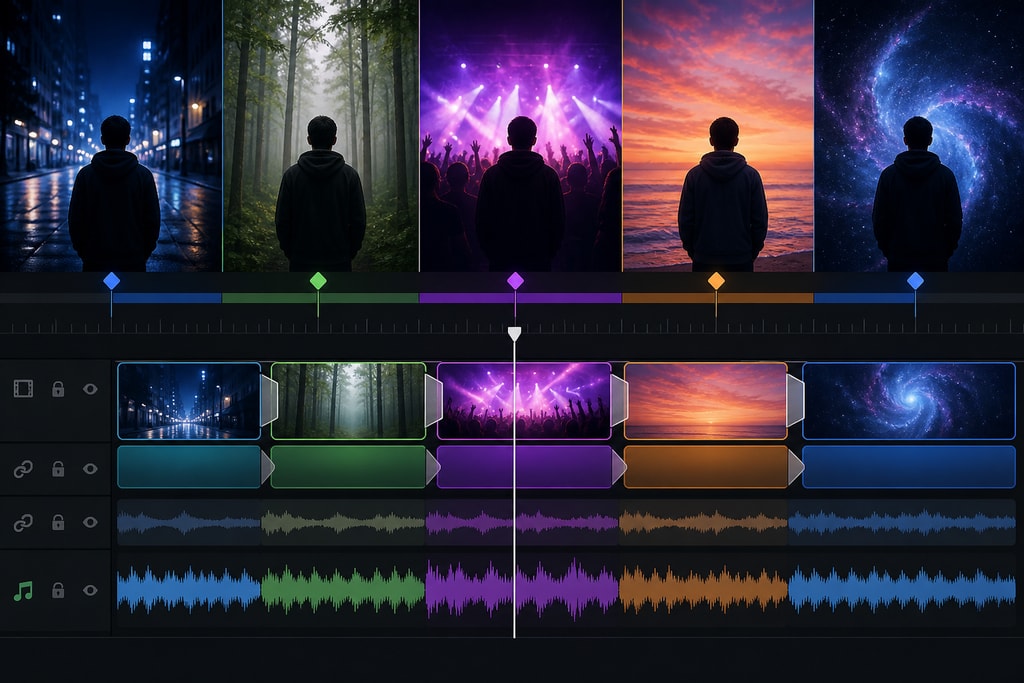
Matching the background to the music's flow strengthens the video's cohesiveness:
- Dynamic Changes for Verse and Chorus: Swap backgrounds or effects for different song sections to create a visual map of the song’s progression.
- Beat Synchronization for Transitions: Use cuts and effects that align with musical beats, enhancing the audio-visual connection.
Advanced Strategies for Professional Finishes
- Consistency in Style: Keep a recognizable style throughout the video, avoiding elements that distract or confuse.
- Layering for Depth: Combine different media (e.g., video with an overlay of static images) to add visual interest.
- Device Testing: Always preview your final product on various devices to ensure quality and readability.
Common Pitfalls and How to Avoid Them
- Contrast Neglect: Ensure backgrounds don’t swallow the lyrics. Maintain readability with contrasting colors and an uncluttered design.
- Overcomplicated Effects: Avoid overloading the video with effects that can detract from the lyrics themselves.
- Platform Ignorance: Always be mindful of the platform specifications to avoid distortion or unwanted cropping of your content.
FAQ
Q: Can I use any image I find online as a background?
A: Stick to royalty-free or personally created content to avoid copyright disputes and ensure legal compliance.
Q: What tools can enhance readability against detailed backgrounds?
A: Utilize shadows, outlines, or simplified color palettes to keep text prominent.
Q: Are frequent background changes necessary?
A: While not mandatory, strategic changes can enhance engagement, particularly when used to distinguish song segments.
Sources and Further Reading
- Background – Lyric Video Maker
- Color Theory for Lyric Videos
- Professional Lyric Video Production Tips
By incorporating these insights into your lyric video background production using LyricMagic Pro, you can craft videos that resonate with audiences and bring your music to life. Explore these features and elevate your lyric video projects today.