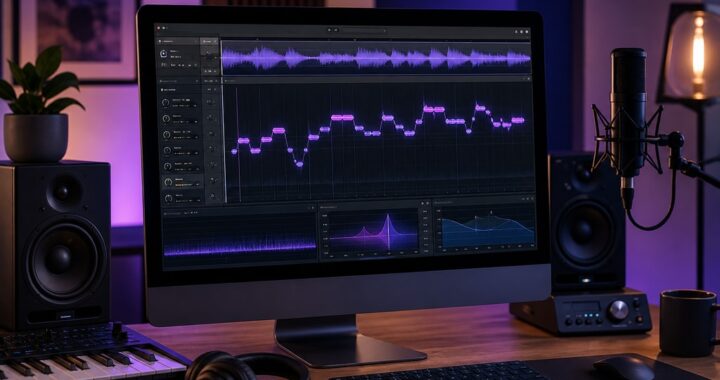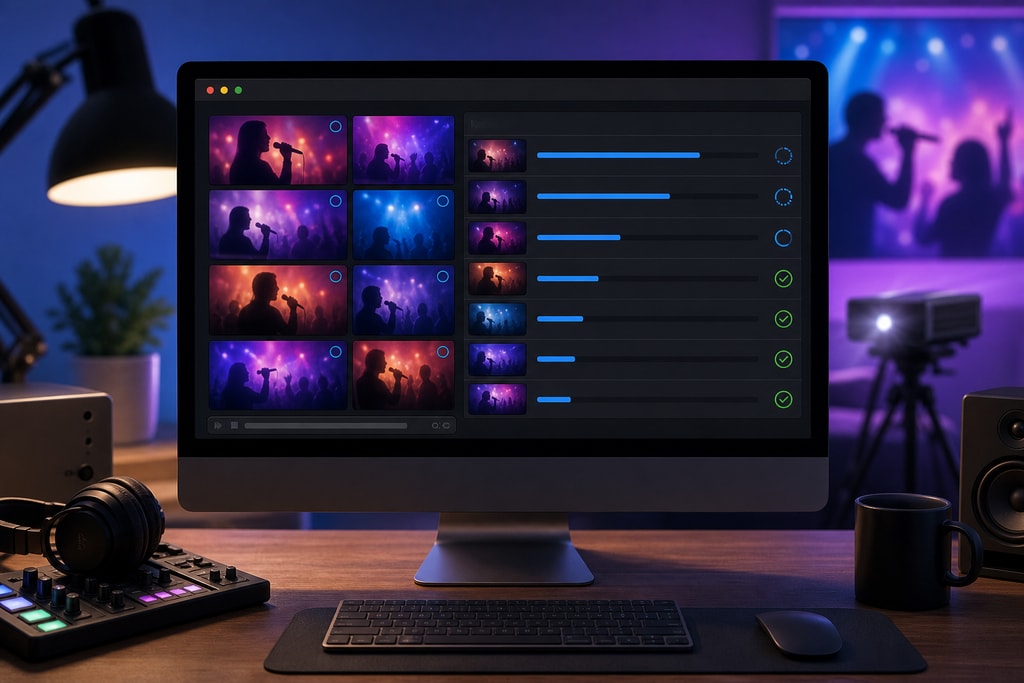
Creating karaoke videos can be an intensive and time-consuming process, especially when working with multiple songs. KaraMagic Pro offers a potent batch processing feature that allows creators to generate multiple karaoke videos efficiently, ensuring high-quality output and consistency across projects. In this guide, we will delve deeper into how you can master batch producing karaoke videos using KaraMagic Pro, enhancing your efficiency and creativity.
What is Batch Processing in Karaoke Video Production?
Batch processing in karaoke video production involves handling multiple audio tracks simultaneously, automating repetitive tasks to save valuable time and effort. This method applies consistent settings across all files, which is crucial for creators aiming to maintain a regular publishing schedule while ensuring top-notch quality. The efficiency gained allows for greater creativity and focus on content.
Key Benefits
- Time Efficiency: Process multiple files at once, reducing individual editing time.
- Consistency: Uniformity in video aesthetics and quality.
- Scalability: Easily manage large projects.
Preparing Your Files for Smooth Batch Processing
Successful batch processing begins with thorough preparation:
1. Source High-Quality Audio Files
- File Format: Use high-quality audio formats such as WAV or FLAC to ensure the best audio output.
- Audio Quality: Check for clear, distortion-free audio to prevent quality issues in the final video.
2. Organize Lyrics Accurately
- Formatting: Ensure lyrics are well-formatted and free of errors.
- Synchronization: Prepare accurate timing cues for smooth syncing with the audio.
3. Use Consistent Naming Conventions
- Naming Scheme: Adopt a standard naming convention to easily track and manage files during batch processing.
- Example: Use artist-track format to categorize and sort files efficiently.
Setting Up Batch Processing in KaraMagic Pro
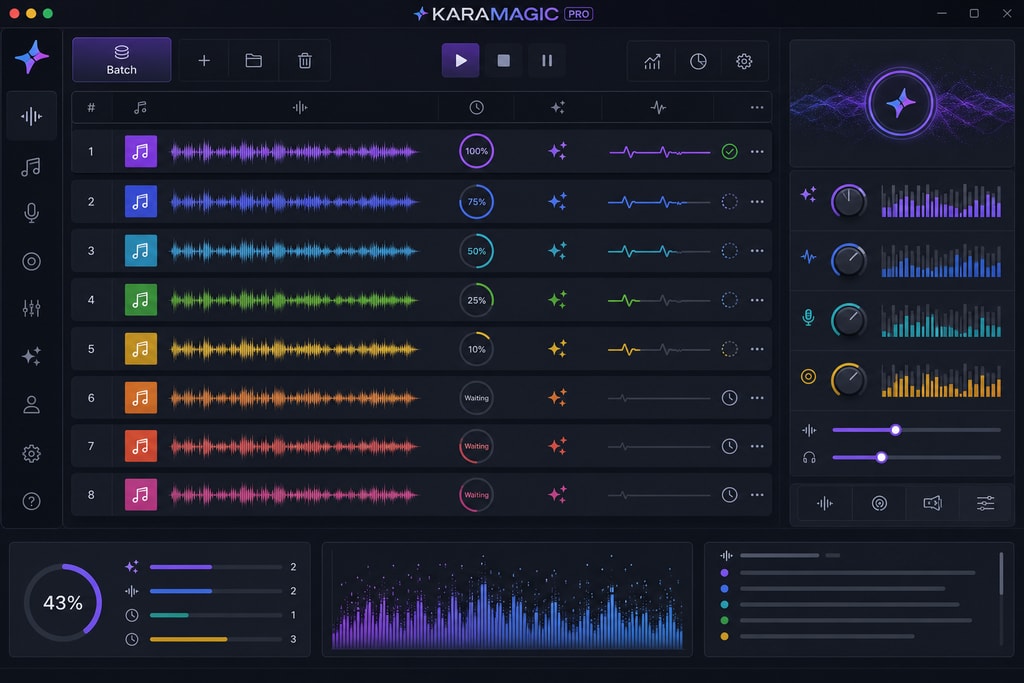
Engaging with KaraMagic Pro’s intuitive batch processing feature is straightforward. Here’s a detailed walkthrough:
Step-by-Step Setup
- Launch KaraMagic Pro: Open the application on your system.
- Access Batch Processing: Navigate to the 'Batch Processing' section in the main menu.
- Import Files: Click 'Add Files' to import the audio files you wish to process. Multiple file selection is supported for efficiency.
- Configure Settings: Set desired output parameters like format, resolution, and lyric display options, applying these uniformly across all files.
- Initiate Processing: Start the process by clicking 'Start'. KaraMagic Pro will sequentially process each file using the specified settings.
Best Practices for Efficient Batch Production
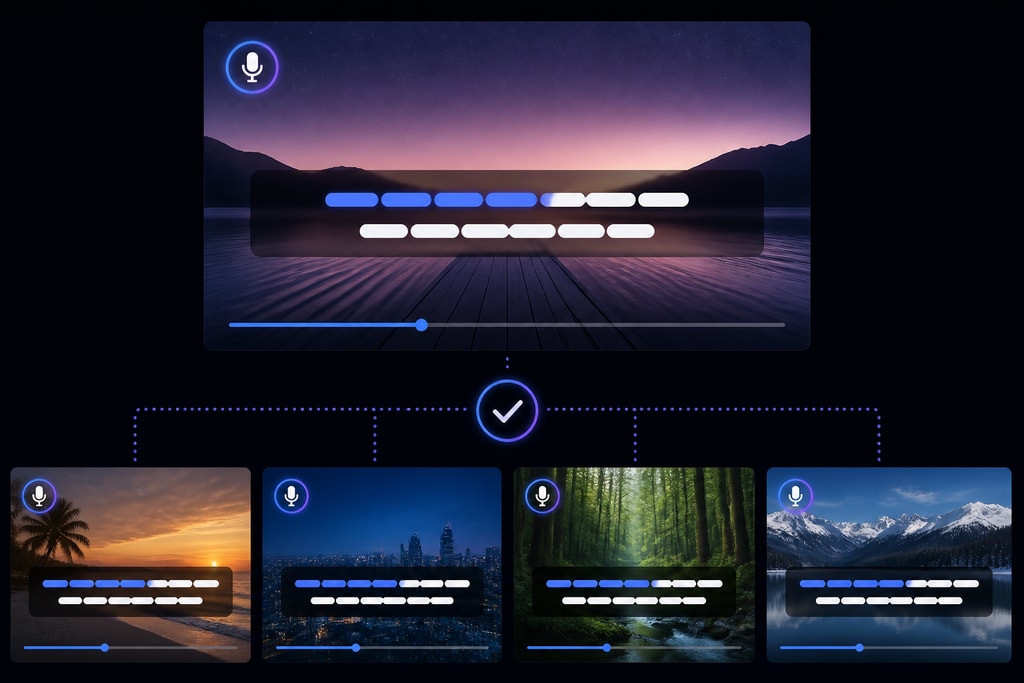
Maximize your batch production efforts with these best practices:
- Uniform Formatting: Consistency in fonts, colors, and backgrounds across videos enhances brand identity and viewer recognition.
- Pilot Testing: Always test your batch settings on a single file to ensure it meets expectations before processing the entire batch.
- Real-Time Monitoring: Actively monitor the batch process to catch and resolve any issues as they arise.
Common Mistakes and How to Avoid Them
Mistake 1: Poor Audio Quality
- Solution: Always vet audio files beforehand, using only high-quality sources.
Mistake 2: Misaligned Lyrics
- Solution: Double-check lyric synchronization before processing.
Mistake 3: Overloading the System
- Solution: Process batches within your system’s capacity to avoid performance degradation.
Troubleshooting Common Issues
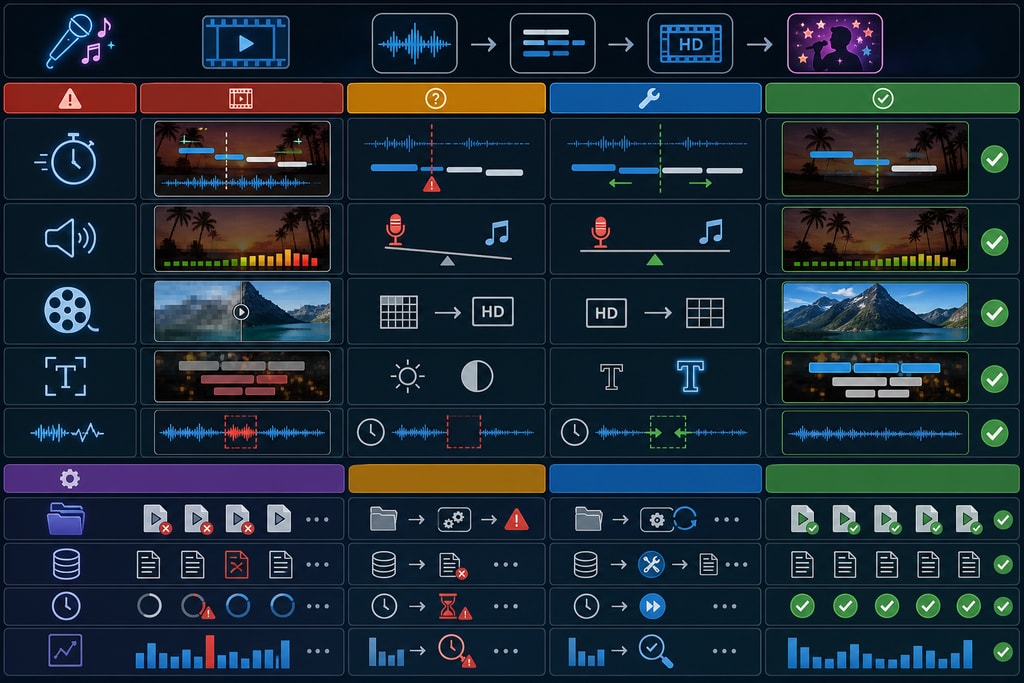
Despite careful preparation, batch processing might still encounter hiccups. Here’s how to address common problems:
Lyrics Synchronization Issues
- Fix: Revisit the timing and formatting of lyrics. Ensure they are in sync with the audio tracks.
Audio Quality Challenges
- Fix: Check the source files’ quality and consider re-processing higher quality versions.
Software Performance Bottlenecks
- Fix: Verify your system meets KaraMagic Pro’s requirements to handle batch processing efficiently.
Frequently Asked Questions
Q: How customizable are the lyrics’ appearance in batch processing?
A: KaraMagic Pro enables extensive customization of lyric fonts, colors, and styles, ensuring consistency across videos.
Q: What is the expected time frame for batch processing?
A: Processing times vary based on file number and complexity, but batch processing is notably quicker than individual editing.
Q: Is there a maximum number of files for batch processing?
A: While KaraMagic Pro doesn’t set strict limits, large batches may slow performance. It’s best to align batches with your system’s capabilities.
Conclusion
Batch processing with KaraMagic Pro offers a powerful solution for video creators aiming to produce multiple karaoke videos efficiently. By preparing your files meticulously and following established best practices, you can significantly enhance your production workflow. Leveraging the full potential of KaraMagic Pro can lead to the creation of immersive, high-quality karaoke experiences that resonate with audiences.
For more insights and advanced features, explore KaraMagic Pro, your gateway to streamlined video production.