Introduction
Creating engaging karaoke videos on a Mac is now more accessible than ever, thanks to tailored software solutions like KaraMagic. Whether you're a passionate karaoke enthusiast, a content creator, or an event professional, selecting the right version of KaraMagic can greatly influence your creative process and the quality of your outputs. This comprehensive guide will explore the nuanced features of KaraMagic Free and Pro, providing the insights you need to make an informed decision.
Understanding Karaoke Video Software Needs
Identifying Your Purpose
Before diving into software features, identify your main purpose:
- Casual Entertainment: Recreational singing sessions with friends or family.
- Professional Engagements: Hosting events or running a karaoke bar.
- Content Creation: Producing karaoke videos for platforms like YouTube.
Essential Features of Karaoke Software
For all users, certain features are crucial:
- User-Friendly Interface: Easy navigation promotes creativity and efficiency.
- Vocal Removal Capabilities: To create quality instrumental tracks.
- Lyric Synchronization: Ensures lyrics align accurately with music for better performance.
KaraMagic Free: Features and Capabilities
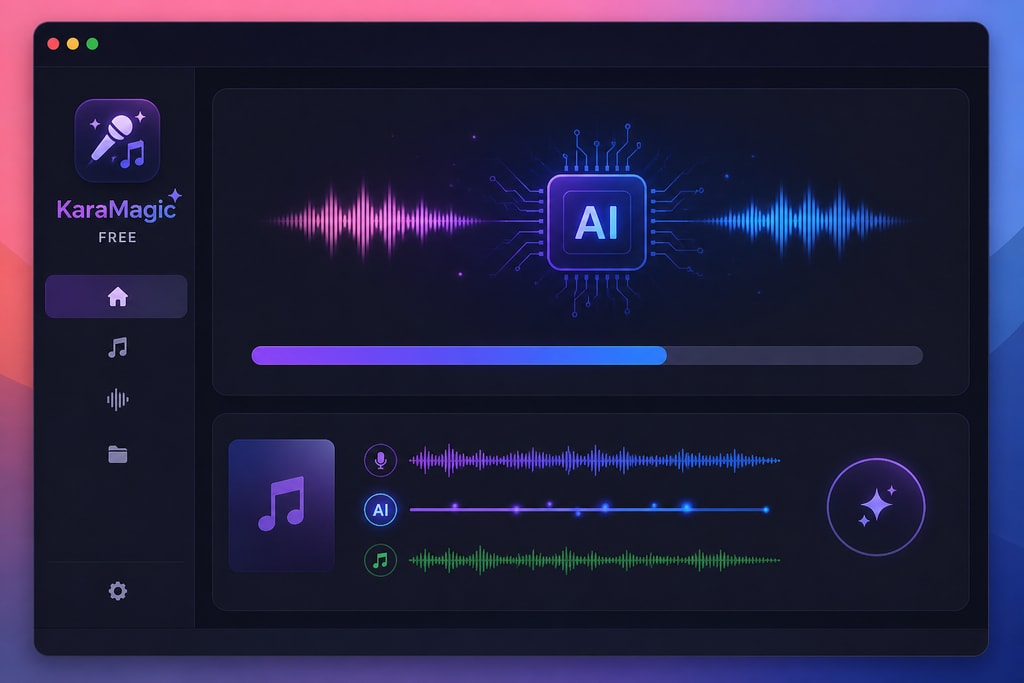
KaraMagic Free is tailored for users starting their karaoke journey without investing financially.
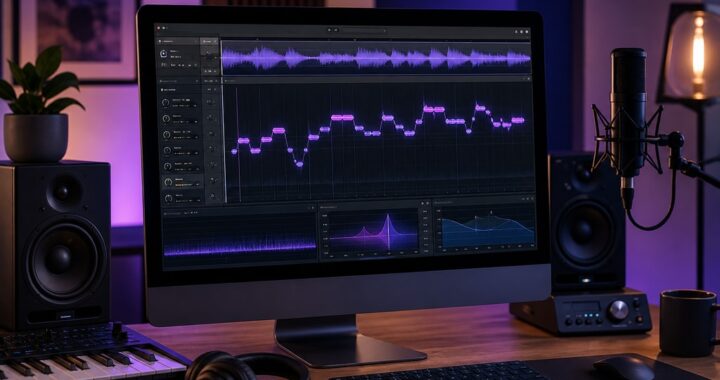
- AI-Powered Vocal Removal: Automatically isolates and removes vocals, allowing the creation of karaoke-ready instrumentals.
- Lyric Transcription and Timing: Leverages AI to embed synchronized lyrics directly into your videos.
- Offline Functionality: Provides privacy and reliability by functioning without internet access.
- Apple Silicon Optimization: Ensures smooth performance on the latest Mac hardware.
These features make KaraMagic Free an appealing entry point for casual users or those testing the karaoke video creation waters.
KaraMagic Pro: Advanced Features for Professionals
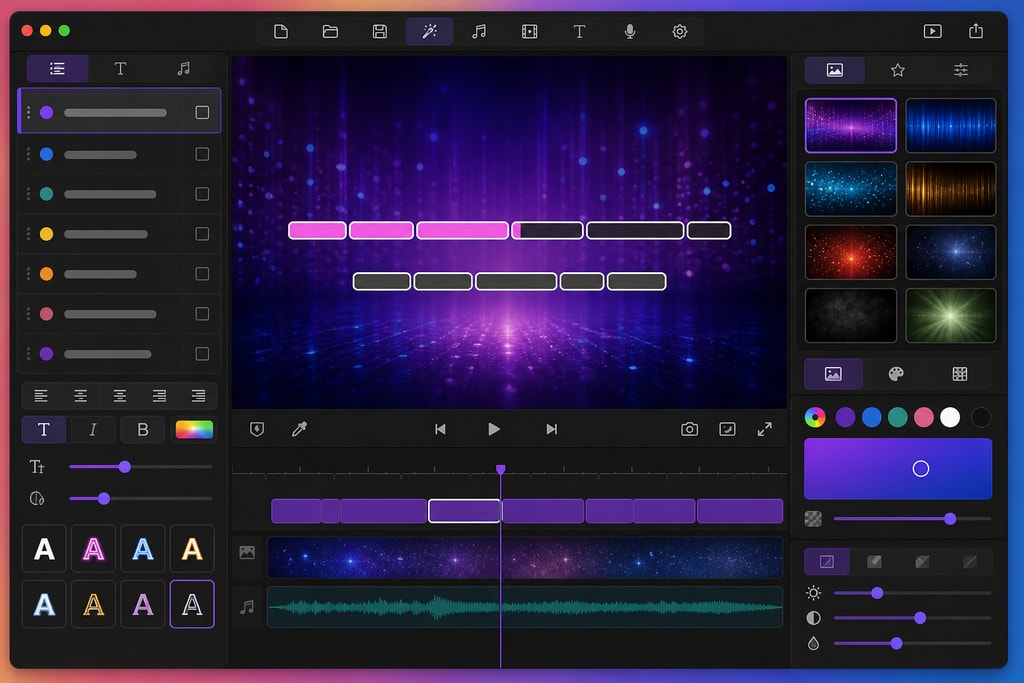
KaraMagic Pro builds upon the Free version, delivering features to enhance productivity and creative control:
- Watermark-Free Exports: Perfect for creating polished, professional videos.
- Lyric Editing: Offers tools for precise lyric customization, invaluable for accurate representation.
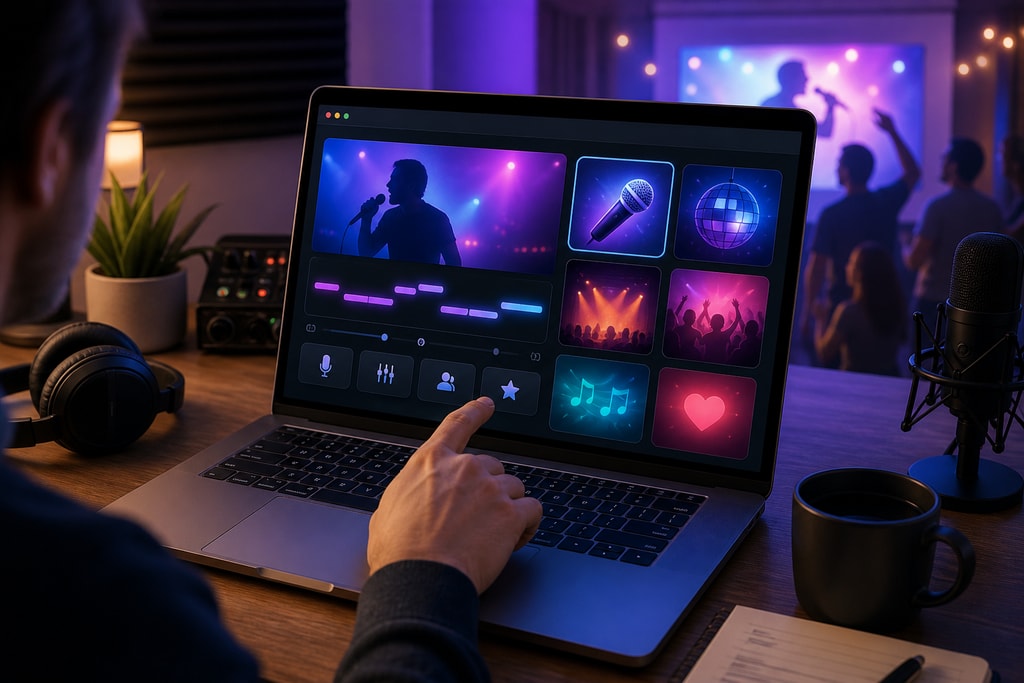
- Customizable Backgrounds: Enhance visual appeal by adding personalized backgrounds.
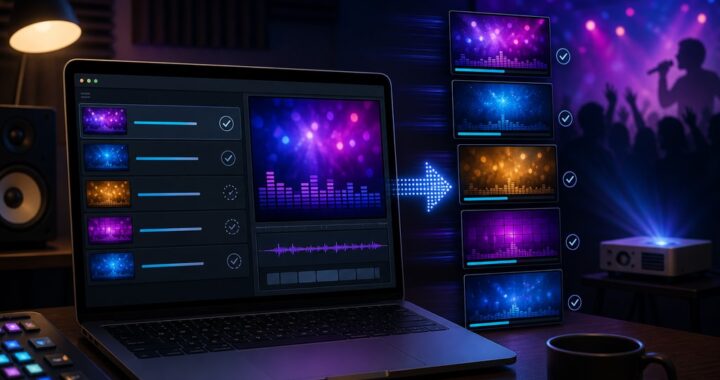
- Batch Processing: Save time and effort by processing multiple videos simultaneously.
- Higher Quality Exports: Enables HD exports to maintain video quality across platforms.
These enhancements are indispensable for professionals and serious creators who need more robust tools.
Comparing KaraMagic Free and Pro
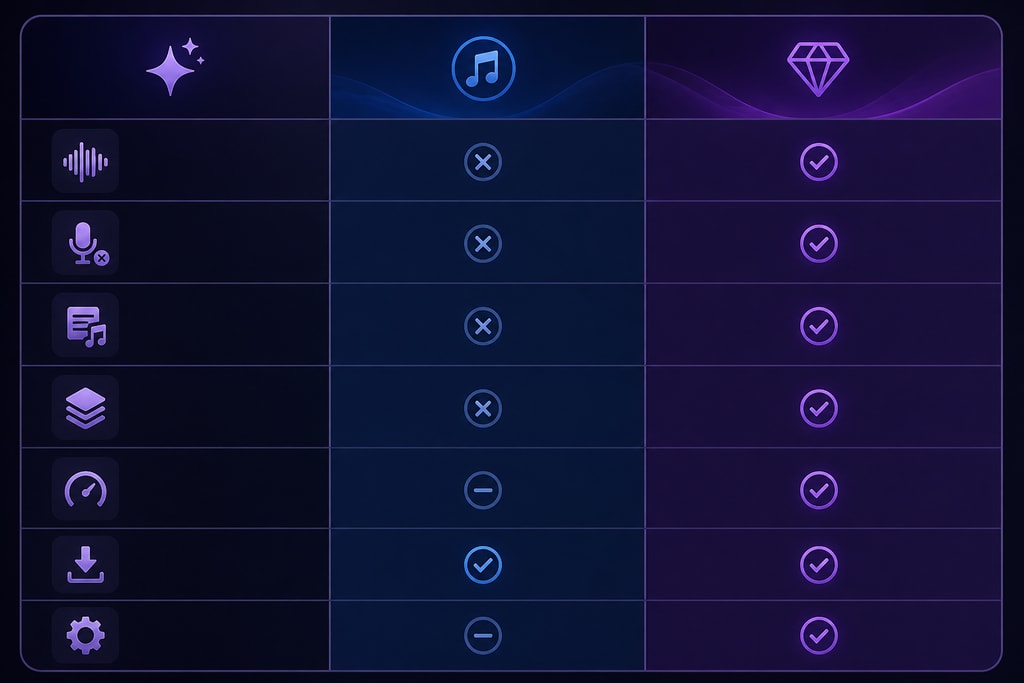
Detailed Comparison
| Feature | KaraMagic Free | KaraMagic Pro | |—————————–|—————-|—————| | AI Vocal Removal | ✔ | ✔ | | Lyric Transcription & Timing| ✔ | ✔ | | Offline Functionality | ✔ | ✔ | | Apple Silicon Optimization | ✔ | ✔ | | Watermark-Free Exports | | ✔ | | Lyric Editing | | ✔ | | Customizable Backgrounds | | ✔ | | Batch Processing | | ✔ | | Higher Quality Exports | | ✔ |
Practical Examples
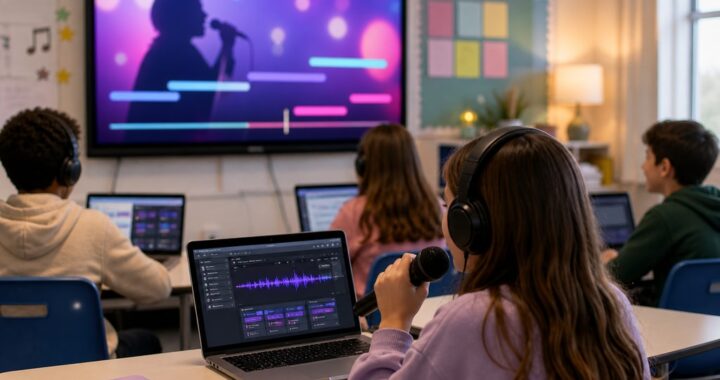
- KaraMagic Free: Ideal for creating casual home karaoke sessions, experimenting without risks.
- KaraMagic Pro: Suits professional event managers needing polished outputs at scale.
Decision-Making Considerations
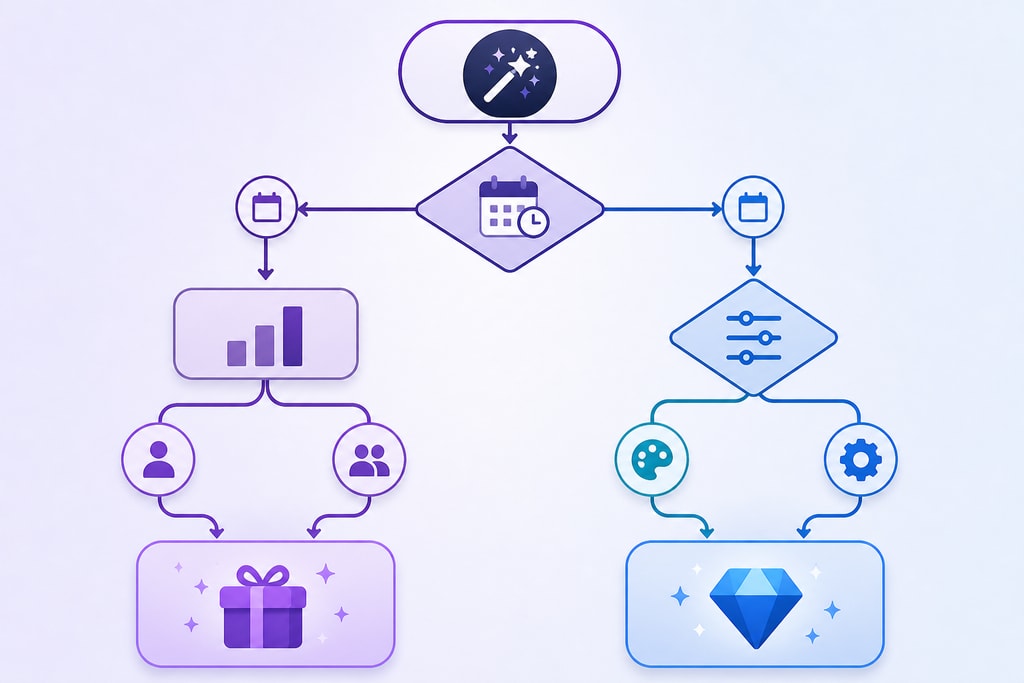
Selecting between KaraMagic Free and Pro depends on several factors:
- Usage Frequency: For occasional use, the Free version suffices. Frequent users benefit from Pro's expansive features.
- Customization Needs: If personalized visuals and precise lyric editing are essential, choose Pro.
- Workflow Efficiency: Professionals managing multiple projects significantly gain from Pro’s batch processing.
Mistakes to Avoid
- Overestimating Needs: Don’t invest in Pro if you won't leverage its advanced features.
- Ignoring Workflow: Consider how each version fits your current and future creative processes.
Advanced Tips for Karaoke Video Creation
Enhance Your Setup
- Use high-quality microphones for better sound capture.
- Consider investing in studio lighting for professional-looking videos.
Focus on Synchronization
- Pay attention to music-lyric sync for a seamless experience.
- Regularly update your software for the latest features and performance improvements.
Frequently Asked Questions
Q: Can I upgrade from KaraMagic Free to Pro? A: Yes, upgrading is seamless, allowing access to Pro features anytime.
Q: Can I try KaraMagic Pro before buying? A: A trial period is available, providing users a chance to explore Pro's capabilities without commitment.
Q: What are the costs associated with KaraMagic Pro? A: KaraMagic Pro is a one-time purchase, ensuring no ongoing subscription fees.
Q: Are there internal resources to learn more about KaraMagic? A: Yes, refer to KaraMagic Free and KaraMagic Pro for in-depth guides and resources.
Conclusion
Choosing the right karaoke video software hinges on understanding your specific needs and goals. KaraMagic Free offers an excellent introduction, while KaraMagic Pro provides enhanced features for those seeking greater creative freedom and efficiency. Evaluate your requirements carefully to select the best version for your objectives. Whether you're diving into karaoke for fun or professional use, KaraMagic equips you with the tools to create compelling karaoke experiences.
Discover how KaraMagic can transform your karaoke sessions by visiting KaraMagic Free and KaraMagic Pro.
Sources and Further Reading