
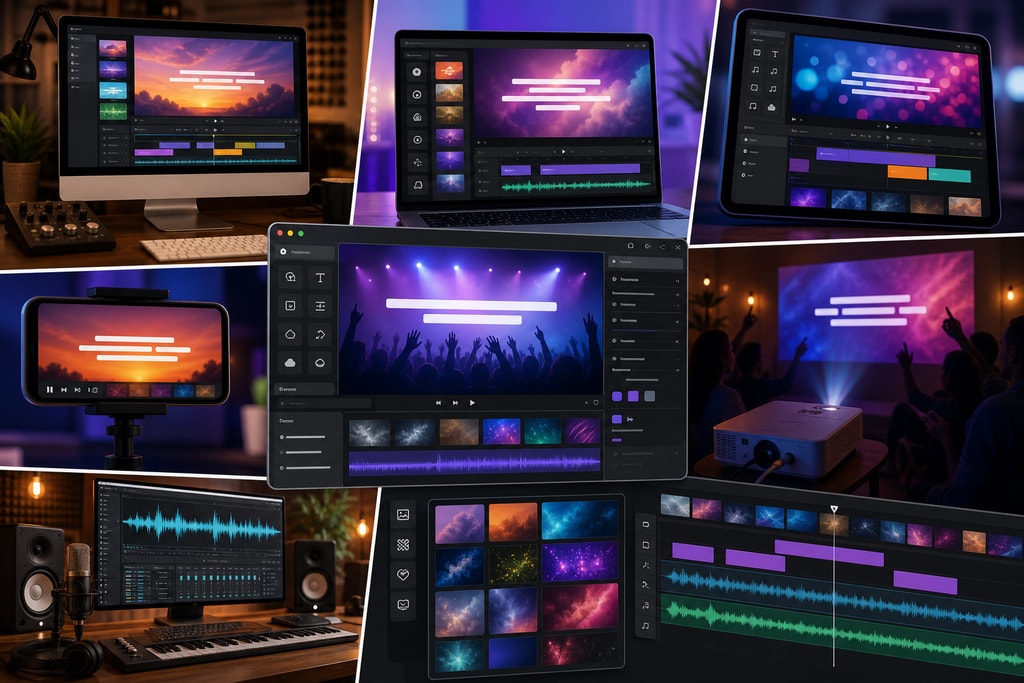
Creating compelling lyric videos is an indispensable aspect of music promotion and content creation today. As we delve into 2026, several cutting-edge tools have arisen, utilizing artificial intelligence to streamline this process. This guide provides an in-depth exploration of the best lyric video creator tools, emphasizing their features, usability, and suitability for various user needs.
The Importance of Lyric Videos
Lyric videos extend beyond mere visuals, transforming into an artistic expression that resonates with audiences. They make songs more memorable and provide an accessible means for fans to engage with the lyrics. As such, both artists and content creators benefit significantly from utilizing lyric video creators, lending their work a broader reach and deeper impact.
Essential Features in Lyric Video Creator Tools
When choosing a lyric video creator tool, consider these pivotal features:
- AI-Powered Transcription and Syncing: Automates transcription and syncing, drastically reducing manual effort.
- Customizable Templates: Offers diverse templates to match an array of artistic styles and brand aesthetics.
- User-Friendly Interface: Streamlined design to aid users at any skill level.
- High-Resolution Export: Supports exports up to 4K for any platform.
- Cost-Effectiveness: From free options to premium plans, there's something for every budget.
Practical Example: Balancing Features and Cost
Consider a musician with a modest budget who plans to release a series of lyric videos over the next year. Balancing budget with necessary features such as AI transcription and high-quality export is key. Tools like LYRC can provide a good mix of cost and functionality for such users.
Top Lyric Video Creator Tools in 2026
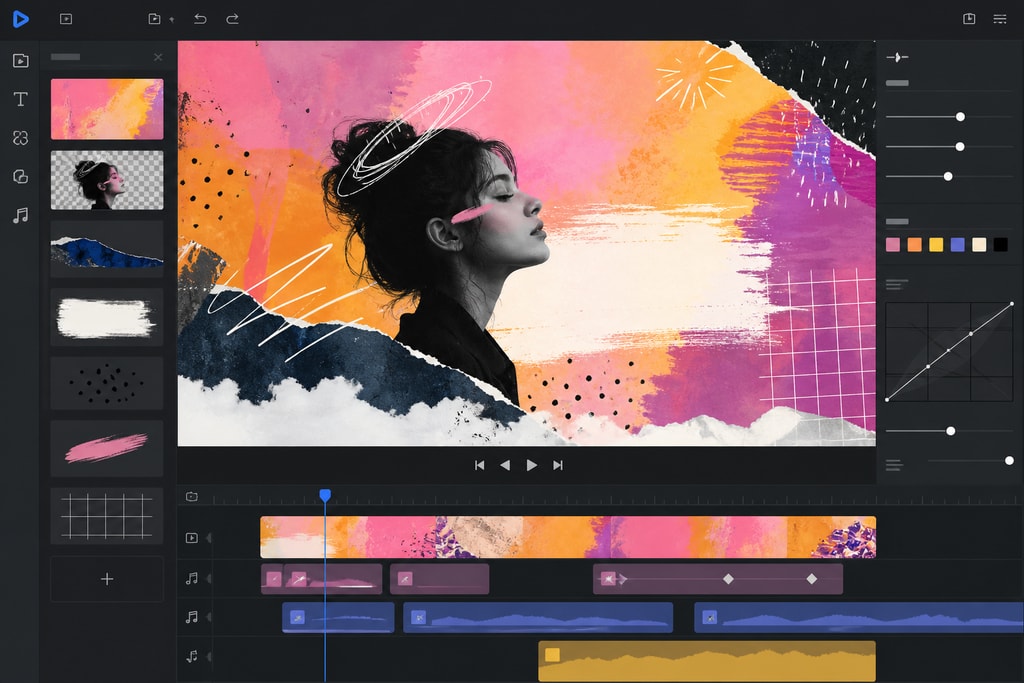
1. LyricMV
Best for: Efficient, AI-driven video creation for artists and creators.
In-depth Features
- AI Transcription: Utilizes sophisticated AI for word-perfect lyric transcription using OpenAI's Whisper technology.
- Purpose-Built Templates: Choose from templates like Deep Shadow, enhancing aesthetic appeal.
- Timeline Editor: Fine-tune each word’s timing for precision.
Mistakes to Avoid
- Relying entirely on templates can limit creativity. Experiment with custom elements to make videos more unique.
Verdict
LyricMV’s strength lies in its seamless integration of AI, providing a robust tool for rapid and effective video creation. (lyricmv.com)
2. LYRC
Best for: Users balancing automation with detailed control.
Key Features
- Auto-Transcription: Studio-grade accuracy enhances efficiency.
- Cut-Marker Automation: Automates marker placement for seamless transitions.
- Template Reuse: Create a template once, use it indefinitely.
Mistakes to Avoid
- Over-relying on automation without reviewing outputs can lead to suboptimal results. Always check for sync errors manually.
Verdict
With advanced automation and precise control options, LYRC is perfect for those seeking both speed and reliability. (lyrc.studio)
3. Epitrite
Best for: High-volume, professional-grade video production.
Core Features
- AI-Enhanced Transcription: Optimized specifically for vocals.
- Beat Sync: Align lyric lines with downbeats effectively.
- User Control: Customize manually for a personal touch.
Topic-Specific Advice
For best results, use Epitrite with studio-quality tracks to capitalize on its advanced beat-sync features.
Verdict
Epitrite offers a fine balance between AI efficiency and user control, ideal for high-caliber productions. (epitrite.com)
4. CapCut
Best for: Integrating lyric features with full video editing suites.
Notable Features
- AI Captioning: Auto-caption feature saves time.
- Comprehensive Editing: Combine lyrics with broader video edits.
Mistakes to Avoid
- Neglecting manual checks can result in misaligned captions. Always verify auto-caption results.
Verdict
A practical tool for creators already using CapCut, especially for projects that blend various video formats. (epitrite.com)
5. Veed.io
Best for: Simple, user-friendly subtitle addition for podcasters.
Standout Features
- Subtitle Generation: Basic tools for easy subtitles.
- Easy User Interface: Quick learning curve.
Limitations
- Lacks specialized features for intricate lyric video production.
Verdict
While Veed.io may not satisfy all needs for complex productions, it remains a strong option for basic text-on-screen videos. (lyricmv.com)
Decision-Making Checklist
Before you commit to a lyric video creator tool, evaluate:
- Purpose and Scope: Are the videos for professional release, viral engagement, or both?
- Budgetary Limits: Know your budget to avoid overspending.
- Customization Necessity: Some users need more tweakable options.
- Skill Level: Choose based on technical proficiency.
- Production Scale: Align tool choice with the expected volume of video output.
FAQs
Can I create lyric videos without prior experience? Many tools like LyricMV are designed for all skill levels, including beginners.
Are there free options for lyric video creation? Yes, tools like Epitrite and CapCut offer basic features at no cost.
How crucial is AI transcription? AI transcription is highly beneficial, enhancing speed and accuracy in lyric syncing.
Can I use these tools commercially? Most have commercial licenses available. Review each tool's terms of service carefully.
Do these tools support multiple languages? Many support various languages, though transcription accuracy can vary. Test your preferred language first.
Conclusion
Selecting the right lyric video creator tool hinges on understanding your needs, budget, and level of expertise. From advanced AI-driven options like LyricMV to the more manual yet powerful solutions like Epitrite, the 2026 landscape offers a solution for every creator. Explore more about lyric videos on KaraMagic's homepage or check out LyricMagic Pro for professional creation options.



