
Introduction
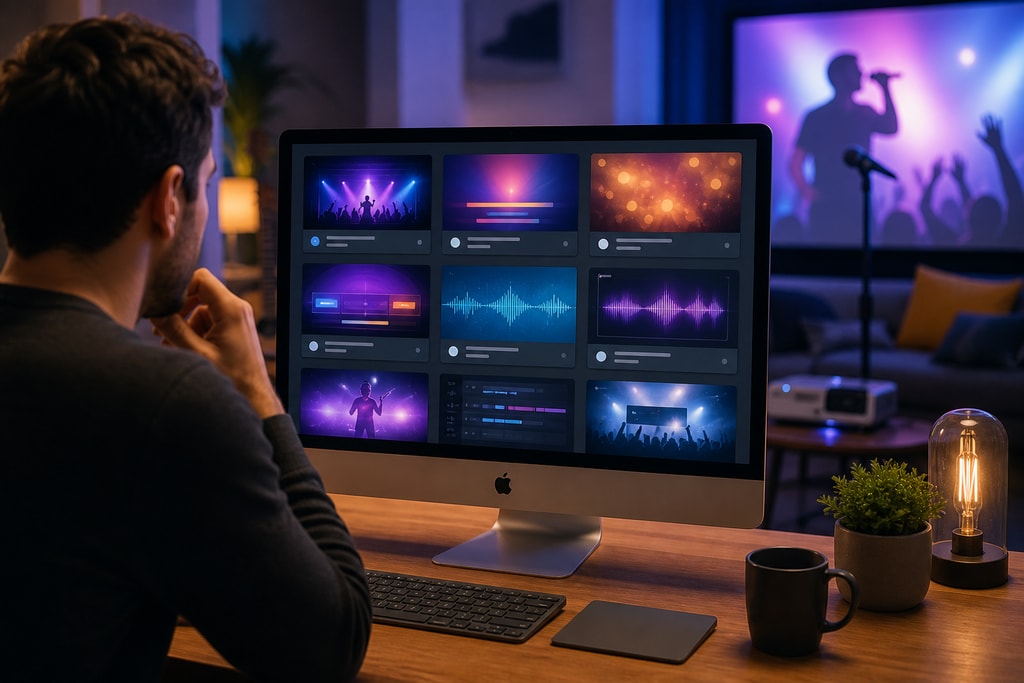
Karaoke has transcended from karaoke bars to our living rooms, especially with technology's advancement. Mac users are benefiting significantly from innovative karaoke software that turns laptops into dynamic entertainment hubs. This guide explores the crème de la crème of Mac karaoke software in 2026, detailing their functionalities, user-friendliness, and how they can enhance your singing experience.
KaraFun
Overview
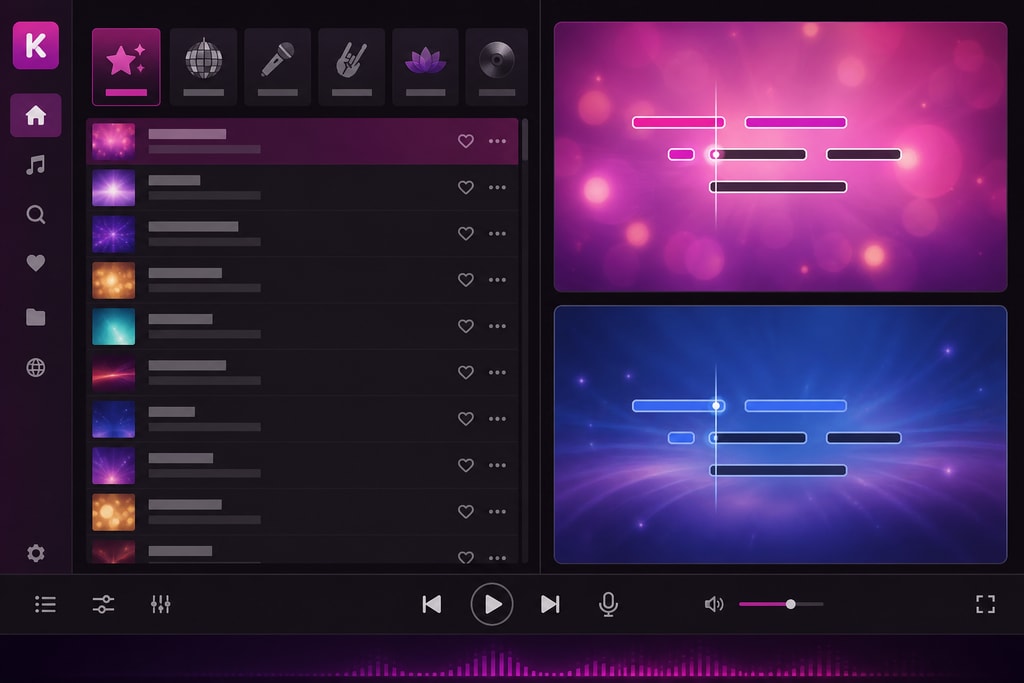
KaraFun stands out as a powerful karaoke platform, offering a rich song library coupled with user-centric features appealing to beginners and seasoned hosts alike.
Key Features
- Extensive Song Library: Access over 35,000 songs in various genres, with 400 new additions monthly, ensuring a constantly fresh repertoire.
- Customizable Vocals: Fine-tune lead and backing vocals separately—a crucial feature for distinguishing duets.
- Dual Screen Display: Enhance your karaoke experience by displaying lyrics on larger screens like TVs or projectors.
- Custom Key & Tempo: Adjust the pitch and speed of any track, catering to diverse vocal ranges and preferences.
- Offline Sync: Download songs for offline enjoyment, which is perfect for areas with unstable internet.
Practical Example
Imagine hosting a themed karaoke night focusing on 80s hits. KaraFun’s extensive song library and the ability to modify key and tempo ensure every guest can join in, regardless of their vocal range.
Compatibility
Designed for macOS 14.0 (Sonoma) or later, ensuring seamless integration with modern Mac systems.
Pricing
While a free version allows for sample testing, subscription plans ($5.99 to $9.99) offer complete access, ideal for regular karaoke nights.
Pros and Cons
Pros:
- Continuously updated song list.
- Intuitive interface promoting ease of use.
- Offline capabilities.
Cons:
- Dependency on subscriptions for full access.
- Basic features in the free version.
For more insights, explore the KaraFun official website.
MidiCo
Overview
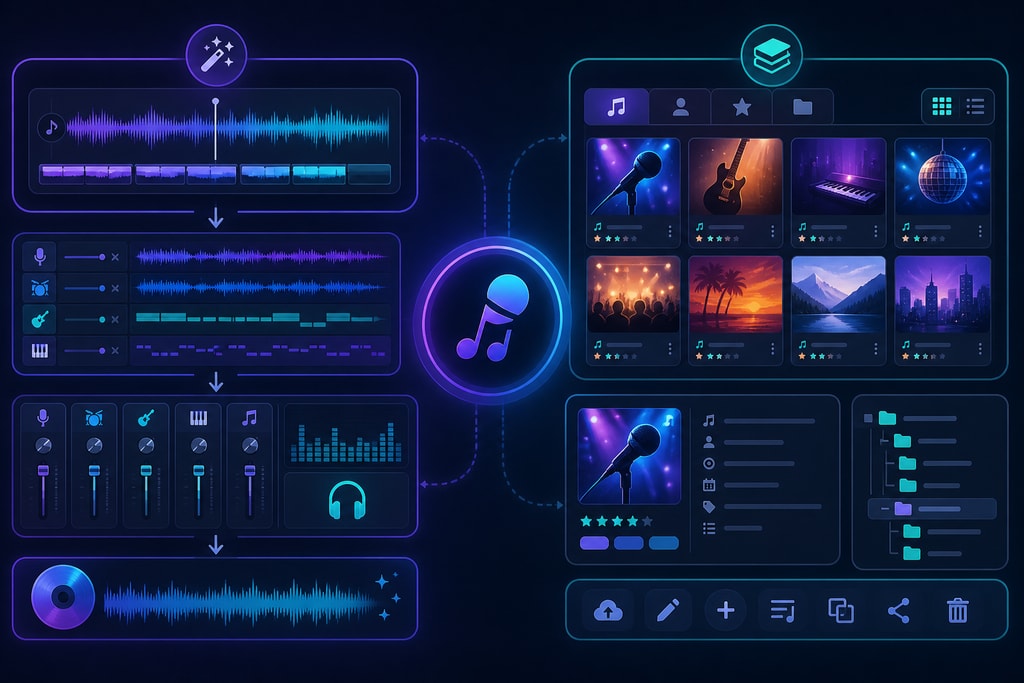
MidiCo caters to professional users with its bundled creation and playback capabilities, perfect for hosting events or generating custom tracks.
Key Features
- All-In-One Solution: Operates as a player, creator, live show coordinator, and library organizer.
- Wide Format Support: Handle diverse formats such as MDC, MID, KAR, MP3, CDG, and more.
- Karaoke Maker: Efficiently synchronize lyrics and music, create CD+G files, and produce karaoke videos.
- Live Show Management: Streamline performances with singer rotation, playlist management, and sophisticated search functions.
Practical Example
A karaoke competition at a local community center can benefit from MidiCo’s robust show management features, ensuring seamless transitions between performers.
Compatibility
Compatible with macOS 10.9 and later, including macOS 15 Sequoia, with native functionality on both Intel and Apple Silicon Macs.
Pricing
MidiCo offers a free trial ideal for short-term testing; full version details are available on the MidiCo official website.
Pros and Cons
Pros:
- Detailed feature set for both creation and playback.
- Versatile format support.
- Professional-grade usage.
Cons:
- The learning curve may be steep for new users.
- Costs associated with the full version.
Beltr
Overview
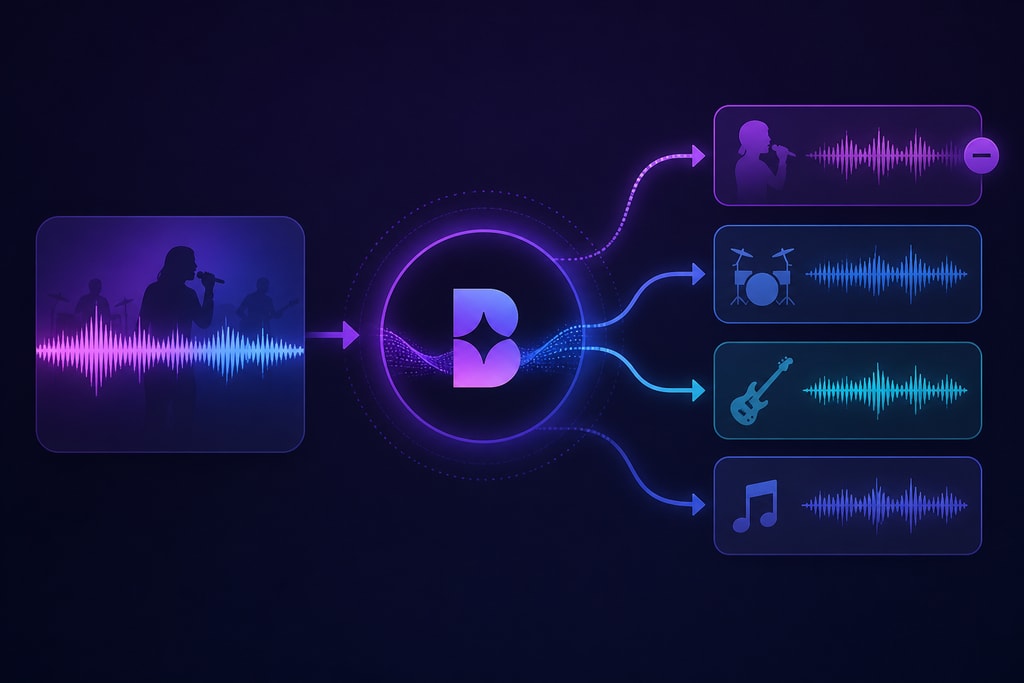
Beltr stands uniquely with its AI-driven vocal removal, paving the way for users to karaoke with their favorite personal tracks.
Key Features
- AI Vocal Removal: Efficiently isolates vocals, offering instrumental versions swiftly.
- Lyric Synchronization: Lyrics are automatically aligned to music, minimizing preparation time.
- Multi-Device Integration: The integration facilitates using Macs for core processing, TVs for displays, and smartphones as mics, expanding functionality.
- One-Time Purchase: Unlike subscription models, Beltr requires only a one-time payment for perpetual updates.
Practical Example
For music enthusiasts looking to host personalized karaoke nights using their music collection, Beltr’s AI capabilities simplify the transition to karaoke tracks.
Compatibility
Available across Mac, Windows, and Linux platforms, with the Mac version operational on macOS 10.14 or newer.
Pricing
A one-time purchase costs $19.99, with a trial offering for experimentation with up to five songs.
Pros and Cons
Pros:
- Subscription-free usage.
- Transforms personal songs into karaoke tracks.
- Multifaceted device integration.
Cons:
- Microphone functionality requires additional devices.
- Reliant on original song quality for vocal separation.
Visit the Beltr official website for further details.
Decision Criteria
- Budget: Consider costs—KaraFun requires subscriptions, MidiCo offers trial-to-purchase options, while Beltr offers a singular purchase model.
- Song Library: Choose KaraFun for a pre-established library or Beltr and MidiCo for personalization.
- Usability: Evaluate your tech-savviness; KaraFun suits beginners, while MidiCo appeals to more advanced users.
Common Mistakes to Avoid
- Ignoring Compatibility: Ensure your Mac meets software requirements.
- Not Leveraging Free Trials: Explore trials to gauge each software’s fit before committing financially.
- Ignoring Updates: Regular updates can introduce new features and enhance security; don't neglect them.
FAQs
Q: How can I ensure seamless integration with TVs and other devices?
A: Use dual screen or similar features in software like KaraFun and Beltr for optimal video output quality on TVs.
Q: Which software is best for creating karaoke tracks?
A: MidiCo offers extensive tools for creation, but if you prefer simpler customization, Beltr’s AI processing is efficient.
Q: Are these programs beginner-friendly?
A: KaraFun is highly accessible with intuitive interfaces, while MidiCo might require more technical know-how.
Q: How can I use my smartphone as a microphone?
A: Beltr supports smartphone integration for wireless microphone use, which can be controlled via its companion app.
Q: What is the best karaoke software for professional use?
A: MidiCo’s professional tools make it suitable for more serious setups, including live performances.
Conclusion
Selecting the best Mac karaoke software hinges on your specific needs. Whether you favor the vast library of KaraFun, the professional finesse of MidiCo, or the adaptability of Beltr, each offers unique advantages tailored to different audiences. For further insights and tools to elevate your karaoke experience, visit the KaraMagic homepage and consider KaraMagic Pro for advanced options.



