
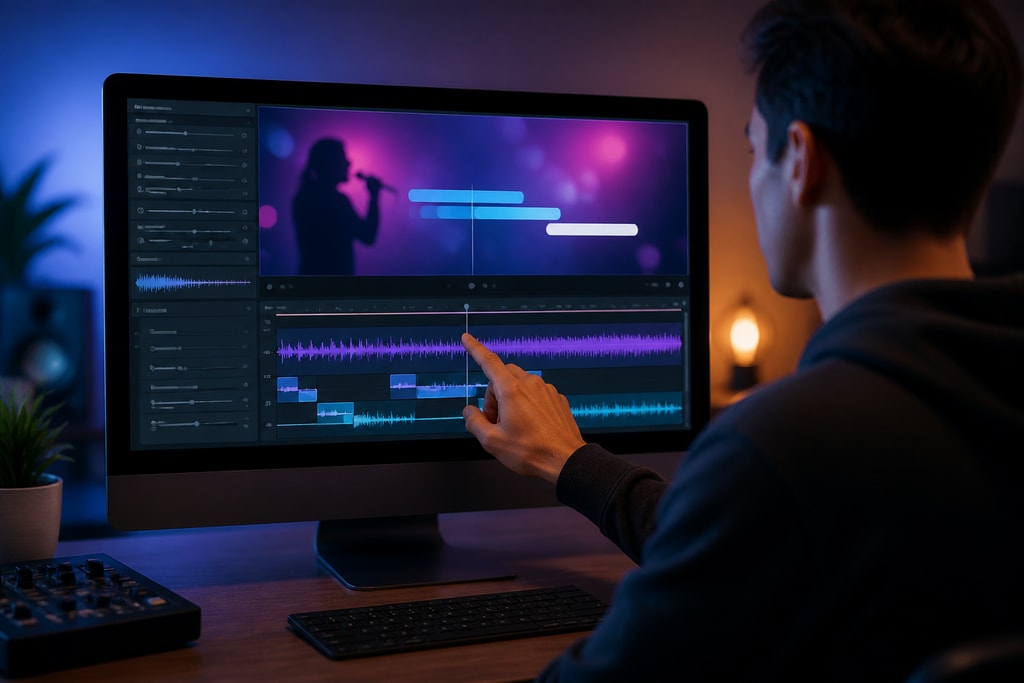
Creating karaoke videos with perfectly synchronized lyrics enhances the sing-along experience, making it enjoyable for both performers and audiences. Achieving precise lyric timing requires a combination of the right tools, techniques, and attention to detail. This guide will walk you through the essential steps to synchronize lyrics in your karaoke videos effectively.
Understanding Lyric Synchronization
Lyric synchronization involves aligning the display of lyrics with the corresponding parts of the music track. This process ensures that each word or phrase appears on screen exactly when it is sung, allowing singers to follow along accurately.
- Why It's Important: Precise synchronization can make or break the karaoke experience. Off-timed lyrics lead to confusion and frustration.
- Types of Synchronization: Basic line-by-line vs. advanced word-level synchronization.
Choosing the Right Tools
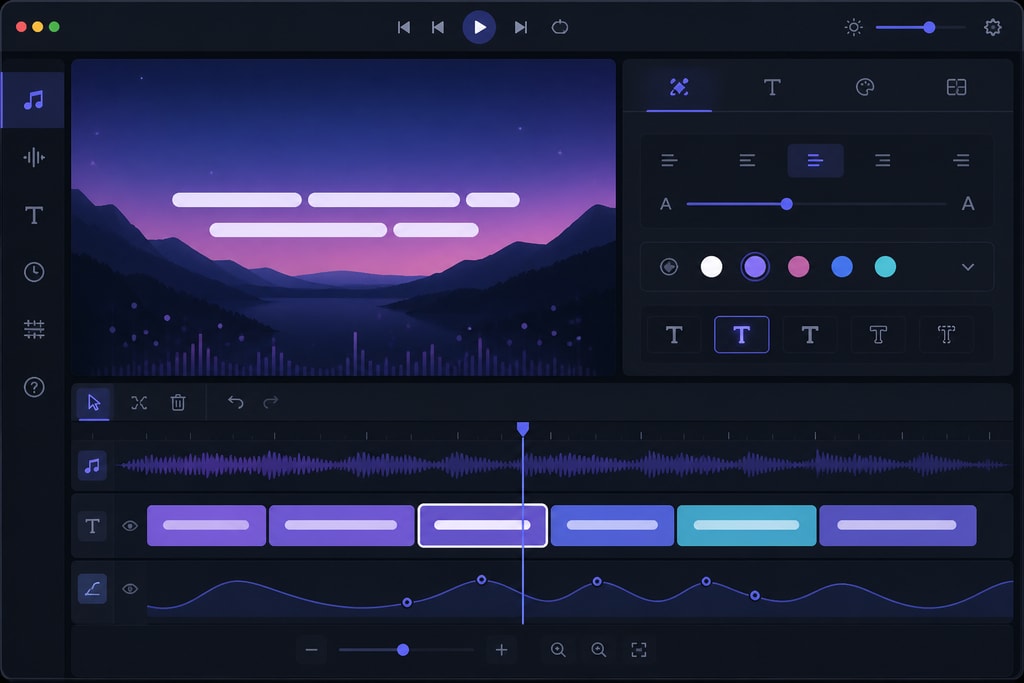
Selecting appropriate software is crucial for efficient lyric synchronization. KaraMagic offers a suite of Mac desktop applications designed for creating karaoke and lyric videos offline, ensuring user privacy and eliminating the need for internet connectivity during the creation process. KaraMagic Free is an excellent starting point for beginners.
- Software Options: Evaluate features, user interfaces, price points, and compatibility with your operating system.
- Tool Longevity: Consider community support and update frequency.
Preparing Your Lyrics and Audio
Before synchronization, ensure your lyrics are accurate and match the song's structure. Any discrepancies can lead to misalignment during the synchronization process. It's also essential to have a high-quality audio track, preferably an instrumental version, to avoid interference from existing vocals.
- Best Practices: Cross-reference with official sources and fan sites.
- Quality Check: Use software such as Audacity for audio quality enhancement.
Synchronization Techniques
Manual Synchronization
Manual synchronization provides precise control over lyric timing. Here's how to do it:
- Import Lyrics and Audio: Load your lyrics and audio track into your chosen software.
- Enter Synchronization Mode: Initiate the synchronization feature, which typically highlights the lyrics line by line.
- Play the Track: Start playing the audio and press a designated key (often the spacebar) when each word or phrase should appear. This method allows for real-time alignment of lyrics with the music.
Advantages:
- Greater control over complex arrangements.
- Essential for songs with tempo changes.
Mistakes to Avoid:
- Pressing keys too early or too late can offset entire lines.
Automatic Synchronization with AI
Advancements in AI have led to tools that can automatically synchronize lyrics by analyzing the audio track. These tools detect vocal patterns and align the lyrics accordingly. While convenient, it's important to review and adjust the results, as AI may not always achieve perfect accuracy.
- Pros and Cons: Faster processing but sometimes needs manual corrections.
- Software Suggestions: Explore tools like Sonic Visualiser and check compatibility.
Fine-Tuning Synchronization
After initial synchronization, fine-tuning ensures optimal alignment:
- Adjust Timing: Use the software's timeline editor to shift lyrics forward or backward as needed.
- Word-Level Synchronization: For a more immersive experience, synchronize lyrics at the word level, highlighting each word as it's sung. This technique is particularly useful for fast-paced songs.
Tips:
- Use visual markers to align beats.
- Zoom into timeline for more detailed editing.
- Preview in different environments to ensure consistency.
Visual Customizations
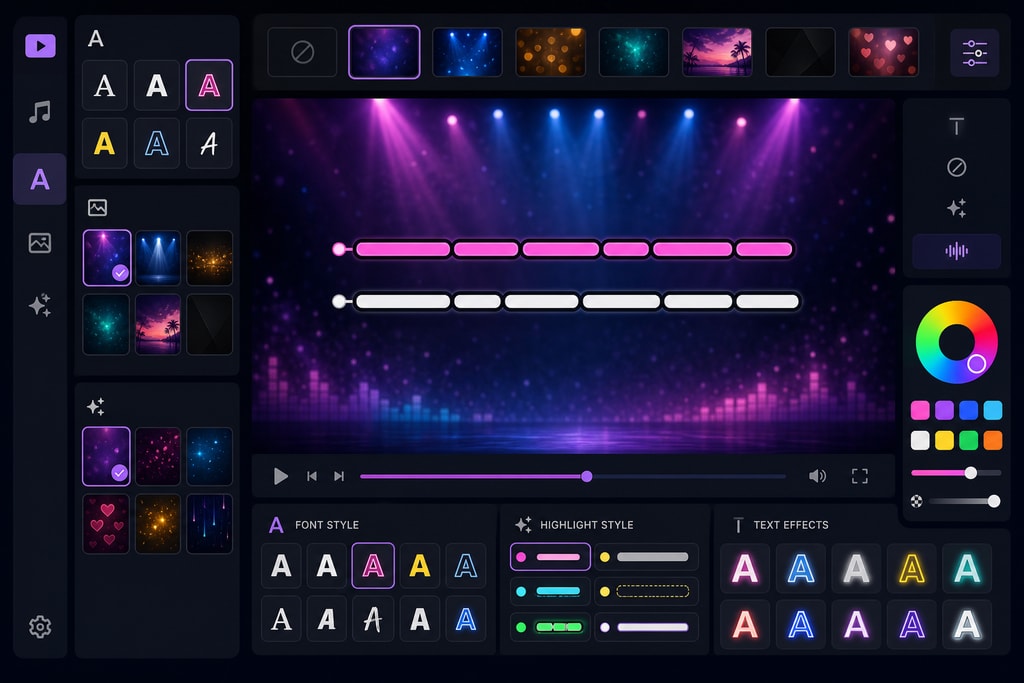
Once synchronization is complete, customize the visual aspects of your karaoke video:
- Backgrounds and Fonts: Choose backgrounds and fonts that enhance readability and match the song's mood.
- Highlighting Effects: Apply effects that indicate the current word or phrase being sung.
Considerations:
- Avoid cluttered backgrounds that distract from lyrics.
- Maintain contrast between text and background for readability.
Exporting the Final Video
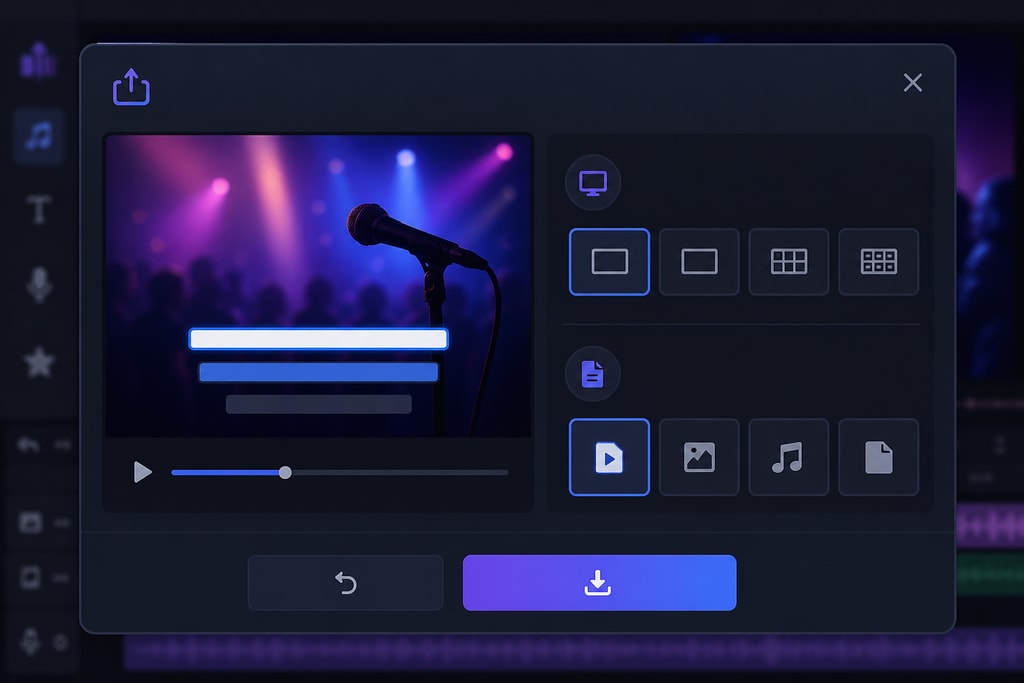
After customization, export the video in a suitable format, such as MP4, ensuring compatibility with various playback devices.
- File Formats: Consider MP4 for wide compatibility, or MKV for high quality.
- Resolution Settings: Maintain HD quality for professional results.
Common Challenges and Solutions
Even with careful synchronization, you may encounter challenges:
- Misaligned Lyrics: If lyrics appear too early or late, revisit the synchronization process and adjust the timing.
- Inconsistent Timing: Ensure that the lyrics match the song's tempo and rhythm. Slowing down the playback speed during synchronization can help achieve more accurate timing.
Solution Strategies:
- Test in different software environments to pinpoint issues.
- Use metronome tracks for synchronization.
Checklist for Perfect Lyric Synchronization
- [ ] Accurate and complete lyrics
- [ ] High-quality instrumental audio track
- [ ] Appropriate synchronization software
- [ ] Initial synchronization (manual or AI-assisted)
- [ ] Fine-tuning of timing
- [ ] Customization of visual elements
- [ ] Export in compatible format
Frequently Asked Questions
Q: Can I use any audio format for synchronization?
A: Most synchronization software supports common audio formats like MP3 and WAV. Ensure your chosen software is compatible with your audio file format.
Q: How can I ensure my lyrics are accurate?
A: Cross-reference multiple lyric sources and listen to the song carefully to verify accuracy. Transcribing the lyrics yourself can also ensure precision.
Q: Is manual synchronization better than automatic?
A: Manual synchronization offers greater control and accuracy, especially for complex songs. However, automatic synchronization can save time and is suitable for simpler tracks.
Q: How do I handle songs with rapid lyrics?
A: For fast-paced songs, consider word-level synchronization to ensure each word is highlighted as it's sung. Slowing down the playback speed during synchronization can also help achieve more accurate timing.
Q: Can I add lyrics to a video without specialized software?
A: While it's possible to add lyrics using general video editing software, specialized karaoke software simplifies the process and offers features tailored for lyric synchronization.
Conclusion
Perfectly synchronizing lyrics in karaoke videos enhances the overall experience, making it more enjoyable for singers and audiences alike. By selecting the right tools, employing effective synchronization techniques, and fine-tuning the results, you can create professional-quality karaoke videos. Explore KaraMagic to find the tools that best suit your needs and start creating your own synchronized karaoke videos today.
Sources and Further Reading



