

Introduction
The fusion of technology and music education is reshaping how educators engage students, turning once traditional methods into dynamic learning experiences. Among the many tools at the forefront of this change are karaoke tools, which offer compelling ways to boost student engagement, improve practice efficiency, and enhance performance skills. This guide delves into their transformative potential, providing practical insights for music educators in 2026 and beyond.
Benefits of Karaoke Tools in Music Education
Enhanced Student Engagement
Karaoke tools offer interactive platforms that make music practice more accessible and enjoyable. The pressure-free environment encourages students to sing along with instrumental tracks, allowing them to concentrate on pitch, rhythm, and expression. The result is a more confident and engaged learner eager to participate in music activities.
Practical Example: Create a classroom karaoke challenge where students record their performances. This not only motivates them but also provides valuable feedback opportunities.
Improved Practice Efficiency
With features like adjustable tempos and key changes, karaoke tools allow students to personalize their practice. This flexibility is crucial for tackling challenging sections at their own pace, leading to more productive practice sessions.
Decision Criteria: When selecting karaoke tools, prioritize platforms that offer easy tempo and key adjustments to meet diverse learning needs.
Performance Preparation
By simulating real performance scenarios, karaoke tools help students develop confidence and stage presence. Regular practice helps reduce performance anxiety, leading to improved presentation skills.
Mistakes to Avoid: Avoid over-reliance on karaoke tools. Balance with traditional live performance practices to ensure well-rounded preparation.
Practical Applications in the Classroom
Vocal Training
Karaoke tools facilitate vocal development by providing diverse song selections across genres. This exposure helps expand students’ vocal repertoire and technique.
Topic-Specific Advice: Select songs that challenge the vocal range and introduce various singing styles to students.
Ear Training and Sight Singing
Using karaoke tools to remove the vocal track allows students to focus on instrumental accompaniment, thus enhancing ear training skills. On-screen lyrics also aid in sight-singing practice.
FAQ: How can I effectively integrate karaoke for ear training? A: Start with simpler melodies and gradually increase complexity to strengthen students' ear training skills over time.
Ensemble Practice
Karaoke tools serve as an invaluable substitute for live accompaniment during ensemble rehearsals, ensuring consistent practice and maintaining ensemble cohesion.
Internal Link: For more on using tools for ensemble practice, explore LyricMagic Free.
Top Karaoke Tools for Music Educators
KaraMagic
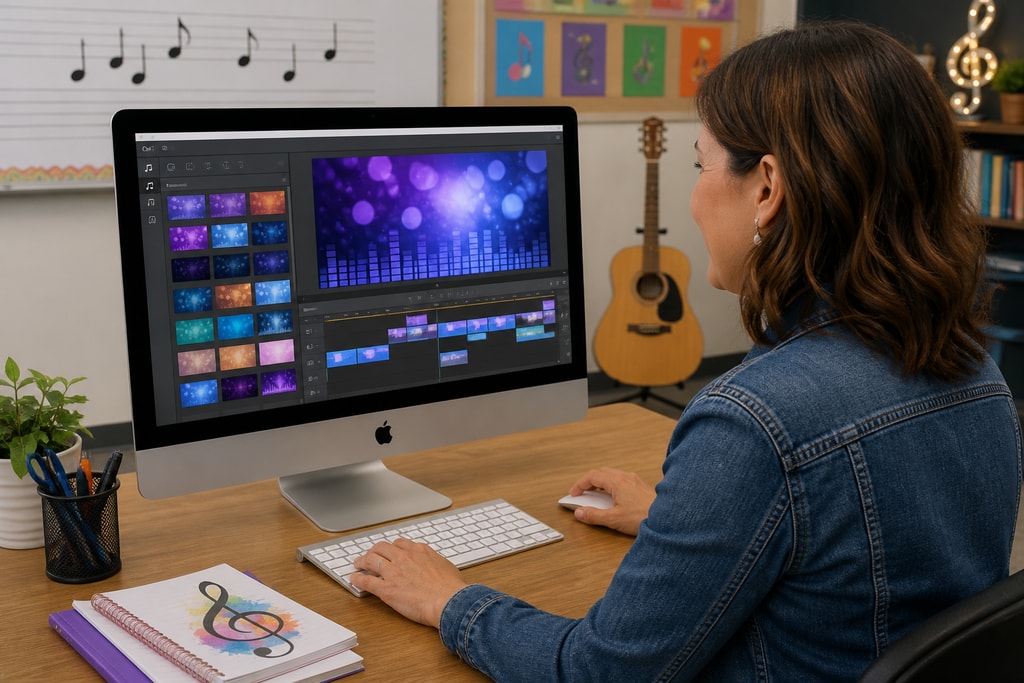
KaraMagic provides Mac desktop applications tailored for creating karaoke and lyric videos locally. With AI-driven vocal removal and lyric transcription, it helps educators turn audio files into powerful learning tools without requiring cloud processing.
- Features: Watermark-free exports, lyric editing, customizable backgrounds.
- Why Use It: Guarantees privacy and offline operation, essential for classroom settings.
KaraFun
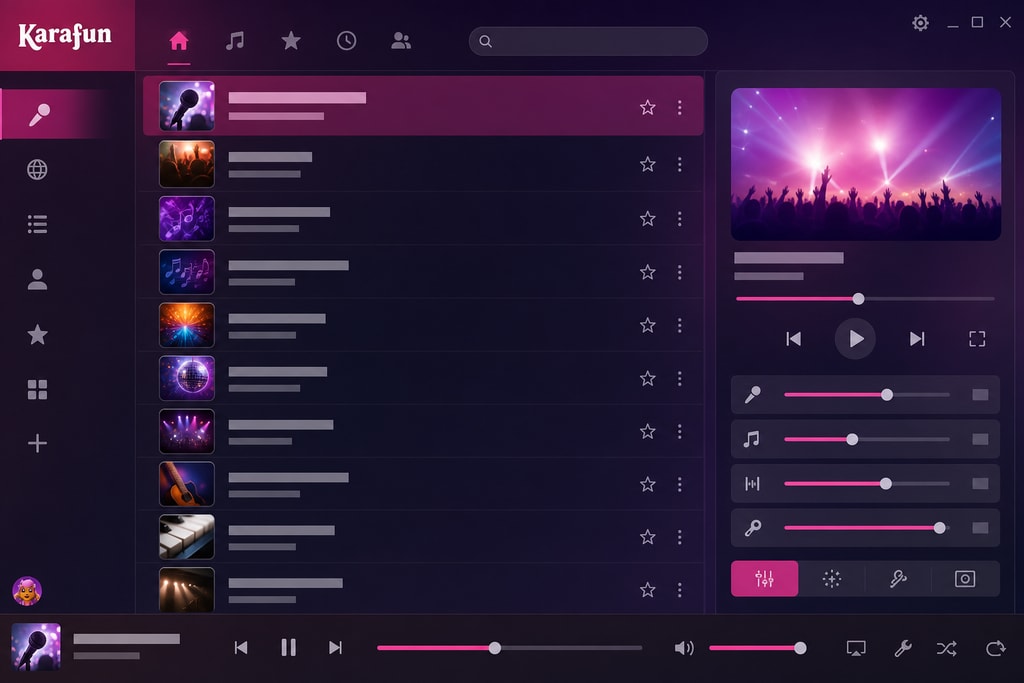
KaraFun stands out with its professional catalog and studio-quality tracks. Its versatile features, like adjustable keys and tempos, make it perfect for comprehensive vocal training.
External Source: Explore KaraFun's features.
UltraStar Deluxe
UltraStar Deluxe is a competitive karaoke platform offering real-time pitch scoring. Compatible with multiple platforms, it's excellent for engaging competitive students.
Potential Pitfall: Ensure a supportive environment to avoid discouraging students who struggle with competition.
Implementing Karaoke Tools: A Step-by-Step Guide
- Assess Educational Goals: Align karaoke tools with curriculum objectives, whether focusing on vocal techniques or performance skills.
- Select Appropriate Tools: Consider factors such as compatibility, song library, and features that fit the educational setting.
- Integrate into Lesson Plans: Strategically include karaoke sessions for warm-ups, practice, or rehearsals, ensuring they complement other teaching methods.
- Monitor Progress: Use tool features to track student advancement, providing feedback and making adjustments as needed.
FAQs
Q: Are karaoke tools suitable for all ages?
A: Absolutely. Karaoke tools can be adapted for various age groups with song selections and features tailored to different skill levels.
Q: Do I need special equipment in the classroom?
A: Generally, a computer or smart device and a microphone suffice. External speakers can enhance sound quality.
Q: Can karaoke be used for instruments?
A: Yes, while primarily for vocals, karaoke tools can provide backing tracks that help with instrumental practice.
Internal Link: Visit the KaraMagic homepage for solutions tailored to your educational needs.
Conclusion
Integrating karaoke tools into music education presents a vibrant approach to teaching, helping educators engage students and refine their skills. With resources like KaraMagic, educators are equipped to transform learning experiences and inspire musical excellence.
Sources and Further Reading
- KaraMagic Official Website
- KaraFun Official Website
- UltraStar Deluxe Official Website
- Best Karaoke Software Options in 2026
- Top Karaoke Apps for 2026: iPhone and Android Guide
—
This article is for informational purposes and does not constitute an endorsement of any specific product.



