
Karaoke isn't just a pastime; it's a passion for many. Whether you're hosting a party, streaming on YouTube, or just having a bit of fun, the right software can make a world of difference. In this extensive guide, we explore the best karaoke video software for Mac users, focusing on maximizing your singing sessions effectively and efficiently.
Why Choose KaraMagic?
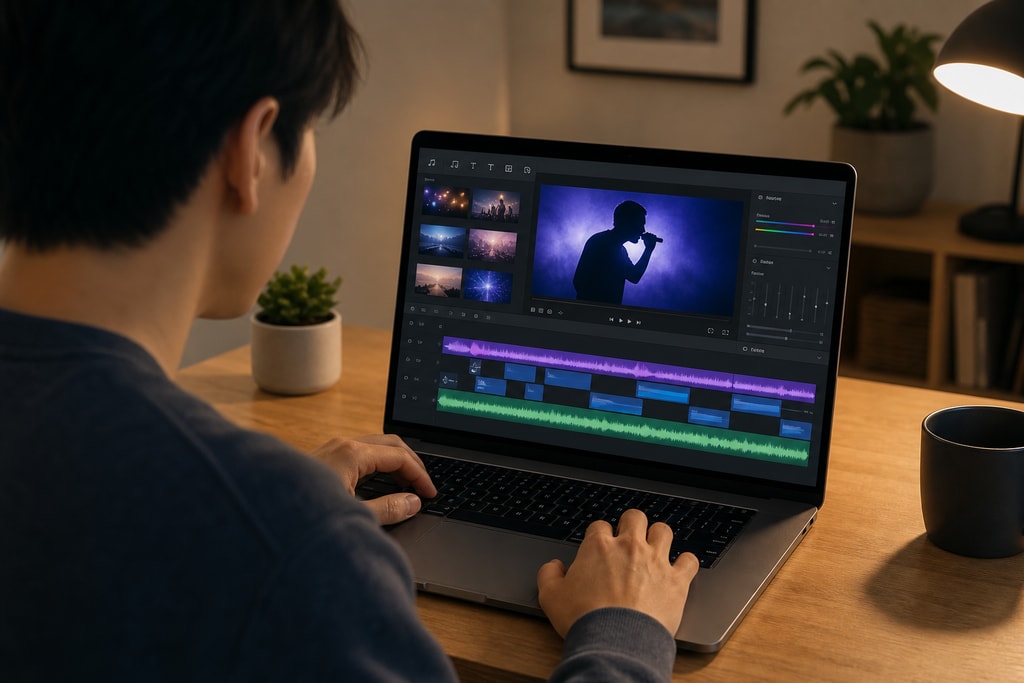
When it comes to karaoke software on Mac, KaraMagic separates itself as a leader. It offers a powerful suite of AI-driven tools that cater to both beginners and seasoned users. The experience remains fully offline, focusing on privacy and quick performance on Apple Silicon Macs.
Key Features of KaraMagic
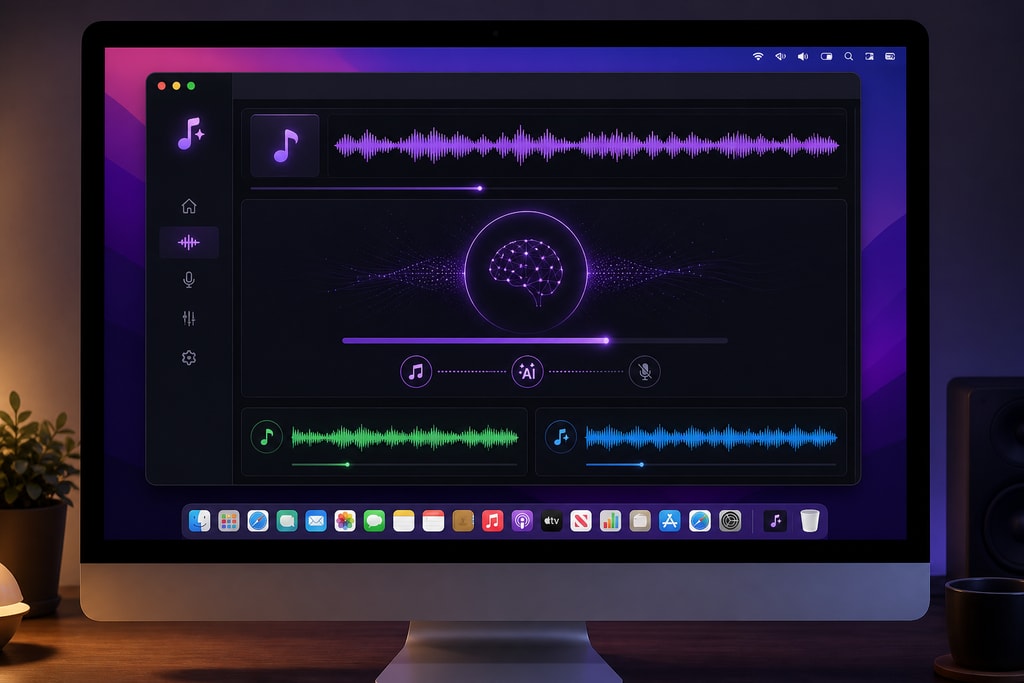
- AI Vocal Removal: Strip away vocals cleanly to get crisp instrumental tracks, perfect for creating unique karaoke tracks.
- Lyric Transcription: Automatically and accurately transcribes lyrics with precise timing, making it user-friendly.
- Customizable Backgrounds: Personalize each karaoke video using themed backgrounds to match the occasion, enhancing the visual appeal.
- Batch Processing: Convert multiple files at once, saving valuable time—ideal for those with extensive music libraries.
Learn more about these features on the KaraMagic homepage.
Practical Example: Customizing for a Themed Party
For a 1980s themed party, use KaraMagic to strip vocals from iconic tracks and apply retro backgrounds, setting the perfect vibe seamlessly in minutes.
Top Competitors: Exploring Alternatives
While KaraMagic excels in many areas, it’s essential to consider other options that may suit different needs and preferences. Each alternative offers a unique set of features tailored to specific user demands.
PCDJ Karaoki
With features geared toward professional users, such as cloud integration and extensive playlist capabilities, PCDJ Karaoki provides a robust experience. Although not Mac-native, it runs efficiently through emulators, offering a viable solution for power users.
iStar Karaoke
iStar boasts a user-friendly interface that's tailor-made for Mac. It supports multiple file formats, making it versatile, although it lacks some of KaraMagic’s advanced features like AI vocal removal.
Just Karaoke 2
Perfect for those new to karaoke or those needing a simple, straightforward setup, Just Karaoke 2 provides essential functionality without the complicated extras.
Mistakes to Avoid
- Choosing software without checking Mac compatibility can lead to performance issues or inaccessible features.
- Neglecting offline capabilities could expose you to privacy risks and requires constant internet access.
Making the Right Choice: A Checklist
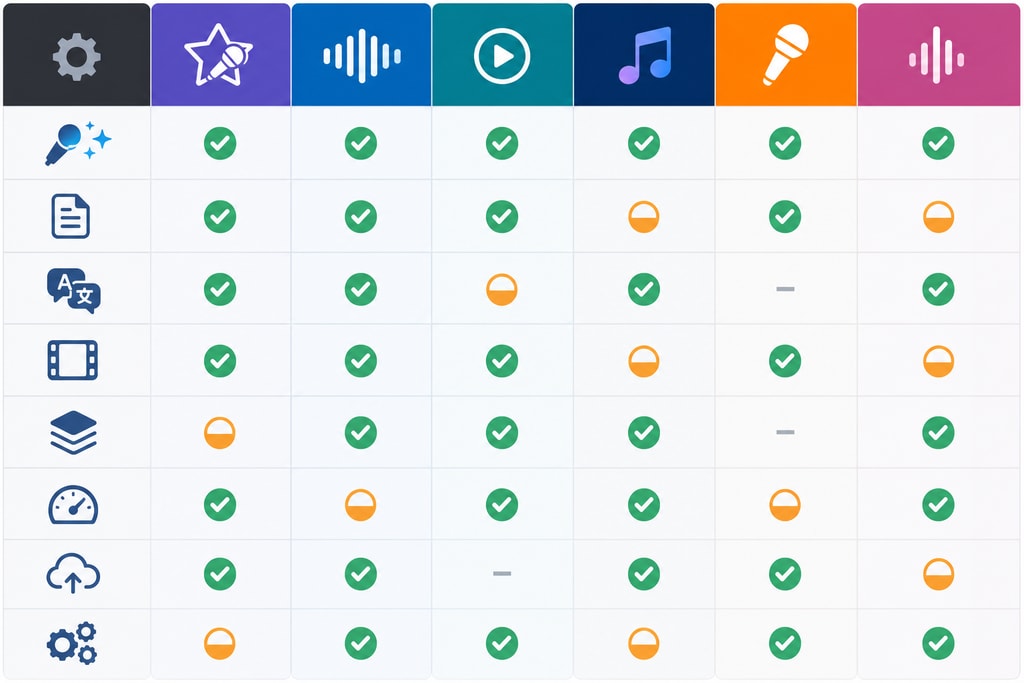
When selecting the best karaoke software for your needs, consider these critical factors:
- Platform Compatibility: Ensure software is optimized for Apple Silicon Macs, offering the best performance.
- Privacy Considerations: Opt for solutions that prioritize offline usage to protect your data.
- Feature Set: Evaluate whether essential AI enhancements and batch processing are available.
- Ease of Use: Consider the interface design—simple navigation is crucial for users at all levels.
- Cost: Weigh the pricing against the offered features. Does it make financial sense?
Explore KaraMagic Pro for advanced workflows and pricing.
FAQ
What is the best karaoke software for professional singers?
For professional use, KaraMagic Pro offers an array of features that deliver high-quality output with extensive customization options.
Is there a free version available?
Yes, KaraMagic Free includes core functionalities such as AI vocal removal and lyric transcription without any charge.
Can I use these software options for live performances?
Indeed, both KaraMagic and specific alternatives are equipped for live settings. Ensure your Mac setup can handle the necessary audio-visual requirements.
What factors should influence my decision the most?
Your primary focus should be on compatibility, feature set, and whether the software meets your specific usage needs, like live performance vs. video creation.
Conclusion
The decision to select the best karaoke video software for Mac involves careful consideration of feature sets, user experience, and cost efficiency. KaraMagic stands out with its comprehensive tools and focus on user privacy. Download KaraMagic Free now or take your experience further with KaraMagic Pro.
Sources and Further Reading
Internal links to explore:



