
Introduction
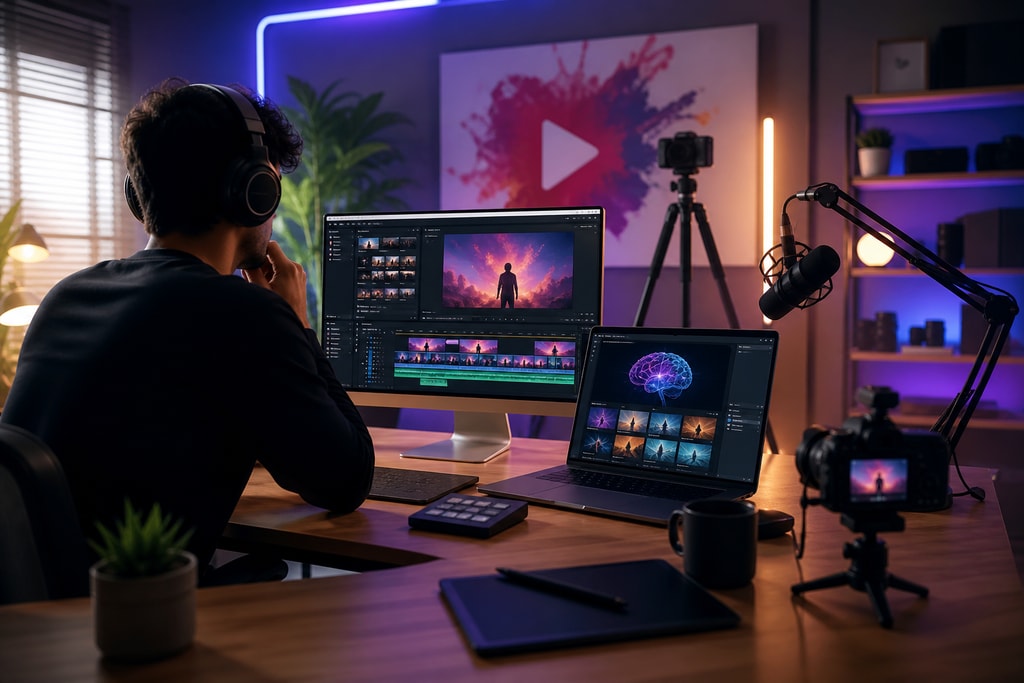
As YouTube continues to evolve into a powerful platform for creators, leveraging cutting-edge AI tools has become indispensable. These tools not only streamline production processes but also enhance the quality and engagement of your content. This guide explores five essential AI tools for YouTube creators in 2026, giving you an edge in a competitive digital landscape.
1. ChatGPT: Your AI-Powered Scriptwriting Assistant

Crafting engaging scripts is crucial for captivating your audience. ChatGPT by OpenAI is an AI-powered assistant that can generate coherent and contextually relevant scripts based on your prompts. It assists in brainstorming ideas, drafting outlines, and producing polished scripts, boosting your efficiency.
Key Features:
- Idea Generation: Get unique angles and perspectives by providing a topic.
- Script Drafting: Develop detailed scripts suited to your style.
- Editing Assistance: Improve existing content with suggested changes.
Practical Example:
Consider a tech reviewer who wants to review the latest smartphone. ChatGPT can generate a script highlighting features, pros, and cons, allowing the creator to focus on filming.
Mistakes to Avoid:
- Over-relying on AI for creativity. Combine AI suggestions with your original insights.
2. Descript: Revolutionizing Video Editing
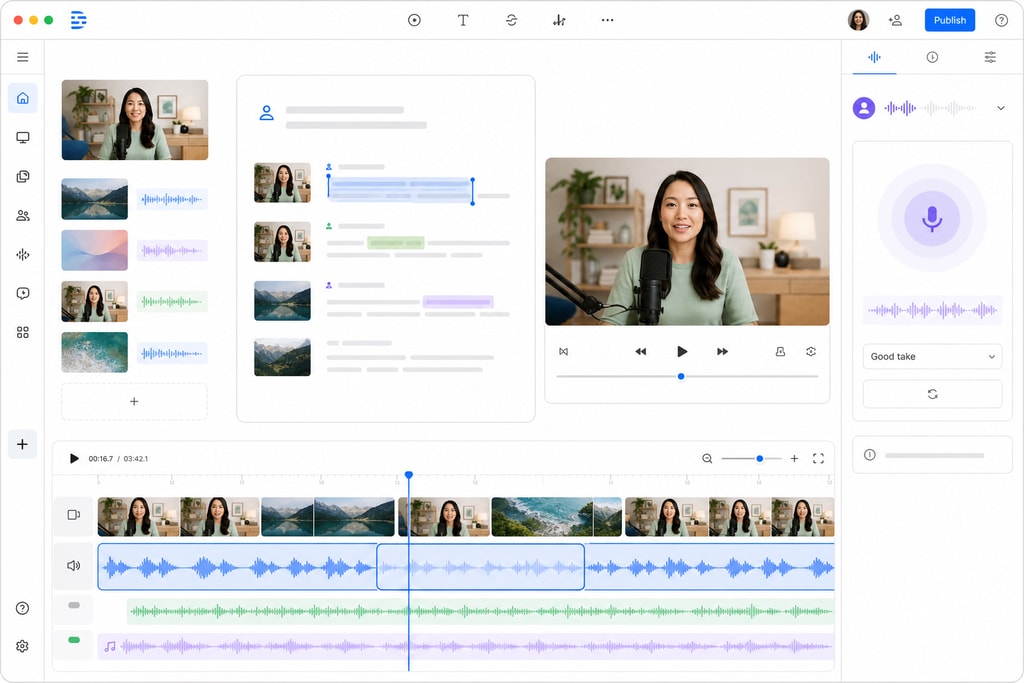
Video editing is often time-consuming. Descript transforms editing into a more intuitive process with text-based editing, AI-driven transcription, voice cloning, and filler word removal.
Key Features:
- Text-Based Editing: Edit video like a text document.
- Overdub: Generate voiceovers using a cloned voice.
- Screen Recording: Easily capture and edit screen footage.
Practical Example:
A tutorial creator uses Descript for screen recordings. The AI transcribes audio, allowing quick edits and perfect voiceovers without re-recording.
Mistakes to Avoid:
- Ignoring manual checks. Ensure AI-edited content aligns with your intended message.
3. ElevenLabs: High-Quality AI Voice Generation
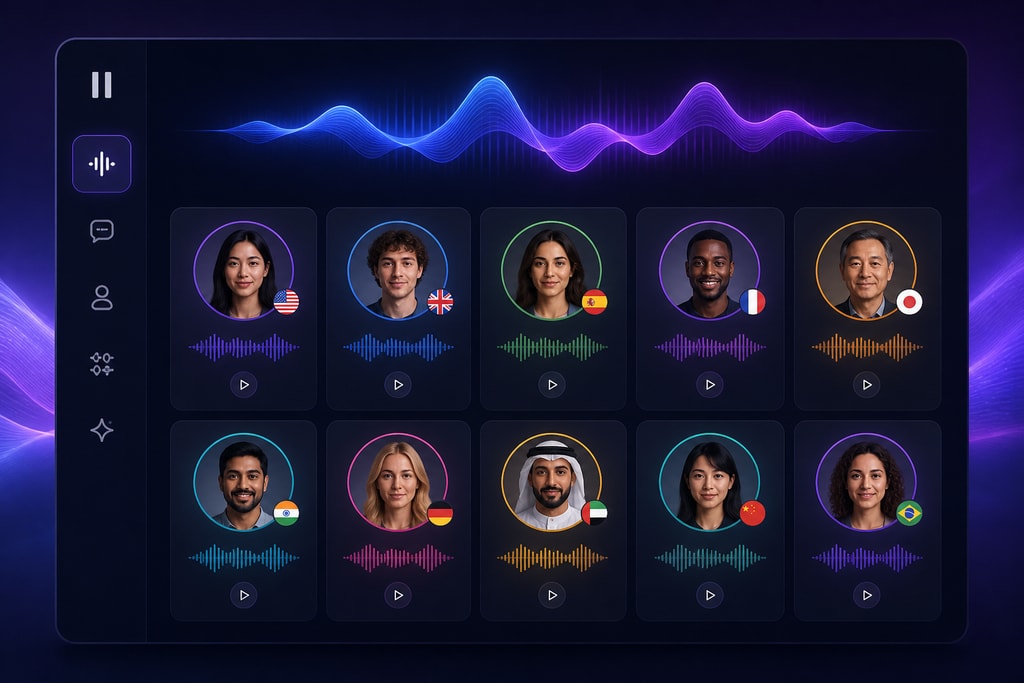
For those who prefer alternative narration styles or require multilingual videos, ElevenLabs provides lifelike AI-generated voices across various languages.
Key Features:
- Voice Cloning: Maintain consistent narration with a replicated voice.
- Multilingual Support: Expand reach with various languages.
- Emotion Control: Adjust the emotional tone to suit your content.
Practical Example:
A documentary filmmaker uses ElevenLabs for narrating content in multiple languages, broadening their audience without hiring voice actors.
Mistakes to Avoid:
- Neglecting emotional balance. Ensure that voice tone matches the video’s mood.
4. Canva Magic Studio: AI-Driven Thumbnail Creation
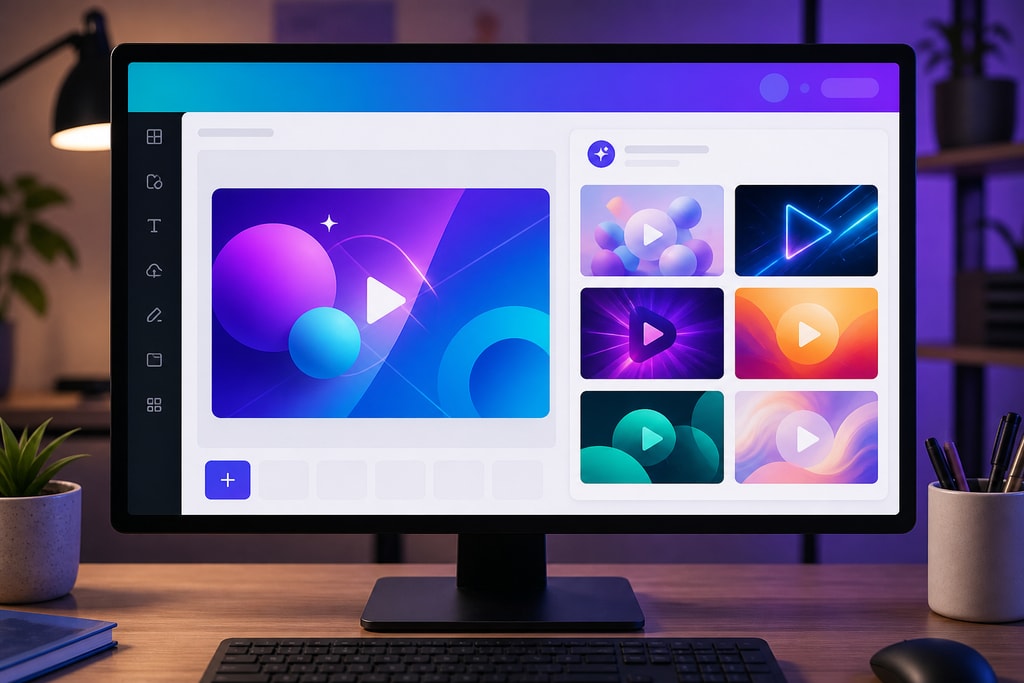
Eye-catching thumbnails are vital for drawing viewers. Canva Magic Studio helps create engaging thumbnails that align with your content and branding.
Key Features:
- Template Suggestions: Receive AI-recommended templates.
- Design Assistance: Optimize engagement with well-crafted layouts.
- Brand Kit Integration: Ensure brand consistency across thumbnails.
Practical Example:
A lifestyle vlogger inputs their video’s theme, and Canva Magic Studio suggests thumbnails that resonate with their audience.
Mistakes to Avoid:
- Clashing designs. Match the thumbnail’s style with your channel’s overall branding.
5. VidIQ: AI-Powered SEO and Analytics
Optimizing for YouTube’s algorithm is essential for growth. VidIQ offers AI-driven insights for SEO, helping choose effective keywords, analyze competitors, and track metrics.
Key Features:
- Keyword Research: Identify high-impact keywords for your niche.
- Competitor Analysis: Gain insights into rivals’ strategies.
- Performance Tracking: Monitor videos and improve continuously.
Practical Example:
An educational channel uses VidIQ to find trending keywords, optimize titles, and analyze which topics resonate most.
Mistakes to Avoid:
- Ignoring updates. Regularly revisit keyword strategies as trends evolve.
Integrating AI Tools into Your Workflow
Utilizing AI tools can transform your content creation workflow effectively:
- Ideation and Scripting: Employ ChatGPT for brainstorming and script drafting.
- Recording: Capture your content through your preferred method.
- Editing: Leverage Descript for streamlined editing and voiceovers.
- Thumbnail Design: Use Canva Magic Studio for engaging thumbnails.
- SEO Optimization: Apply VidIQ to optimize video metadata.
- Publishing: Monitor performance and adapt strategies.
FAQ
Q: Are these AI tools suitable for beginners?
A: Yes, these tools are designed for ease of use, with tutorials available to help beginners.
Q: Do these tools require subscriptions?
A: Some have free versions, but full features generally require a subscription.
Q: Can AI replace human creativity?
A: AI enhances creativity by handling routine tasks, allowing creators more focus on innovative aspects.
Q: How does AI impact video SEO?
A: AI-driven tools provide deep insights, improving searchability and engagement through tailored content strategies.
Q: Which tool is best for thumbnail creation?
A: Canva Magic Studio is highly recommended for its intuitive design features tailored for YouTube.
Conclusion
AI tools are transforming YouTube content creation by increasing efficiency and enhancing content quality. Integrating tools like ChatGPT, Descript, ElevenLabs, Canva Magic Studio, and VidIQ into your workflow can not only streamline processes but also significantly impact your content’s success. Embrace these technologies to stay ahead in the competitive world of digital media.
For creating engaging lyric videos, consider utilizing LyricMagic Free for AI-driven solutions.
—
Sources and Further Reading:
- ChatGPT by OpenAI
- Descript Official Website
- ElevenLabs AI Voice Generation
- Canva Magic Studio
- VidIQ YouTube Optimization
—
Note: The information provided is based on the latest available data as of July 2026.



