
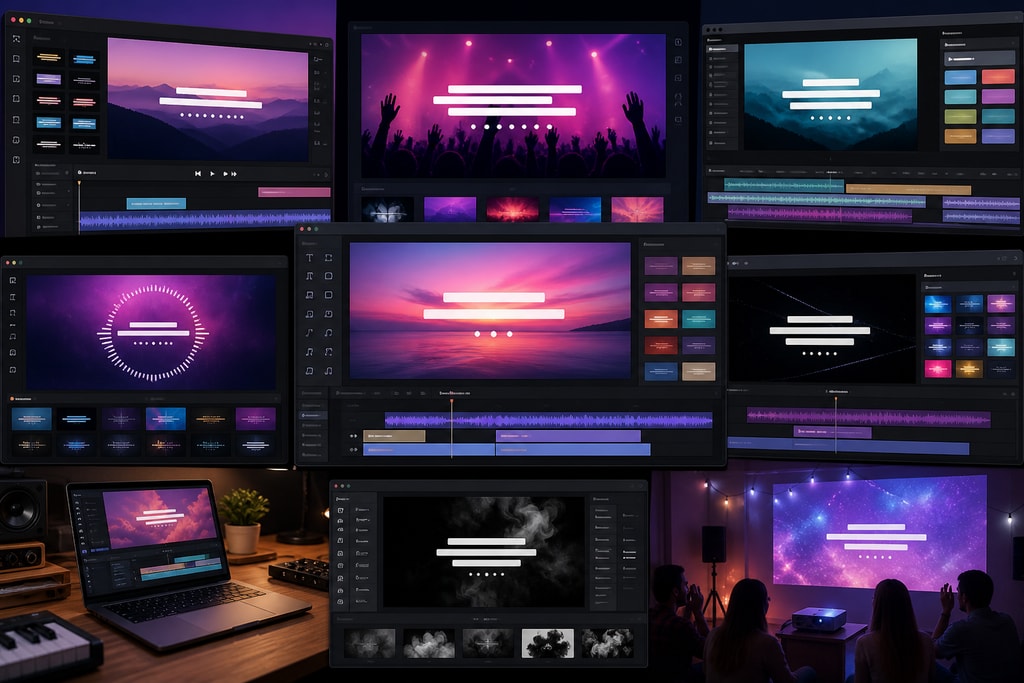
Creating captivating lyric videos has become an essential strategy for content creators and music enthusiasts in 2026. These videos not only enhance the music-listening experience but also broaden audience reach on platforms like YouTube.
Why Lyric Videos Are Important
In a digital age where visual content reigns supreme, lyric videos offer a way to enjoy music with engaging visuals and text. They're particularly popular on social media for their ability to capture viewers' attention instantly. Moreover, they provide an avenue for creators to visually interpret music, adding layers of meaning and enhancing audience engagement.
Essential Features in Lyric Video Tools
To choose the right lyric video creator, assess tools with the following key features:
- AI-Driven Lyric Transcription: Reduces manual effort by automatically generating synchronized lyrics.
- Customizable Backgrounds: Enhances the aesthetic appeal, allowing personal or brand-specific designs.
- Batch Processing: Saves time by enabling the creation of multiple videos simultaneously.
- Offline Capabilities: Ensures data security and functionality without relying on internet access.
Mistakes to Avoid
Selecting a tool without considering your specific needs can lead to inefficient workflows. Avoid tools lacking offline capabilities if you often work in environments with limited internet access.
Top Lyric Video Creator Tools
1. LyricMagic
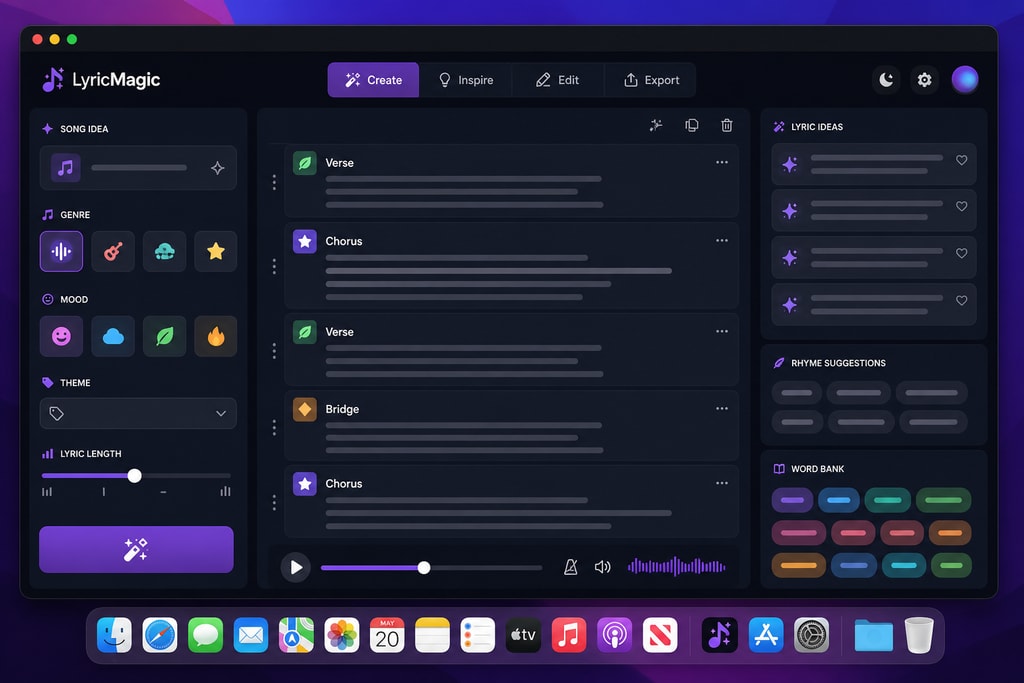
LyricMagic is an ideal choice for Mac users who prioritize offline functionality. The tool comes in two versions:
- LyricMagic Free: Perfect for beginners, offering AI-driven lyric transcription.
- LyricMagic Pro: Provides advanced features like custom backgrounds and batch creation.
Practical Tips
- Start with the free version to familiarize yourself with the basic features before upgrading.
- Use the batch processing feature for efficient management of multiple projects.
2. Animaker
Animaker provides an easy-to-use platform with numerous templates for quick video creation. Its collaboration features make it particularly suitable for team projects.
Decision Criteria
Choose Animaker if you need a web-based tool with robust collaboration features. However, note the lack of AI transcription, which may require additional manual lyric syncing.
3. Adobe After Effects
For those seeking high-end customization, Adobe After Effects offers robust tools for professional-grade graphic and text animations.
Advanced Uses
- Utilize complex animation and effect layers to create stunning visual narratives.
- The steep learning curve is offset by the deep customization potential, making it ideal for advanced users.
Choosing the Right Tool
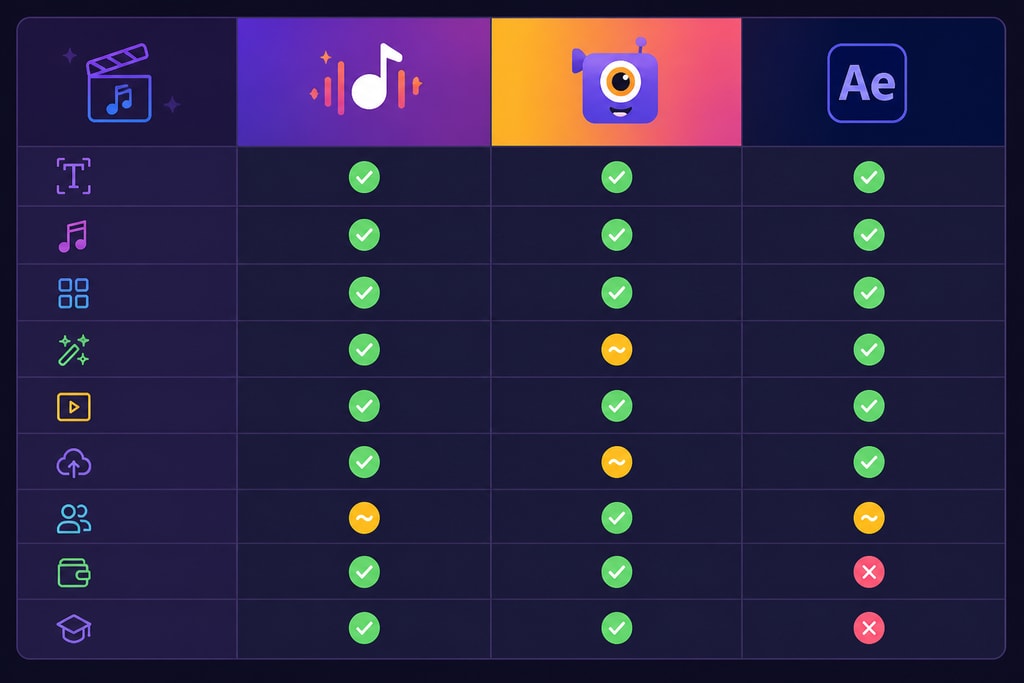
| Feature | LyricMagic | Animaker | Adobe After Effects | |———————–|————|———-|———————| | AI Transcription | Yes | No | No | | Custom Backgrounds | Yes (Pro) | Yes | Yes | | Offline Capabilities | Yes | No | No |
Topic-Specific Advice
- Beginners: Start with LyricMagic Free to grasp the basics.
- Collaborative Projects: Consider Animaker for its team-friendly features.
- Professional Productions: Use Adobe After Effects for high customization.
FAQs
What are the benefits of using offline tools like LyricMagic?
LyricMagic ensures user privacy by operating entirely offline, eliminating data security concerns related to cloud processing.
Can I use LyricMagic for free?
Yes, the LyricMagic Free version provides essential features for creating lyric videos without any cost.
How does AI-driven transcription improve workflow?
AI-driven transcription automates the process of aligning lyrics with music, significantly speeding up production and minimizing errors.
Do I need graphic design skills to use these tools?
While tools like Adobe After Effects benefit from graphic design knowledge, LyricMagic and Animaker are user-friendly enough for those without extensive experience.
Sources and Further Reading
- Animaker's Official Guide: Official documentation for Animaker.
- Adobe After Effects Features: Adobe's official page on After Effects features.
- Understanding AI in Music: Article on the role of AI in music production.
- LyricMagic Pro: Explore advanced features of LyricMagic Pro for professional use.
- LyricMagic Free: Try out LyricMagic Free for basic lyric video creation.
Master the art of lyric video creation with the right tools. Whether you aim for simplicity with LyricMagic or professional customization with Adobe, your journey starts here.



