
Creating karaoke videos involves more than just displaying lyrics on a screen; it requires high-quality instrumental tracks devoid of original vocals. With advancements in AI technology, tools like KaraMagic have simplified the vocal removal process, enabling users to produce professional-grade karaoke videos efficiently.
Understanding Vocal Removal
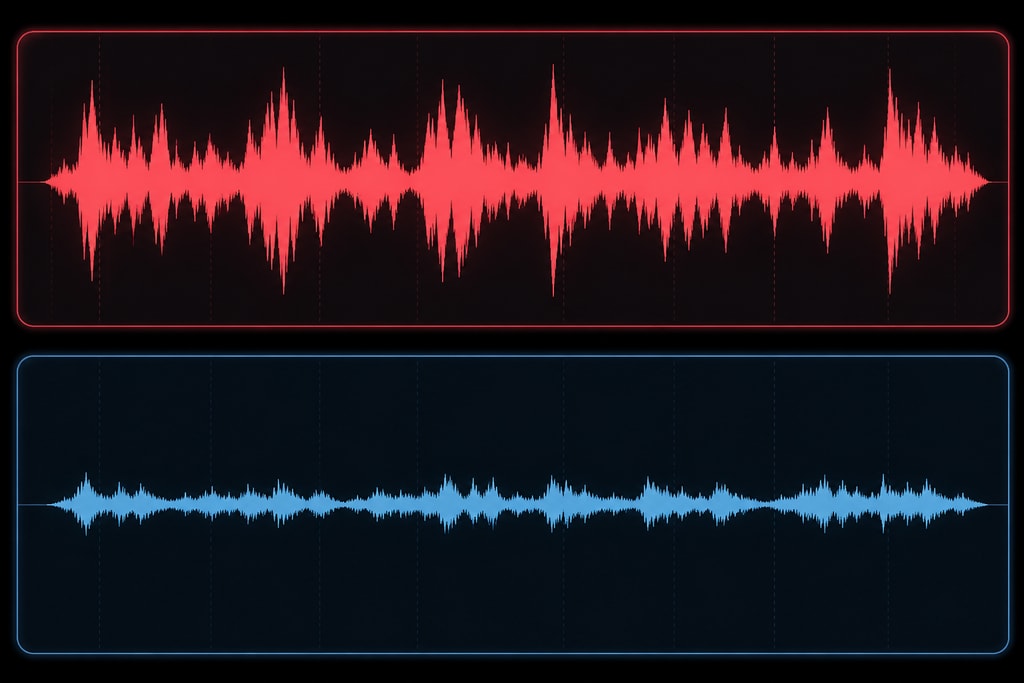
Vocal removal is the process of isolating and extracting the vocal components from a song, leaving behind the instrumental accompaniment. This technique is essential for creating karaoke tracks, remixes, and practice materials for musicians.
Challenges in Vocal Removal
Historically, removing vocals from a mixed audio track posed significant challenges due to the intricate blending of vocals and instruments. Traditional methods, such as phase cancellation, often resulted in subpar quality, leaving residual vocals or distorting the instrumental. Modern AI-driven approaches have significantly improved this process by analyzing and separating audio components more effectively.
Advances in AI for Vocal Removal
Today's AI algorithms can differentiate between vocals and instruments with impressive precision. By employing neural networks, AI tools like KaraMagic deeply analyze audio frequencies and patterns, effectively separating vocals while preserving instrumental quality. This technology reduces errors and enhances the final output, making it ideal for karaoke production.
KaraMagic: Revolutionizing Vocal Removal
KaraMagic leverages advanced AI algorithms to facilitate the vocal removal process, offering both Free and Pro versions tailored to different user needs.
Features of KaraMagic Free
- AI-Powered Vocal Removal: Automatically isolates and removes vocals from audio files.
- Lyric Transcription and Timing: Generates accurate lyrics with synchronized timing.
- Embedded Lyrics: Integrates lyrics directly into the video output.
Enhanced Capabilities with KaraMagic Pro
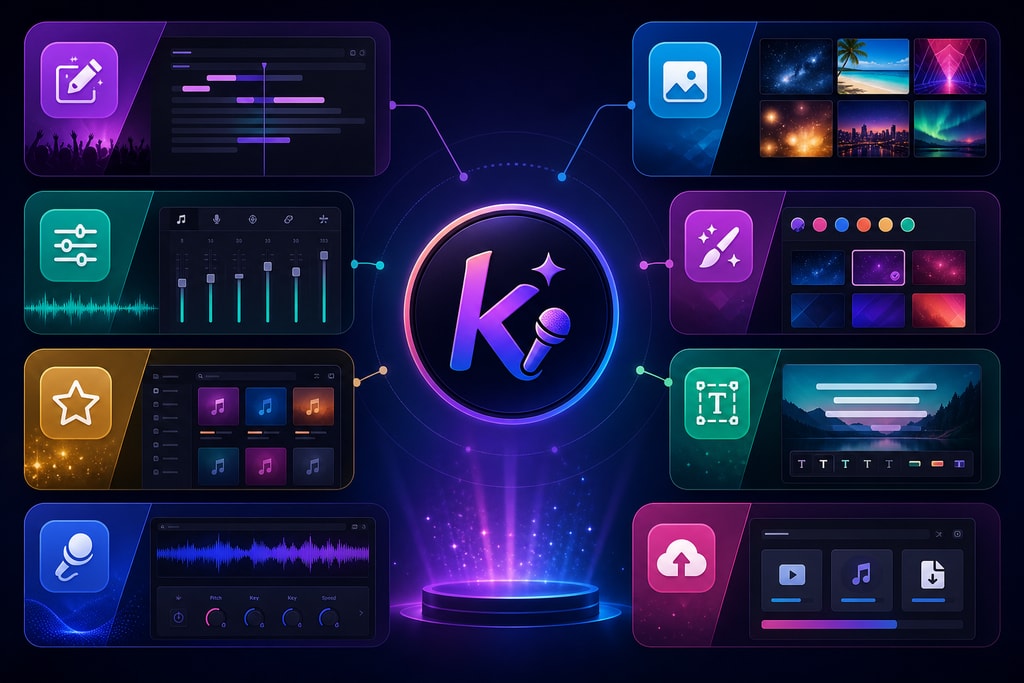
- Watermark-Free Exports: Produces clean videos without watermarks.
- Lyric Editing: Allows customization and correction of transcribed lyrics.
- Customizable Backgrounds: Offers options to personalize video backgrounds.
- Batch Processing: Enables processing of multiple videos simultaneously.
Decision Criteria: Free vs. Pro
When deciding between the Free and Pro versions of KaraMagic, consider the following:
- Budget Constraints: If you're a hobbyist or just starting out, the Free version might suffice. However, if you're producing videos professionally, the Pro version's features such as batch processing and customizable outputs are invaluable.
- Output Quality: The Pro version's watermark-free exports and customizable features offer a polished finish essential for professional use.
- Feature Needs: Advanced user needs like editing and transcribing lyrics more accurately are better supported in the Pro version.
Step-by-Step Guide to Removing Vocals with KaraMagic
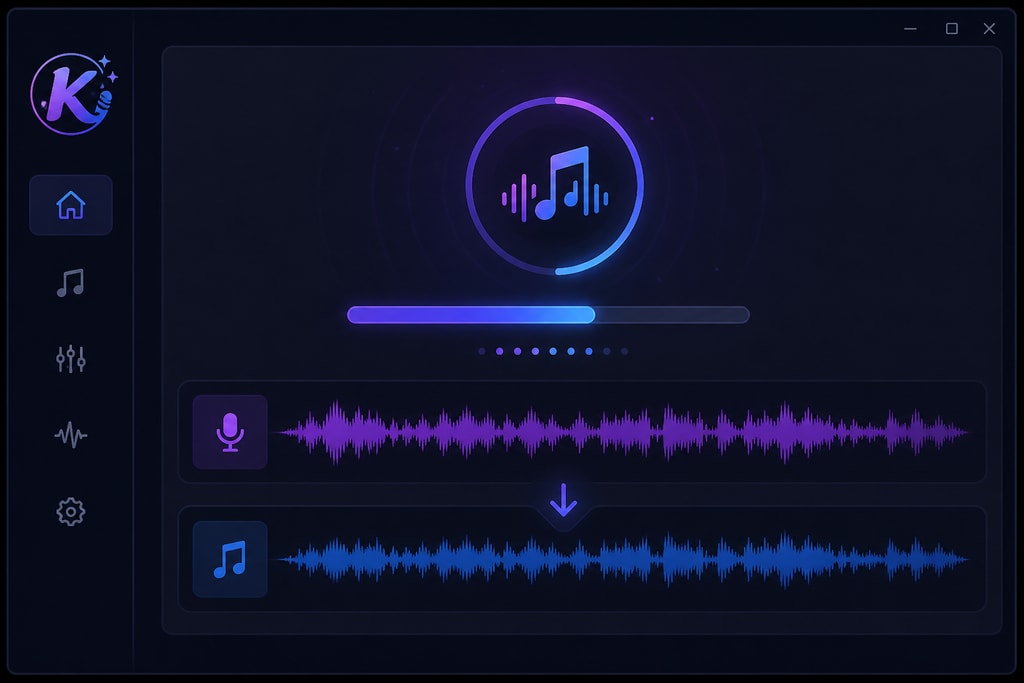
Follow these steps to create karaoke videos using KaraMagic:
- Download and Install KaraMagic:
- Visit the KaraMagic Free page to download the application.
- Follow the installation instructions for your Mac device.
- Import Your Audio File:
- Launch KaraMagic and select the audio file you wish to process.
- Initiate Vocal Removal:
- Use the AI-powered feature to remove vocals from the selected track.
- Review and Edit Lyrics (Pro Version):
- If using KaraMagic Pro, review the transcribed lyrics and make necessary edits.
- Customize Video Output:
- Choose background visuals and other settings to enhance your video.
- Export the Karaoke Video:
- Save the final product in your desired format.
Practical Examples
- School Talent Shows: Music teachers can create karaoke tracks for school performances, enabling students to focus on their vocal skills.
- Amateur Covers: Aspiring artists can produce high-quality cover videos without the need for a full band.
Mistakes to Avoid
- Ignoring Audio Quality: Always use high-quality audio files as the source for better results.
- Rushing the Lyric Editing: Ensure lyrics are accurately transcribed and timed, enhancing viewer experience.
- Overlooking Customization Options: Utilize the customizable features to make your video stand out.
Best Practices for Optimal Results
- Use High-Quality Audio Files: Ensure the source audio is of high quality to achieve better vocal removal outcomes.
- Verify Lyric Accuracy: Double-check the transcribed lyrics for accuracy, especially when using the Pro version.
- Experiment with Backgrounds: Utilize customizable backgrounds to create visually appealing videos.
Frequently Asked Questions
Q: Can KaraMagic remove vocals from any song?
A: KaraMagic is designed to handle a wide range of audio files; however, the effectiveness may vary depending on the complexity of the original mix.
Q: Is an internet connection required to use KaraMagic?
A: No, KaraMagic operates entirely offline, ensuring user privacy and convenience.
Q: What are the system requirements for KaraMagic?
A: KaraMagic is optimized for Apple Silicon Macs and requires macOS 11.0 or later.
Q: How does AI improve the vocal removal process compared to old methods?
A: AI uses advanced algorithms to more accurately separate vocals from instruments, reducing errors and improving sound quality compared to phase cancellation techniques.
Q: Can I share my karaoke videos directly online?
A: Yes, once exported, your videos can be uploaded to any video sharing platform.
Sources and Further Reading
- How to Remove Vocals From a Song: 2026 Step-by-Step Guide
- How to Remove Vocals from a Song: 5 Methods Compared (2026)
- How to Remove Vocals From a Song Using AI (Step-by-Step)
- KaraMagic Free
- KaraMagic Pro
By following this guide and utilizing KaraMagic's advanced features, you can create high-quality karaoke videos tailored to your preferences. Explore the KaraMagic Pro version for enhanced capabilities and a more personalized experience.



