Introduction
In a digital world dominated by online streaming, offline karaoke tools provide a reliable and private alternative for both enthusiasts and professionals. Whether you're hosting a karaoke night, preparing for a performance, or enjoying a solo session, having the right offline software is essential. This guide explores the top offline karaoke tools for 2026, with a special focus on KaraMagic, a standout choice for Mac users.
Why Choose Offline Karaoke Software?
Offline karaoke software offers distinct advantages:
- Privacy: Performances and data remain on your device, safeguarding confidentiality.
- Reliability: Remove the risk of internet outages, ensuring uninterrupted sessions.
- Performance: Experience faster processing and reduced latency compared to online alternatives.
Offline karaoke solutions cater to various needs, from casual singing to professional preparation. They are suitable for users looking for privacy, high-quality audio, and customizable features.
Top Offline Karaoke Tools for 2026
1. KaraMagic
Overview:
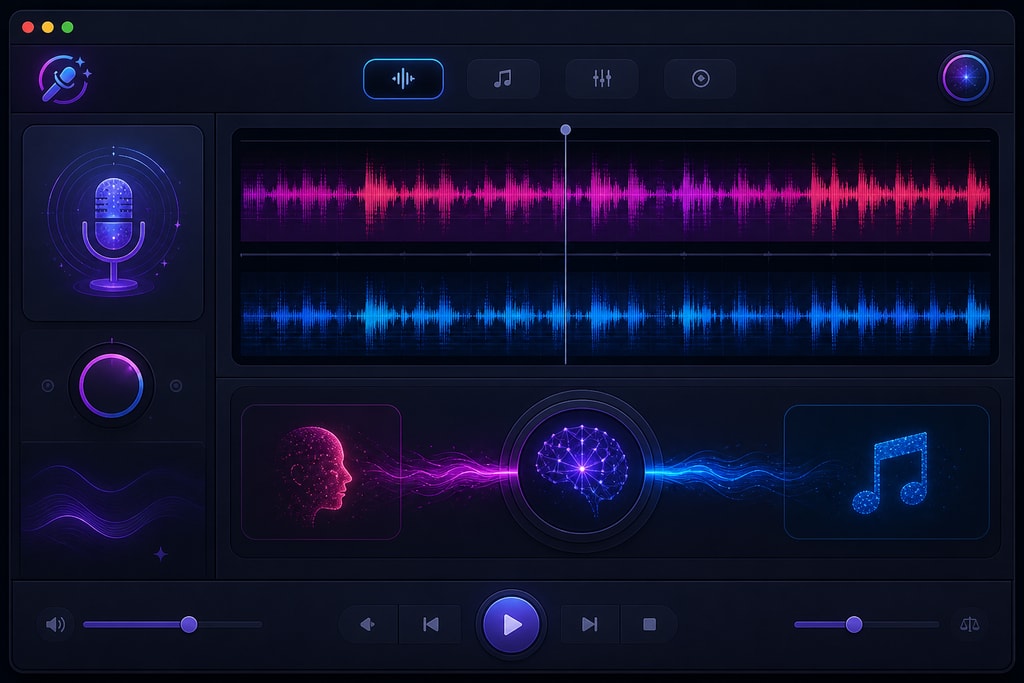
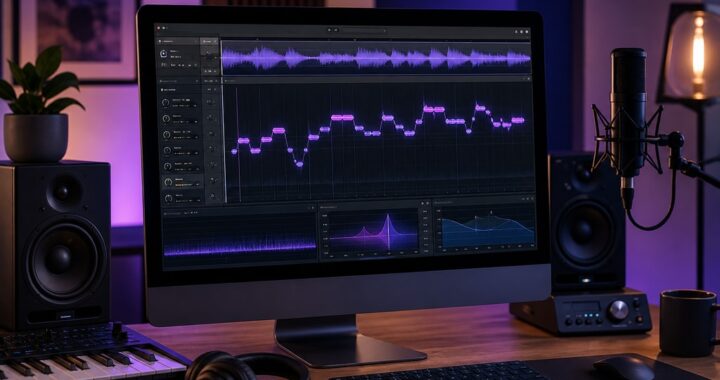
KaraMagic is a Mac desktop application designed to create karaoke and lyric videos offline. It uses AI to remove vocals, transcribe lyrics, and synchronize them with your videos.
Key Features:
- AI Vocal Removal: Extract vocals from music videos or audio files efficiently.
- Lyric Transcription: Automatically transcribe and time lyrics accurately.
- Customizable Outputs: Edit lyrics, choose backgrounds, and export videos without watermarks (Pro version).
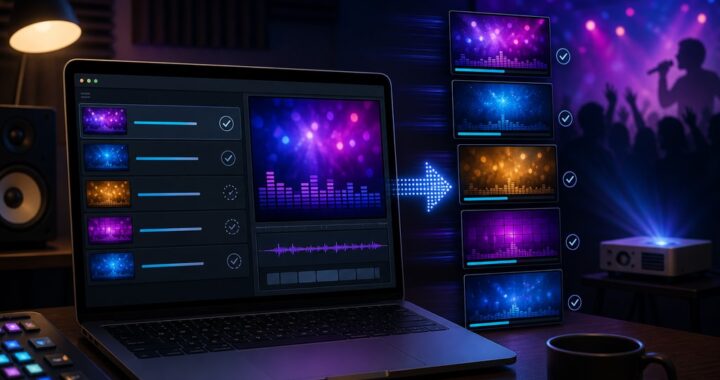
- Batch Processing: Create multiple karaoke videos simultaneously (Pro version).
Versions:
- KaraMagic Free: Core features with a watermark on output videos. Download KaraMagic Free
- KaraMagic Pro: Advanced functionalities including watermark-free exports and batch processing. Purchase KaraMagic Pro
System Requirements:
- Compatible with Apple Silicon Macs.
- Operates entirely offline, ensuring user privacy.
User Experience:
KaraMagic's intuitive interface allows users to create karaoke videos effortlessly. The AI-driven processes ensure accuracy in vocal removal and lyric synchronization, making it a top choice for Mac users seeking offline solutions.
2. KaraFun
Overview:
KaraFun is versatile karaoke software available on multiple platforms, offering both online and offline modes.
Key Features:
- Extensive Song Library: Access to over 46,000 songs across various genres.
- Offline Mode: Download songs for offline use.
- Customization: Adjust key and tempo, and record performances.
Pricing:
- Subscription-based model with a free tier offering limited access.
User Experience:
KaraFun’s user-friendly interface and extensive song library make it popular among casual users and professionals. The offline mode ensures uninterrupted sessions, even without internet access.
3. Kanto Karaoke
Overview:
Kanto Karaoke is a professional karaoke player for Windows and macOS, supporting a wide range of multimedia formats.
Key Features:
- Wide Format Support: Plays MP3, MID, KAR, MP4, and more.
- Live Performance Mode: Manage playlists and apply fade effects seamlessly.
- Recording Capabilities: Record performances with high-quality audio.
Pricing:
- One-time purchase with a free trial available.
User Experience:
Kanto Karaoke's robust features cater to both home users and professionals. Its format support and live performance tools make it a reliable offline option.
4. UltraStar Deluxe
Overview:
UltraStar Deluxe is a free, open-source karaoke game inspired by the SingStar series.
Key Features:
- Scoring System: Compete with friends by scoring singing accuracy.
- Custom Songs: Add custom songs with adjustable lyrics and backgrounds.
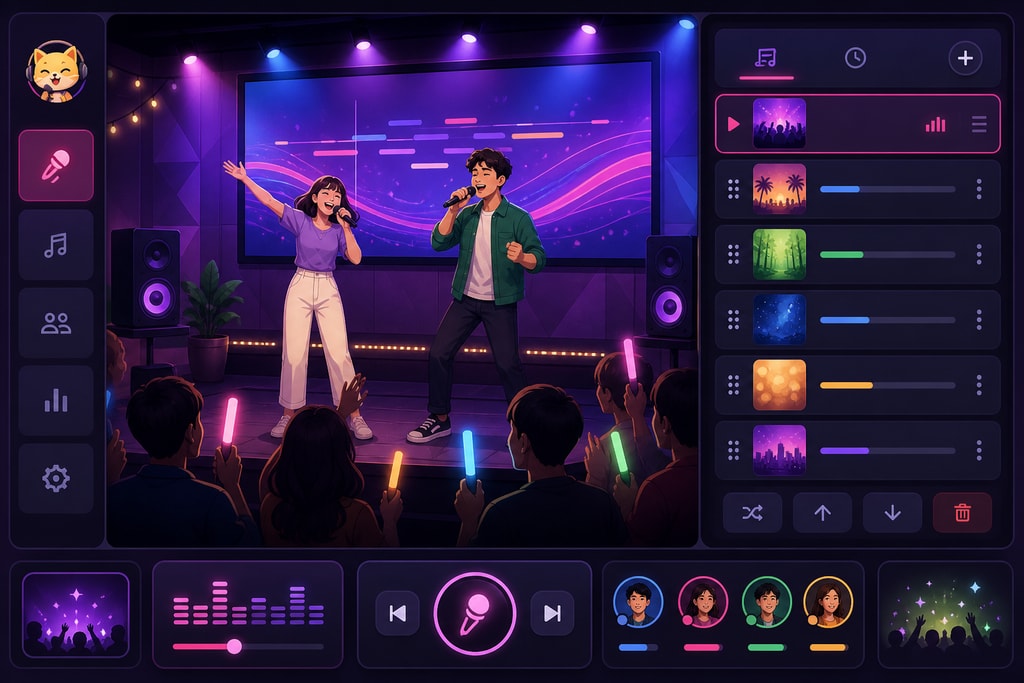
- Multiplayer Mode: Support for group singing sessions.
Pricing:
- Free and open-source.
User Experience:
UltraStar Deluxe offers a fun karaoke experience, especially for competitive home use. Its open-source nature allows extensive customization.
Decision-Making Guide: Choosing the Right Offline Karaoke Tool
When selecting the best offline karaoke software, consider the following factors:
| Feature | KaraMagic | KaraFun | Kanto Karaoke | UltraStar Deluxe | |————————-|———–|———|—————|——————| | Platform | macOS | Multi | Multi | Multi | | AI Vocal Removal | Yes | No | No | No | | Lyric Transcription | Yes | No | No | No | | Offline Mode | Yes | Yes | Yes | Yes | | Customization | High | Medium | High | High | | Pricing | Free/Pro | Subscription | One-time | Free |
Considerations:
- Platform Compatibility: Ensure the software is compatible with your operating system.
- Feature Set: Determine essential features like AI vocal removal, lyric transcription.
- Budget: Consider the pricing model that suits you best (free, one-time purchase, subscription).
Common Mistakes to Avoid
- Ignoring System Requirements: Always check compatibility with your device.
- Overlooking Free Alternatives: Free tools like UltraStar Deluxe offer rich features without cost.
- Neglecting Updates: Ensure your software is updated for the latest features and security.
FAQs
Q: Can I use KaraMagic on Windows?
A: Currently, KaraMagic is designed exclusively for Apple Silicon Macs.
Q: Does KaraFun require an internet connection?
A: KaraFun offers an offline mode where you can download songs for offline use.
Q: Is UltraStar Deluxe suitable for professional use?
A: While UltraStar Deluxe is feature-rich, it is primarily designed for casual and competitive home use.
Q: Does Kanto Karaoke support video backgrounds?
A: Yes, Kanto Karaoke allows users to add video backgrounds to enhance the karaoke experience.
Q: What makes KaraMagic unique for Mac users?
A: KaraMagic offers AI-driven vocal removal and lyric synchronization, making it highly efficient for creating karaoke videos on macOS.
Additional Resources
- KaraMagic Free – Download for basic features.
- KaraMagic Pro – Purchase for advanced functionalities and features.