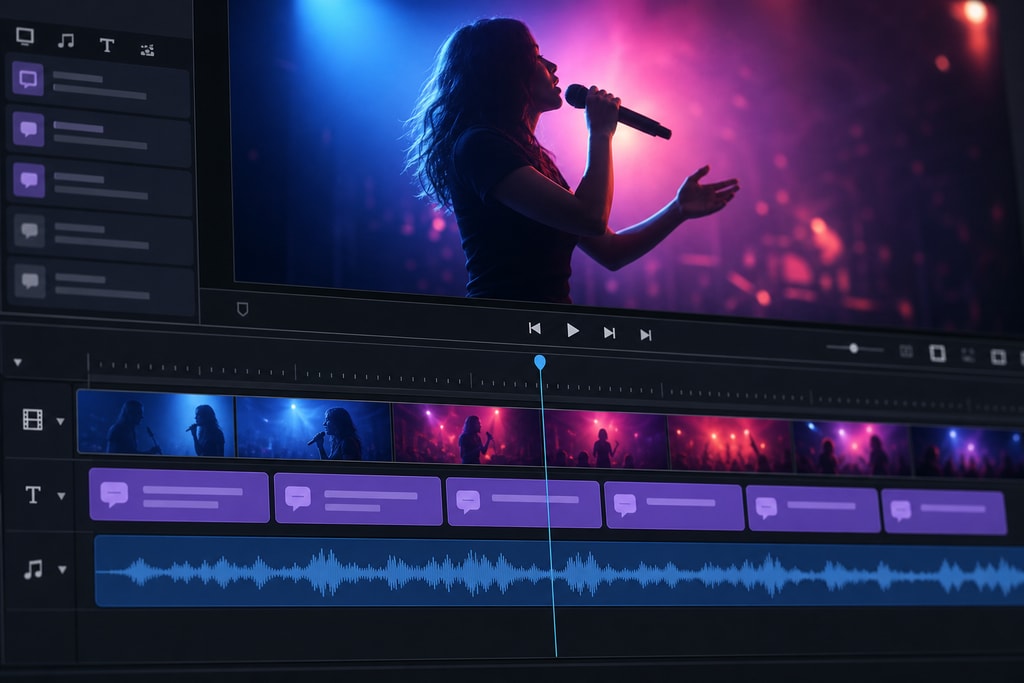
Creating a lyric video that perfectly synchronizes text with music captures your audience's attention and delivers a polished product. Whether you're a content creator, musician, or educator, mastering lyric synchronization can elevate your videos to a professional standard. This SEO guide provides in-depth advice on using LyricMagic, a powerful tool designed for Mac users, alongside practical examples, decision criteria, and common pitfalls.
Understanding Lyric Synchronization
Lyric synchronization is about aligning lyrics visually with their corresponding parts in a song. This process ensures viewers can follow along effortlessly, enhancing engagement and the impact of your video. Misalignment can detract from viewers' experience, making precision critical.
Preliminary Preparation: Setting Up for Success
Before delving into synchronization, gather your tools and tasks:
- High-Quality Audio File: Prioritize clear, high-quality audio to ensure precise synchronization. Opt for lossless formats like WAV or AIFF. Files in these formats maintain the integrity of the original sound, crucial for achieving precise timing. (heygen.com)
- Accurate Lyrics: Ensure your lyrics are correctly formatted, breaking them into lines according to musical phrases. Avoid extraneous annotations, which can lead to confusion during the synchronization process. (help.mykaraoke.video)
Using LyricMagic for Seamless Synchronization
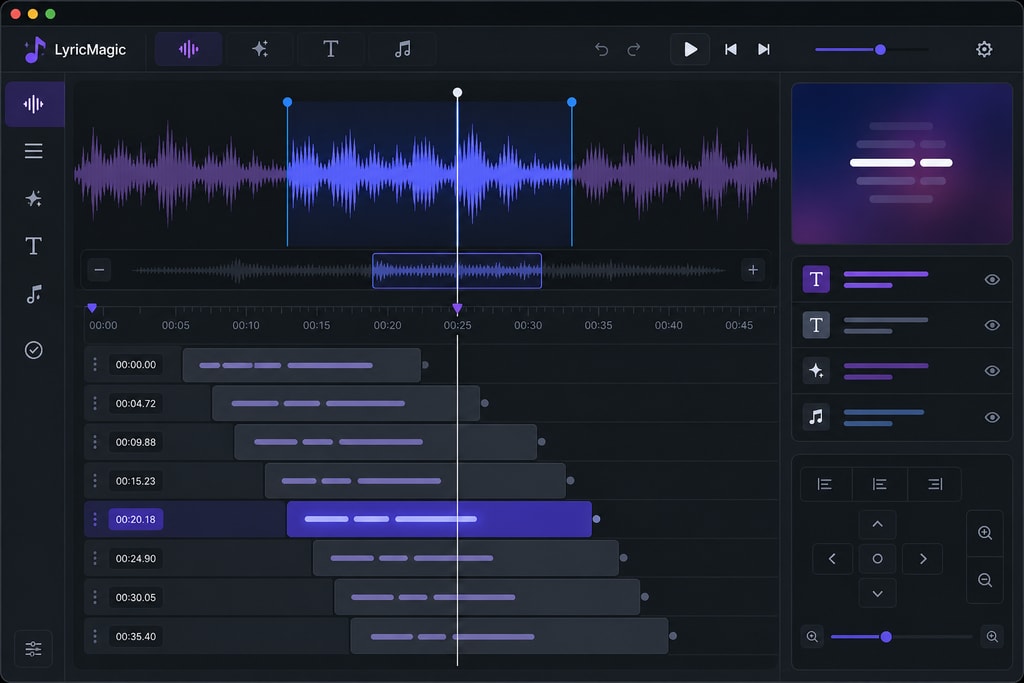
LyricMagic simplifies the process of syncing lyrics to video. Here’s how to leverage its features effectively:
- Import Your Audio File: Start by importing your audio into LyricMagic. The software accepts various formats, showcasing its versatility across projects.
- Automatic Lyric Transcription: Harness LyricMagic’s AI-driven transcription to auto-generate lyrics from your audio. This capability not only saves time but also enhances accuracy.
- Review and Edit Lyrics: Post-transcription, meticulously review lyrics for errors. LyricMagic enables direct text edits within the application, ensuring accuracy.
- Sync Lyrics with Music: Utilize LyricMagic’s synchronization tools to align every lyric line accurately with the song. With its visual waveform display, precise timing becomes less complicated.
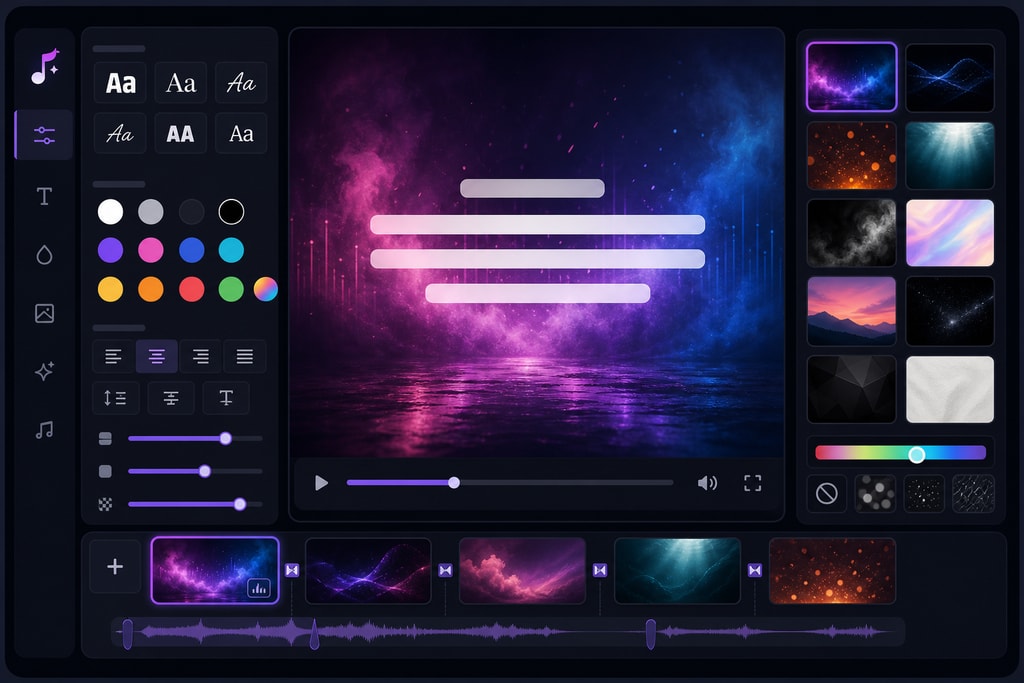
- Customize Visuals: Upgrade the visual appeal of your video by customizing backgrounds, fonts, and animations. LyricMagic offers myriad options to align with your aesthetic needs.
- Export the Final Video: After perfecting synchronization and visuals, export your video to the desired format. LyricMagic supports high-resolution outputs compatible with major platforms like YouTube.
For detailed steps on professional video creation enhancements, explore LyricMagic Pro.
Best Practices for Effective Lyric Synchronization
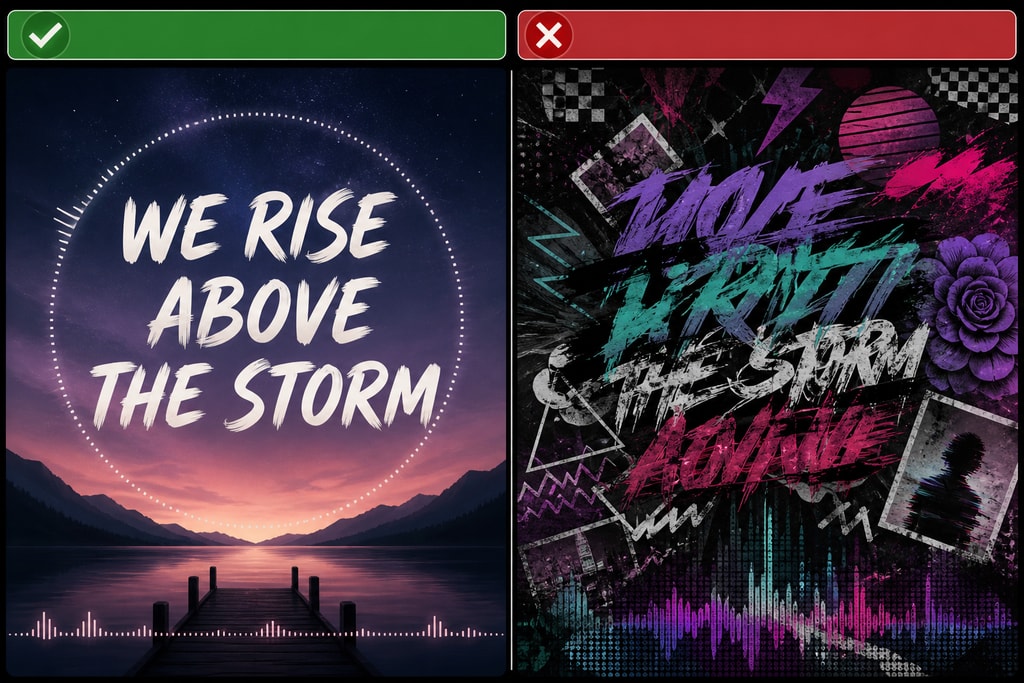
To achieve impeccable results, adhere to these practices:
- Maintain Consistent Timing: Ensure lyrics consistently appear in alignment with vocal phrases for enhanced readability. This practice is central to engaging content. (motiontext.video)
- Utilize Clear Fonts and High Contrast: Select easily readable fonts and ensure a strong text-background contrast to improve accessibility and retention. (adobe.com)
- Test Across Devices: Preview videos on various devices, guaranteeing synchronization and visuals maintain consistency across different displays and resolutions.
For free professional tools that streamline lyric video creation, check out LyricMagic Free.
Avoiding Common Pitfalls
Even with preparation, challenges can arise. Here’s how to troubleshoot effectively:
- Misaligned Lyrics: Use LyricMagic’s timeline adjustments to refine timing if lyrics appear too early or late. (help.mykaraoke.video)
- Inaccurate Transcription: Check and correct the AI-generated lyrics for potential errors directly in the application.
- Visual Overload: Steer clear of visually cluttered designs. Maintain simplicity to focus viewer attention on the lyrics.
Expert Tips for Enhancing Lyric Videos
- Incorporate Subtle Animations: Use animations sparingly to enhance rather than distract, focusing on subtlety to maintain clarity.
- Synchronize with Beat: Sync lyrics or effects with the song’s beat for added musicality and immersion.
- Audience Consideration: Cater designs to your target audience's preferences, whether they lean towards simplicity or vibrant, dynamic presentations.
Frequently Asked Questions
Q: What audio formats are compatible with LyricMagic?
A: LyricMagic is compatible with formats like MP3, WAV, and AIFF, allowing flexibility across projects.
Q: Is LyricMagic beginner-friendly?
A: Absolutely. Its intuitive interface makes it accessible to users at all skill levels.
Q: Can I customize the visual appearance of lyrics?
A: Yes, LyricMagic offers extensive customization options, including fonts, color schemes, and background visuals.
Q: Does using LyricMagic require an internet connection?
A: No, it operates entirely offline, ensuring privacy and reliability.
Sources and Further Reading
- How to Add Lyrics to a Video: Step-by-Step Guide by LYRC
- How to Sync Lyrics to Music for a Video
- How to Add Lyrics to a Video – Adobe Firefly India
By following these comprehensive techniques with the aid of LyricMagic, you can create stunning, professional-quality lyric videos that engage and captivate. For more on LyricMagic, and to explore our pro tools, visit KaraMagic.