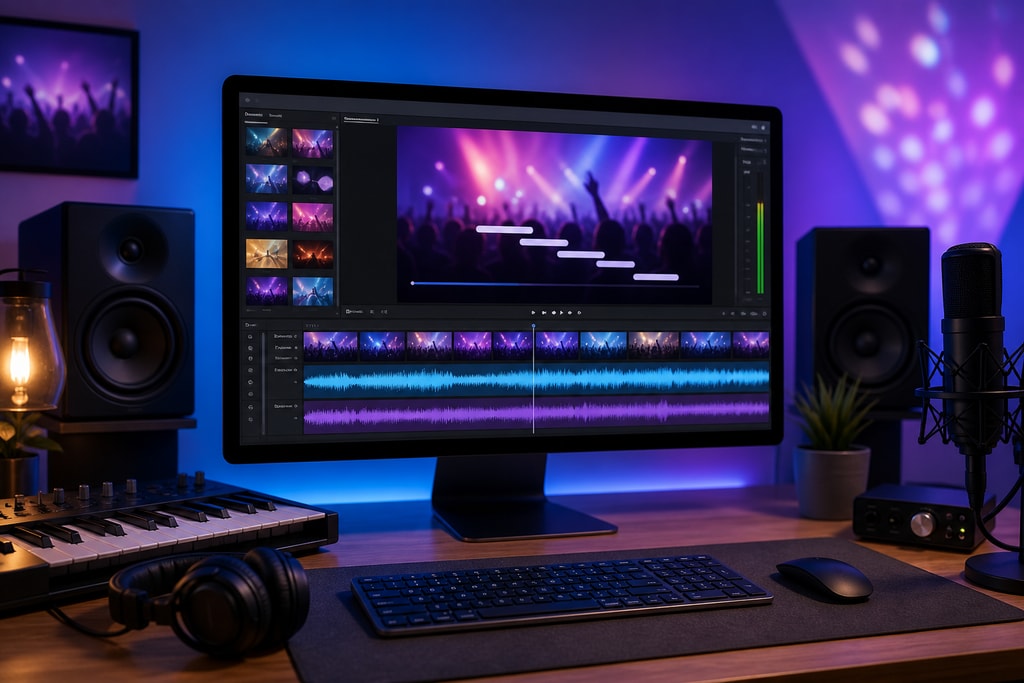
Creating engaging karaoke videos on your Mac has never been easier, thanks to tools like KaraMagic. Whether you’re a karaoke enthusiast, a content creator, or an event organizer, mastering the art of karaoke video editing can elevate your projects. This guide provides practical tips to help you produce polished karaoke videos using KaraMagic.
Understanding KaraMagic
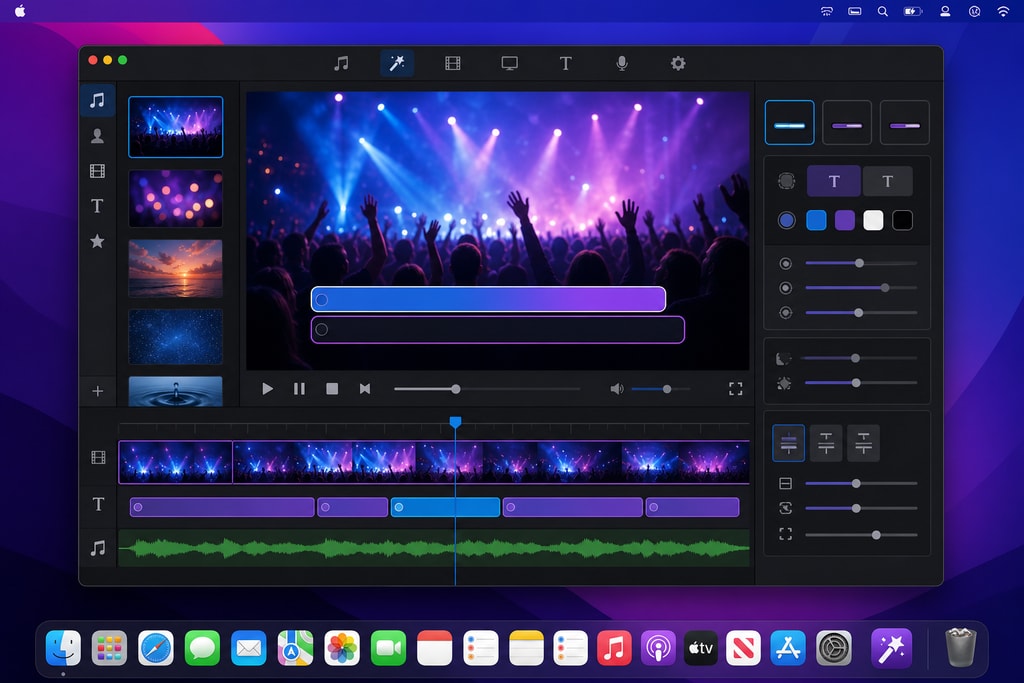
KaraMagic is a Mac desktop application that transforms music videos or audio files into karaoke videos. Operating entirely offline ensures user privacy and eliminates internet dependency during the creation process. KaraMagic offers two versions:
- KaraMagic Free: Provides one-click conversion from video or audio, AI vocal removal, and lyric transcription, with a watermark on the output video.
- KaraMagic Pro: Includes all Free features plus a lyrics editor for fine-tuning, custom backgrounds, and batch conversion capabilities, with no watermarks. Learn more about its capabilities at KaraMagic Pro.
Essential Tips for Editing Karaoke Videos with KaraMagic
1. Selecting the Right Source Material
Begin with high-quality audio or video files where the vocals are distinct from the instrumental. This clarity enhances the effectiveness of AI-driven vocal removal and lyric transcription. Aim for studio-recorded tracks or high-definition video sources to maximize output quality.
2. Utilizing AI Vocal Removal
KaraMagic's AI technology separates vocals from instrumentals, creating a karaoke-style backing track. Ensure your source file is of good quality to achieve the best results. Consider testing with a short clip to confirm functionality before processing an entire track.
3. Accurate Lyric Transcription and Timing
After vocal removal, KaraMagic transcribes the lyrics and syncs them to the audio. Review the transcription for accuracy and adjust the timing as needed to match the song's rhythm. Pay special attention to fast-paced songs where lyric timing is crucial.
4. Customizing Visual Elements
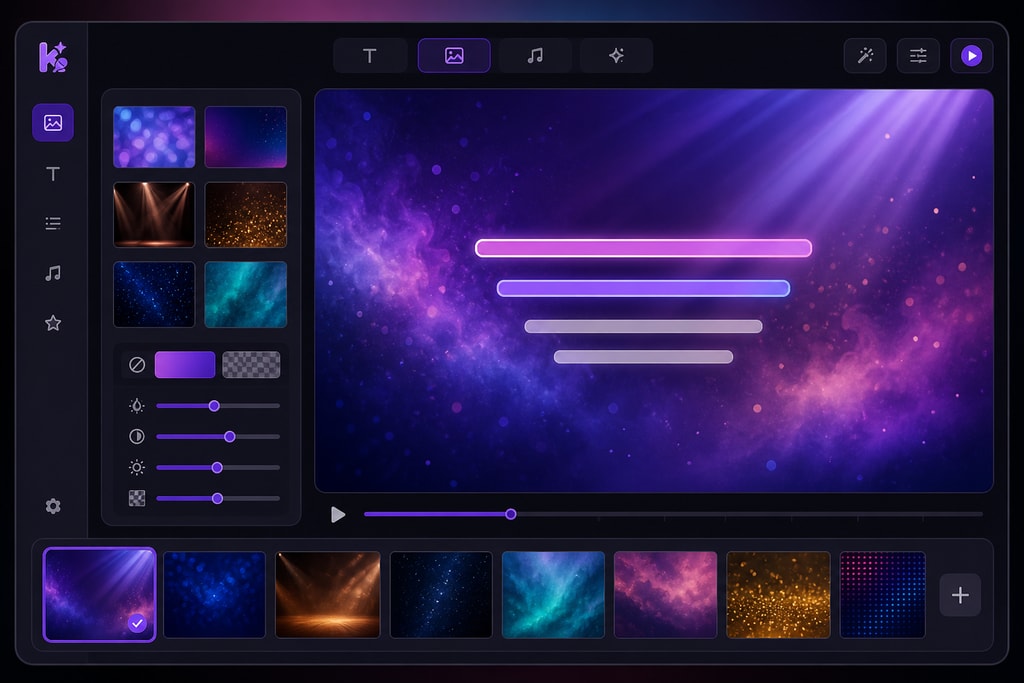
In KaraMagic Pro, you can personalize your karaoke videos by:
- Editing Lyrics: Fine-tune the transcribed lyrics for accuracy.
- Customizing Backgrounds: Choose from images, colors, or videos to set the mood.
- Adjusting Text Styles: Modify font, size, and color to enhance readability.
Creative backgrounds enhance viewer engagement. Consider thematic designs that match the song style or event theme.
5. Batch Processing for Efficiency
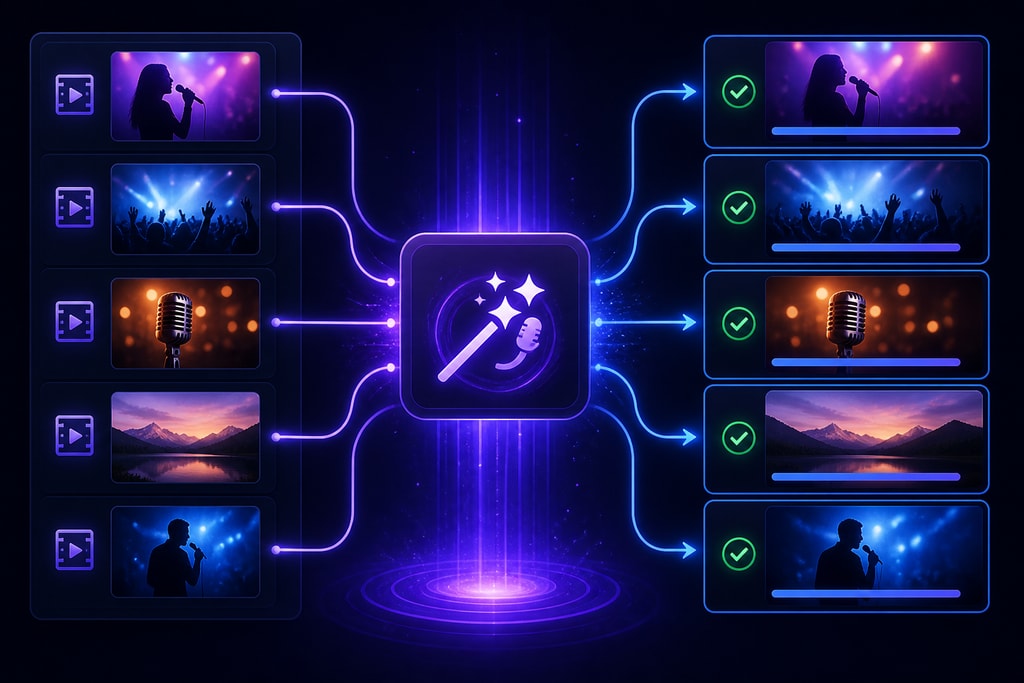
If you're creating multiple karaoke videos, utilize KaraMagic Pro's batch conversion feature to process several files simultaneously. This not only saves time but ensures consistency across your projects, an essential aspect when preparing for events or content series.
6. Exporting with Optimal Settings
Export your final video in 1080p MP4 format to balance quality and file size—ideal for various devices and platforms. For detailed export settings, consult the Karaoke Video Export Settings Checklist.
Practical Examples
Consider a wedding planner using karaoke videos to create interactive playlists for receptions. Using KaraMagic, playlists can be tailored with thematic backgrounds and synchronized lyrics, enhancing guest participation.
Decision Criteria
When choosing between KaraMagic Free and Pro, consider your project needs. Pro is ideal for intensive projects requiring batch processing, while the Free version suits individual or small-scale projects.
Mistakes to Avoid
- Ignoring Source Quality: Always start with the best available audio/video files.
- Overcomplicating Visuals: Keep lyric styles simple to avoid distracting from the performance.
- Neglecting User Feedback: Test videos on various devices to ensure readability and synchronization.
FAQs
Q: Can I use KaraMagic on an Intel-based Mac?
A: Currently, KaraMagic is optimized for Apple Silicon Macs and may not perform optimally on Intel-based systems.
Q: Does KaraMagic require an internet connection?
A: No, KaraMagic operates entirely offline, ensuring your projects remain private.
Q: Can I add custom backgrounds to my karaoke videos?
A: Yes, KaraMagic Pro allows you to add custom images, colors, or video backgrounds to your projects.
Q: Is there a watermark on the output videos?
A: KaraMagic Free includes a watermark on exported videos. To remove the watermark, consider upgrading to KaraMagic Pro.
Q: How can I ensure the lyrics are synchronized correctly?
A: After automatic transcription, review and adjust the timing of the lyrics manually to ensure they align perfectly with the music.
Sources and Further Reading
- KaraMagic Official Website
- KaraMagic Free
- KaraMagic Pro
- Karaoke Video Export Settings Checklist
- Best Karaoke Video Tools in 2026
By following these tips and utilizing KaraMagic's features, you can create professional-quality karaoke videos on your Mac with ease. Whether you're preparing for a karaoke night, creating content for social media, or organizing an event, KaraMagic provides the tools you need to bring your projects to life.