
The Rise of Privacy Concerns in Digital Content Creation
In today's digital era, content creators are increasingly attuned to privacy concerns associated with online tools. The dependence on cloud-based services for video editing and production has raised alarms about data security, unauthorized access, and the potential misuse of sensitive content. Consequently, many creators are adopting offline video tools to regain control over their content and shield their privacy.
The Impact of Data Breaches
Data breaches have become alarmingly common, compromising vast amounts of personal and professional information. For creators handling sensitive material, such breaches can result in reputational damage and financial loss, underscoring the importance of secure editing environments.
Offline vs Online Tools: A Comparison
Online Tools:
- Pros: Convenience, access to advanced features without software installation, collaboration capabilities.
- Cons: Data vulnerability, requires stable internet, potential for recurring costs.
Offline Tools:
- Pros: Enhanced security, control over content, no reliance on internet connectivity, cost-effective.
- Cons: May require initial setup and updates, limited by device capabilities.
Understanding Offline Video Tools

Offline video tools are software applications that function entirely on a user's local device, eliminating the need for an internet connection. These tools enable creators to edit, process, and produce videos privately, without transferring any data to external servers. By keeping all operations local, offline tools provide superior security as the content remains wholly in the creator's possession.
Benefits of Offline Video Tools for Privacy-Conscious Creators
Enhanced Data Security
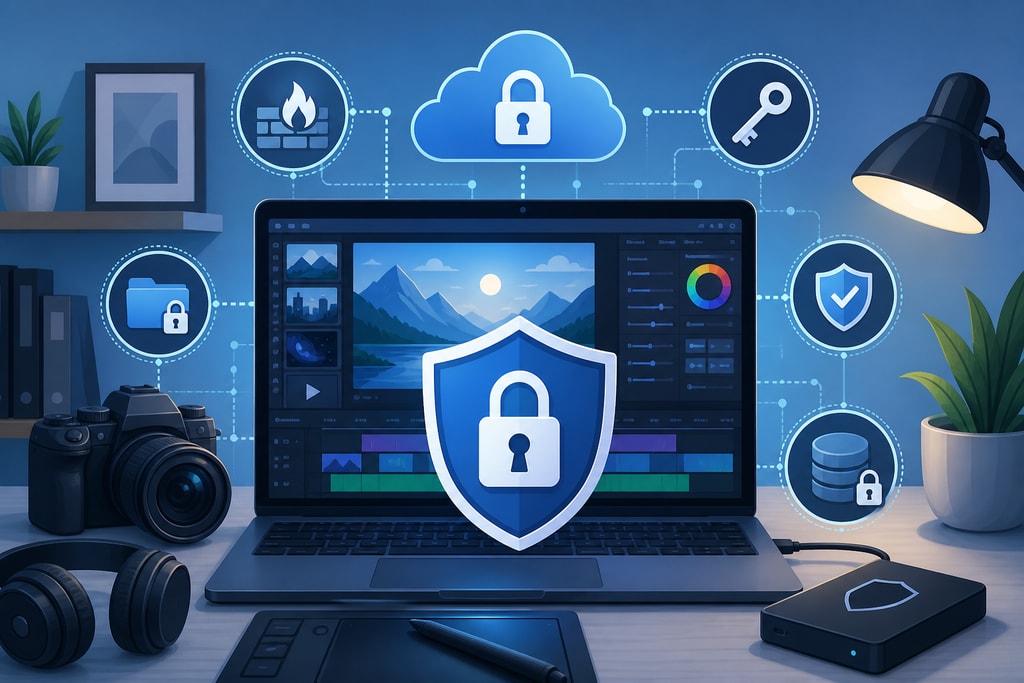
A primary benefit of offline tools is the superior level of data security they offer. When utilizing cloud-based services, creators must upload raw footage and project files to remote servers, exposing them to data breaches and unauthorized access. Offline tools mitigate these risks by keeping all data on the local device.
Practical Example:
Consider a documentary filmmaker dealing with sensitive topics. An offline tool ensures confidential footage remains secure from potentially prying eyes on shared servers.
Control Over Content
Offline tools allow creators full control over their content. Without reliance on third-party servers, creators manage projects independently, ensuring work remains confidential and is not subjected to external terms and conditions.
Decision Criteria:
For those handling proprietary information, maintaining control over content is paramount. Offline tools ensure that only the creator dictates access.
Uninterrupted Workflow
Internet dependency can disrupt creativity, especially in areas with unstable connectivity. Offline video tools permit creators to work unhindered, maintaining productivity regardless of location.
Cost Efficiency

Many cloud services operate on subscription models, resulting in ongoing costs. Offline tools often require only a one-time purchase, eliminating recurring expenditures and offering a more budget-friendly long-term solution.
Key Features to Look for in Offline Video Tools
When selecting offline video tools, consider the following features:
- Comprehensive Editing Capabilities: Ensure the software includes cutting, trimming, merging, and effects features.
- User-Friendly Interface: A simple interface streamlines the editing process and minimizes the learning curve.
- High-Quality Export Options: Export in various formats and resolutions to meet platform requirements.
- Regular Updates and Support: Choose software with regular updates and accessible support to resolve issues.
Mistakes to Avoid:
Avoid choosing software without evaluating its controls or exporting limitations, which may hinder advanced projects.
Top Offline Video Tools for Privacy-Conscious Creators
Explore these offline video tools prioritizing user privacy:
KaraMagic
Overview: KaraMagic delivers Mac desktop applications designed for offline karaoke and lyric video creation. The lineup includes KaraMagic Free, Pro, LyricMagic Free, and Pro versions, tailored for varied needs.
Key Features:
- AI-driven vocal removal
- Lyric editing
- Customizable backgrounds
- Batch processing
Privacy Focus: Entirely offline operation ensures user privacy and eliminates internet dependency. Visit the KaraMagic homepage for more information.
AntClip
Overview: AntClip offers lightweight, offline-first video editing for creators, educators, and marketers needing quick, watermark-free edits.
Key Features:
- Trim and cut
- Compress formats
- Extract audio
- Merge clips
Privacy Focus: Offline functionality, no registration, local editing. More details at their complete guide.
AetherCut
Overview: AetherCut is a browser-based video editor that runs entirely on the user's device.
Key Features:
- Full timeline editing
- AI-assisted captions
- Scene detection
Privacy Focus: Operates via local web APIs, providing verifiable privacy-focused editing. Learn more here.
Implementing Offline Video Tools in Your Workflow
Consider these steps to integrate offline video tools into your workflow:
- Assess Your Needs: Identify specific features you need.
- Research Options: Explore tools aligning with requirements and budget.
- Test Software: Use free trials to assess performance.
- Transition Gradually: Start with small projects.
- Stay Updated: Regularly update to access the latest features.
Frequently Asked Questions
Q: Are offline video tools suitable for professional-grade editing?
A: Absolutely. Many offline tools include advanced effects, color correction, and high-resolution exports to meet professional standards.
Q: Do offline tools support various file formats?
A: Most offer diverse format support for import and export, ensuring compatibility.
Q: How do offline tools handle large file sizes?
A: Local processing often leads to faster rendering times and efficient large file handling compared to cloud-based services.
Q: Can I use offline tools on multiple devices?
A: Depends on licensing agreements; some allow multiple installations.
Q: Are free offline video tools available?
A: Yes, such as KaraMagic Free, though premium versions offer added features.
For more detailed guidance on privacy practices, refer to the KaraMagic privacy policy.