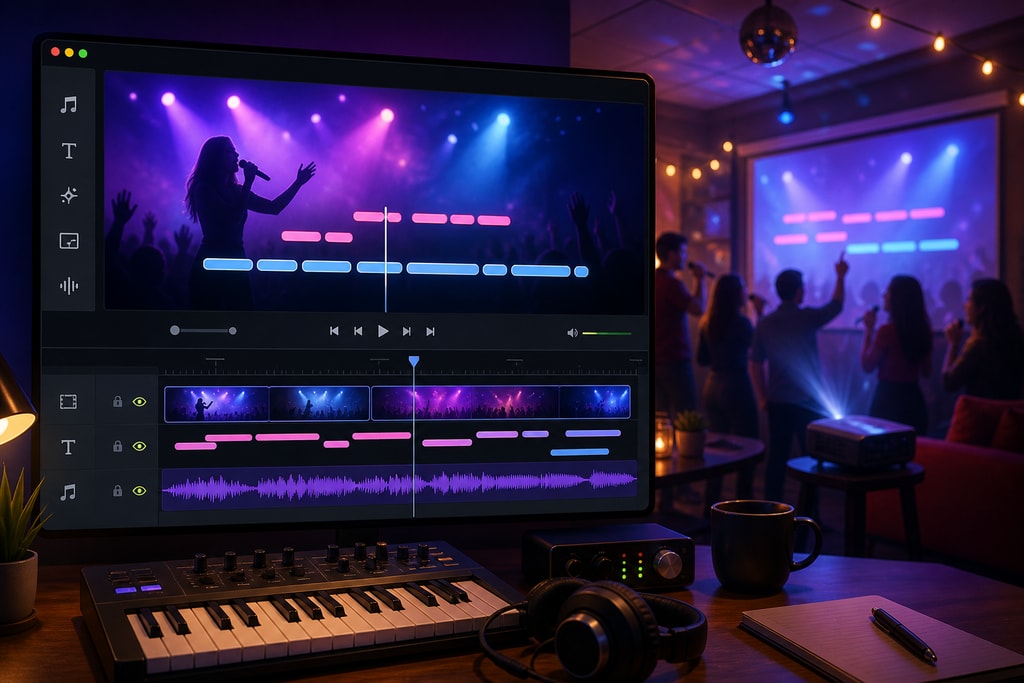
Creating a karaoke video that offers a seamless singing experience hinges on the precise synchronization of lyrics with the accompanying music. This alignment ensures that singers can follow along effortlessly, enhancing both enjoyment and performance quality. In this comprehensive guide, we'll delve into effective techniques for achieving perfect lyric timing using KaraMagic, a leading Mac desktop application designed for offline karaoke video creation.
Understanding the Importance of Lyric Synchronization
Accurate lyric timing is crucial in karaoke videos. Misaligned lyrics can lead to confusion, disrupt the flow of singing, and diminish the overall experience. Proper synchronization ensures each word appears on screen exactly when it should be sung, providing clear guidance for performers.
Why is Timing Critical?
Timing is essential because karaoke singing relies heavily on visual cues. Well-timed lyrics help singers anticipate the next line, maintaining the flow and rhythm of the song. Ensuring that lyrics match the song's tempo enhances engagement and reduces performance anxiety.
Techniques for Achieving Perfect Lyric Timing with KaraMagic
KaraMagic simplifies the process of creating synchronized karaoke videos through its suite of features. Here's how you can achieve precise lyric timing:
1. Importing Your Audio or Video File
Begin by importing the song you wish to convert into a karaoke video. KaraMagic supports various formats, allowing you to work with your preferred media files. Ensure your file is of high quality to avoid audio clarity issues later.
2. Utilizing AI-Powered Vocal Removal
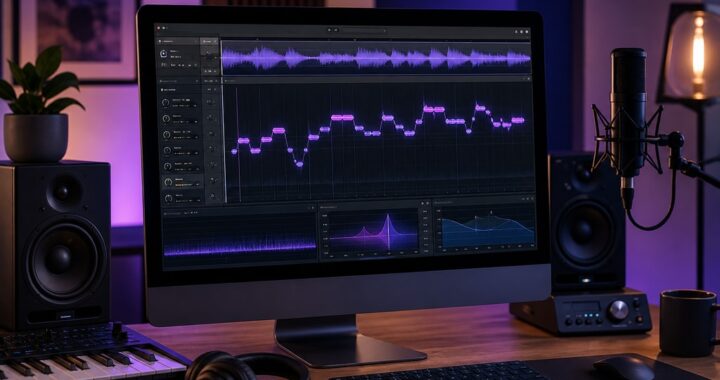
KaraMagic employs advanced AI algorithms to remove or reduce lead vocals from your track, creating a clean backing track suitable for karaoke. This feature operates entirely offline, ensuring user privacy and quick processing times. Vocal removal can often be tricky with complex tracks, so ensure you preview the processed track for any artifacts or remnants of vocals.
3. Automatic Lyric Transcription and Timing
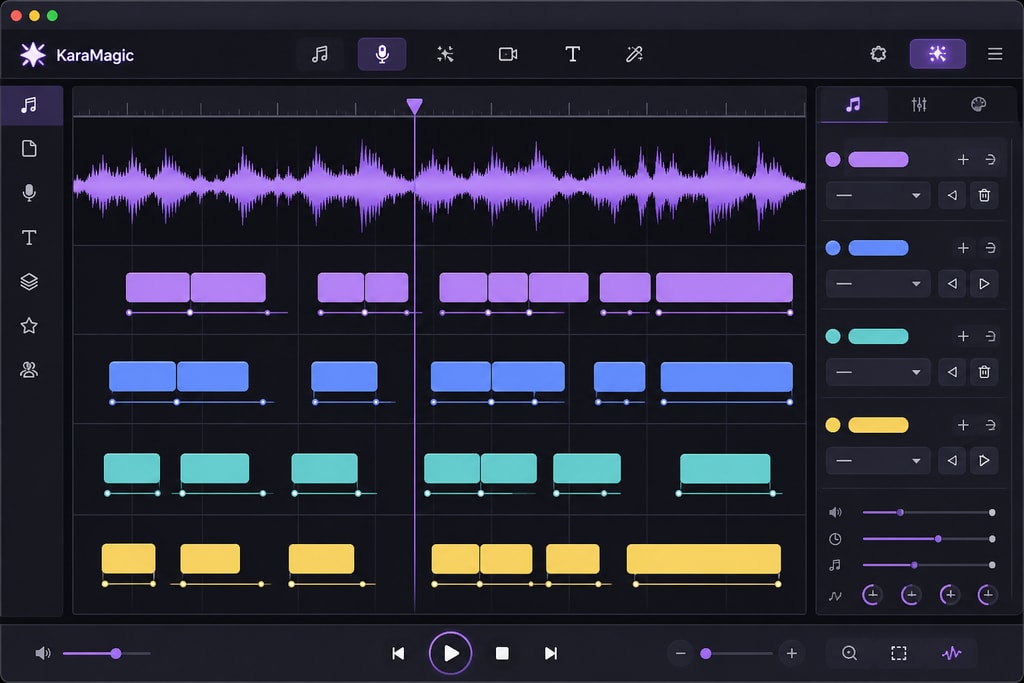
Once the backing track is prepared, KaraMagic's AI-driven transcription tool generates the song's lyrics and aligns them with the music. While this automatic synchronization provides a solid foundation, manual adjustments may be necessary for optimal accuracy, especially with songs having complex lyrical structures.
4. Fine-Tuning Lyric Timing
To ensure perfect synchronization, utilize KaraMagic's lyric editing capabilities to adjust the timing of each line or word. This manual refinement allows you to correct any discrepancies and achieve precise alignment. Focus on high-tempo sections, as these often require the most attention.
5. Customizing Visual Elements
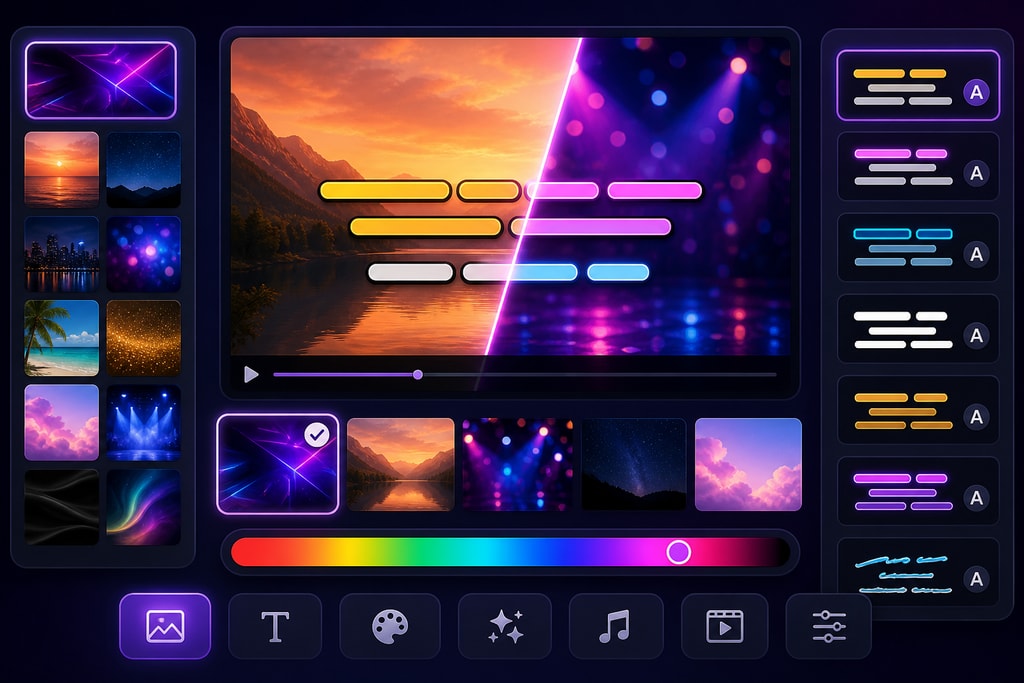
Enhance the visual appeal of your karaoke video by customizing backgrounds, fonts, and animations. KaraMagic offers a range of options to tailor the video's appearance to your preferences. Choose colors and fonts that enhance readability and complement the song's mood.
6. Previewing and Exporting the Final Video
Before finalizing, preview the entire video to ensure all elements are correctly synchronized and visually appealing. Once satisfied, export the video in your desired format, ready for sharing or personal use. KaraMagic supports multiple export formats to suit different platforms and devices.
Common Challenges and Solutions in Lyric Synchronization
Even with advanced tools like KaraMagic, you may encounter challenges during the synchronization process. Here are some common issues and their solutions:
Audio Delay and Latency
Issue: Audio delay can occur due to processing chains or wireless connections, leading to misaligned lyrics.
Solution: Ensure that your audio setup minimizes latency. For instance, using wired connections instead of Bluetooth can reduce delay. Additionally, adjusting the audio buffer settings in your system can help mitigate latency issues. Refer to Fixing Bluetooth Audio Delay for detailed solutions.
Word-Level vs. Line-Level Timing
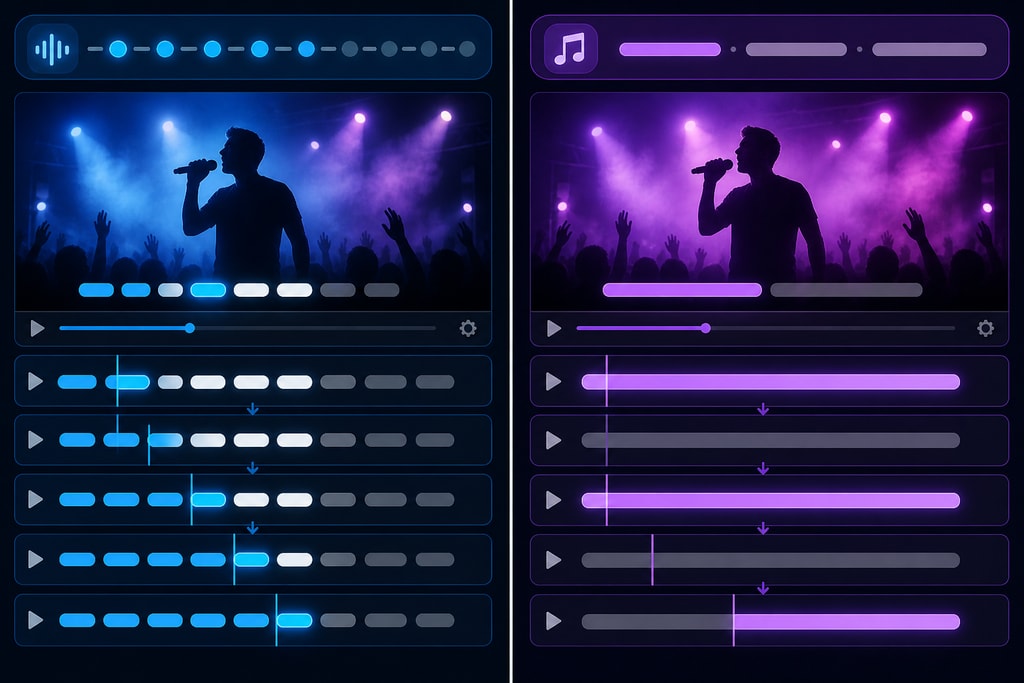
Issue: Deciding between word-level and line-level timing can impact the karaoke experience.
Solution: Word-level timing, where each word highlights as it's sung, provides clearer guidance for singers compared to line-level timing, where entire lines appear at once. KaraMagic supports both methods, allowing you to choose the one that best suits your needs. See Karadeo's Guide for more insights.
Handling Tempo Changes
Issue: Songs with varying tempos can complicate synchronization.
Solution: Utilize KaraMagic's manual timing adjustment features to accommodate tempo changes, ensuring that lyrics remain in sync throughout the song.
Best Practices for Creating High-Quality Karaoke Videos
To produce professional-grade karaoke videos, consider the following best practices:
- Accurate Lyrics: Verify the accuracy of the transcribed lyrics to prevent confusion during singing.
- Consistent Formatting: Use uniform fonts and colors to maintain readability and a cohesive visual style.
- Appropriate Backgrounds: Select backgrounds that complement the song's mood without distracting from the lyrics.
- Regular Previews: Continuously preview your video during the editing process to catch and correct any synchronization issues early.
Practical Examples
Example 1: Pop Songs with Fast Lyrics
For fast-paced pop songs, focus on precise word-level synchronization. Delay in word highlighting can deter the singer. Practice by previewing small sections repeatedly.
Example 2: Ballads with Slow Tempo
Ballads often allow for more lenient timing. Line-level synchronization may be sufficient, but ensure transitions are smooth to maintain engagement.
Mistakes to Avoid
- Ignoring Audio Quality: Low-quality audio files can lead to inaccurate synchronization.
- Over-Stylizing Visuals: Avoid excessive animations or distracting visuals that detract from the singing experience.
- Neglecting Previews: Failing to preview sections frequently can result in unnoticed synchronization issues.
Topic-Specific Advice
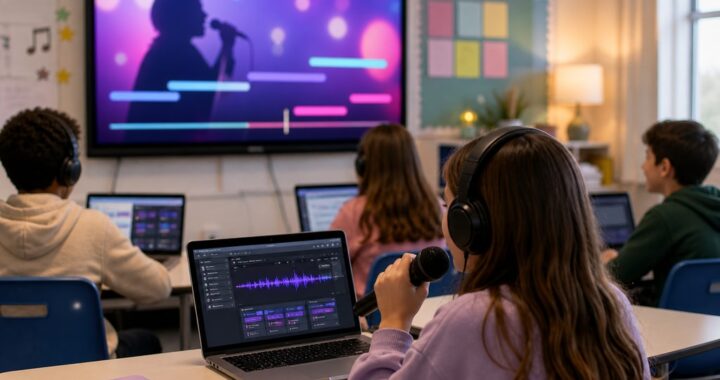
- For Music Teachers: Using professional-grade audio files and clear, large text can aid beginner singers in tracking lyrics effectively.
- For Content Creators: Experiment with different visual styles to match the aesthetic of your channel, while prioritizing text clarity.
Frequently Asked Questions (FAQ)
Q: Can I use KaraMagic without an internet connection?
A: Yes, KaraMagic operates entirely offline, ensuring user privacy and allowing you to create karaoke videos without internet access.
Q: Does KaraMagic support batch processing?
A: Yes, KaraMagic Pro offers batch processing capabilities, enabling you to create multiple karaoke videos efficiently.
Q: Can I customize the appearance of the lyrics in my karaoke video?
A: Absolutely. KaraMagic provides various customization options, including font styles, colors, and animations, allowing you to tailor the visual presentation to your liking.
Q: Is there a free version of KaraMagic available?
A: Yes, KaraMagic Free offers essential features for creating karaoke videos, with the option to upgrade to KaraMagic Pro for advanced functionalities.
Q: What formats does KaraMagic support for export?
A: KaraMagic supports multiple formats, including MP4, AVI, and MOV, ensuring compatibility with various devices and platforms.
Conclusion
Achieving perfect lyric synchronization is essential for creating engaging and enjoyable karaoke videos. With KaraMagic's comprehensive suite of tools, you can efficiently synchronize lyrics and music, customize visual elements, and produce high-quality karaoke videos tailored to your preferences. Whether you're a karaoke enthusiast, content creator, or music educator, KaraMagic provides the resources needed to enhance your karaoke video production experience. For more information and to download KaraMagic, visit KaraMagic's official website.