Introduction
In the era of digital entertainment, sing-along videos have revolutionized how we enjoy music through personal, educational, and social lenses. Technological advancements have made creating these videos easier and more accessible, especially for Mac users. KaraMagic provides an array of applications to simplify transforming your favorite songs into engaging karaoke experiences. This comprehensive guide will lead you through every step necessary to create immersive sing-along videos using KaraMagic tools.
Check out KaraMagic here to get started on transforming your music today.
Understanding KaraMagic's Offerings
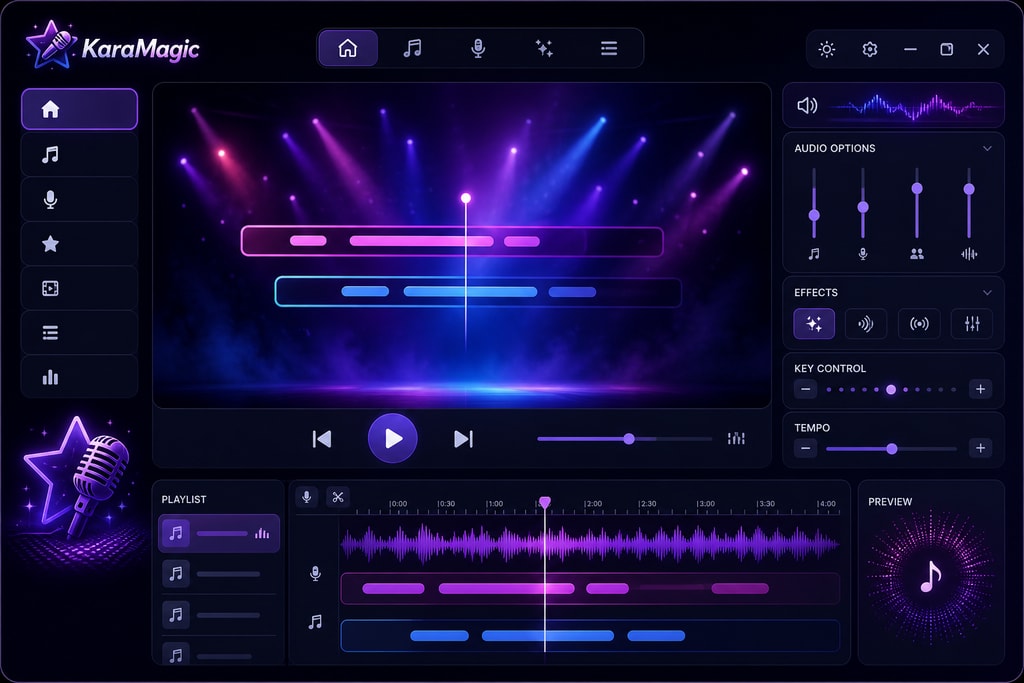
KaraMagic offers two primary applications tailored for Mac:
- KaraMagic Free: This option allows users to convert music videos or audio files into karaoke formats using AI for vocal removal, lyric transcription, and timing. Note that this version includes a watermark.
- KaraMagic Pro: An enhanced version of the Free software, offering features like watermark-free exports, customizable backgrounds, lyric editing, and batch processing for multiple files. Perfect for creators needing more control and customization.
Both applications operate offline, ensuring privacy and removing the need for an internet connection during use. (Learn more about KaraMagic)
Why Choose KaraMagic?
- Simplicity & Efficiency: Designed with user-friendly interfaces and advanced AI features.
- Customization Options: Especially with the Pro version, personalize every aspect of your video.
- Offline Operation: Ensures privacy and ease of use anywhere.
A Step-by-Step Guide to Creating Sing-Along Videos
1. Installing KaraMagic
Begin by downloading the appropriate KaraMagic version for your needs:
- KaraMagic Free: Download here
- KaraMagic Pro: Purchase and download here
Ensure that your Mac complies with system requirements, particularly having an Apple Silicon processor, as KaraMagic is optimized for these devices.
2. Preparing Your Source Material
Choose a high-quality music video or audio file to convert into a sing-along format. Clear audio is crucial for optimal vocal removal and lyric transcription.
3. Converting the File
Follow these simple steps in KaraMagic:
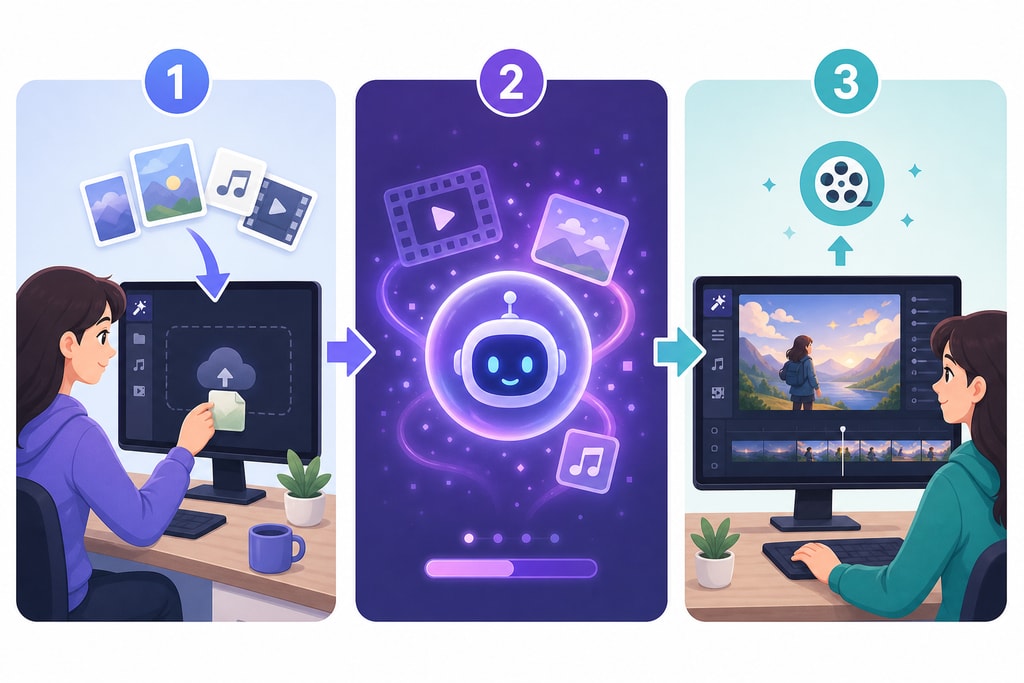
- Import the File: Drag your chosen media file into the program.
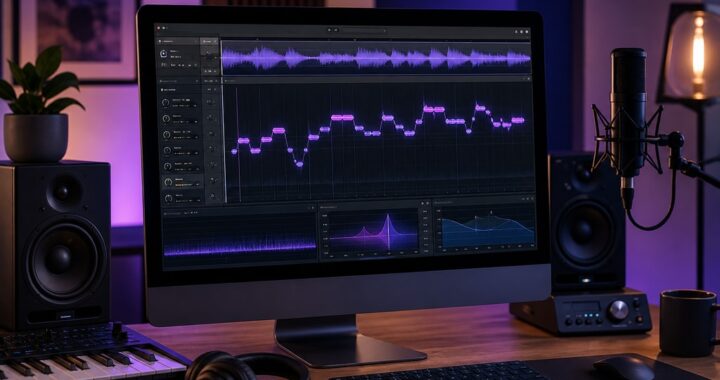
- AI Processing: Vocal removal, lyric transcription, and synchronization are handled by AI.
- Preview & Adjust: Review the karaoke video, making adjustments if needed to ensure quality synchronization and clarity.
4. Enhancing Your Videos with KaraMagic Pro
Utilize the advanced features of KaraMagic Pro for added customization:
- Edit Lyrics: Correct any inaccuracies in transcriptions.
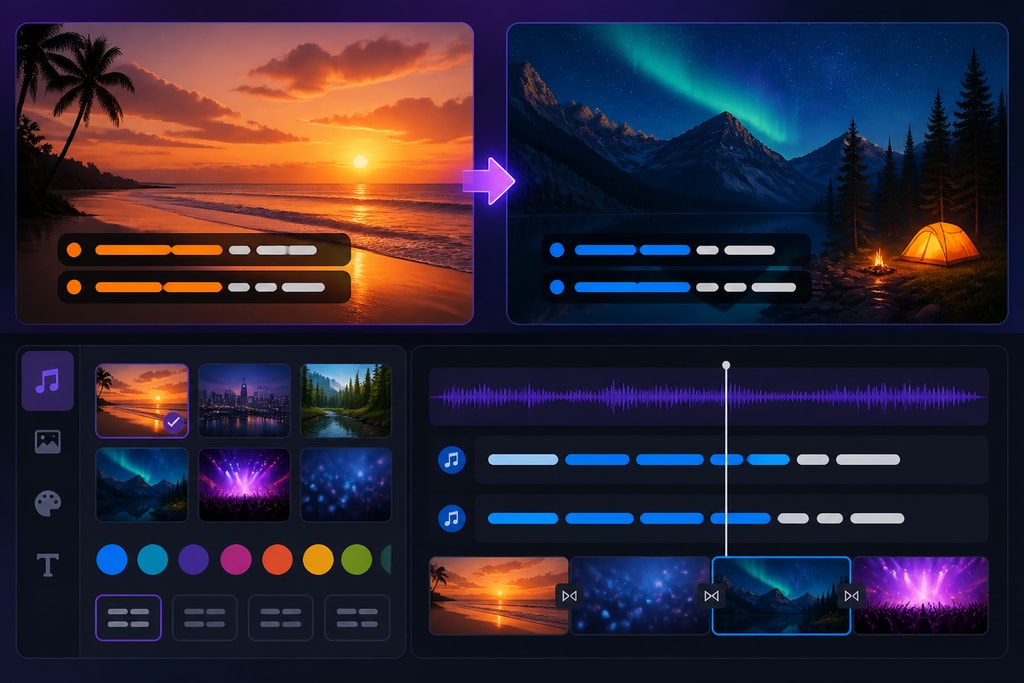
- Backgrounds: Choose or upload backgrounds that enhance your video’s theme.
- Batch Processing: Create multiple videos simultaneously to boost productivity.
5. Exporting the Final Video
Export your video in various resolutions and formats suitable for different playback devices, ensuring a professional finish.
Get more tips on customization here
Best Practices for Unforgettable Sing-Along Videos
- Clear Lyrics: Ensure lyrics are legible with vibrant colors and suitable font sizes.
- Perfect Timing: Keep lyrics in sync with music to provide a seamless experience.
- Suitable Backgrounds: Select non-distracting, complementing backgrounds.
- High-Quality Audio: Utilize clear, high-quality audio for enhanced user experience.
Common Mistakes to Avoid
- Ignoring Audio Quality: Poor audio can derail your video’s engagement.
- Overly Complex Backgrounds: Avoid distractions that detract from sing-along immersion.
- Missing Synchronization: Ensure precise timing for an effective sing-along flow.
FAQ Section
Q: Is KaraMagic compatible with Intel-based Macs? A: KaraMagic is optimized for Apple Silicon Macs and doesn’t support Intel-based models. Explore alternatives if needed. (Learn more)
Q: Do I need an internet connection to use KaraMagic? A: No, it operates fully offline, safeguarding your privacy. (Check more FAQs)
Q: How do I remove the watermark from my videos? A: Upgrade to KaraMagic Pro for a watermark-free experience. (Explore Pro features)
Q: Can I modify the transcribed lyrics? A: For precise edits, use the Pro version’s customization tools.
Q: What formats are supported? A: KaraMagic supports various audio and video formats. Refer to the official KaraMagic site for a full list.
Q: What distinguishes KaraMagic from other tools? A: Its unique offline operation, ease of use, and powerful AI-driven features.
Conclusion
Crafting captivating sing-along videos is simple with KaraMagic’s AI-driven tools for Mac. Whether for personal enjoyment or professional use, KaraMagic elevates your karaoke experience. Begin your journey with KaraMagic Free, and upgrade to KaraMagic Pro for comprehensive capabilities. Experience the enchantment of karaoke creation today.