Introduction
Creating premium karaoke tracks necessitates advanced vocal removal techniques. With breakthroughs in artificial intelligence (AI), separating vocals from songs is now more accessible and refined. This guide delves into the latest vocal removal methods, discussing their effectiveness and offering actionable insights.
Understanding Vocal Removal Challenges
Removing vocals from a mixed track presents inherent complexities. Vocals typically share frequency and spatial overlap with instruments. Earlier methods often failed, resulting in compromised audio quality. However, modern solutions have significantly advanced vocal isolation quality.
AI-Powered Vocal Removal Techniques
Deep Learning Models
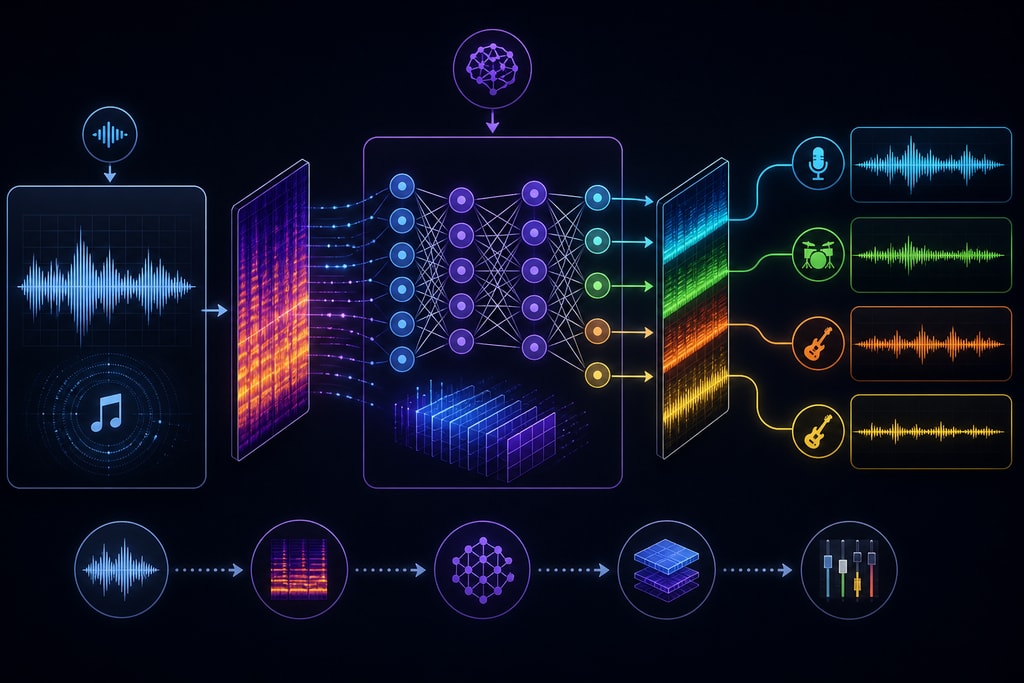
AI uses deep learning models trained on vast music datasets to discern vocal and instrumental components, enabling precise separation.
- Demucs: This open-source model deploys deep neural networks for audio source separation. Celebrated for its effectiveness in complex mixes, Demucs excels in vocal isolation. Learn more about Demucs
- Spleeter: Developed by Deezer, Spleeter offers pre-trained models for source separation into multiple stems, including vocals. Explore Spleeter
Practical Example
Imagine working on a track with high vocal prominence. Using Demucs on a high-quality WAV file often yields cleaner separations than MP3s due to higher data fidelity.
Commercial AI Tools
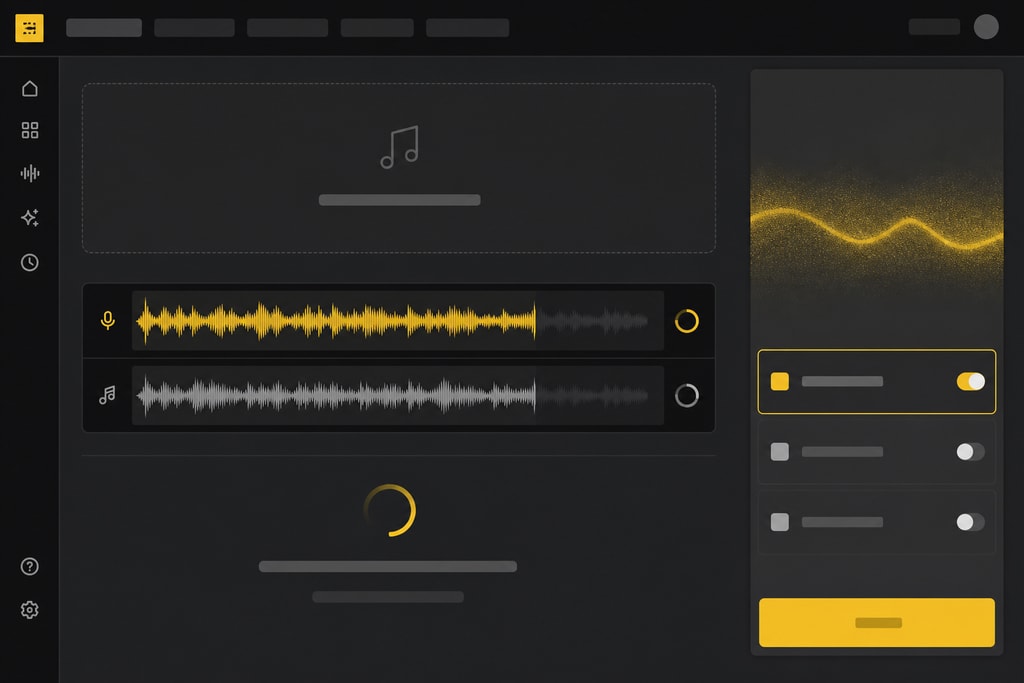
Several commercial tools have integrated AI, showcasing user-friendly interfaces and additional features.
- LALAL.AI: This web-based service utilizes AI to separate audio components. It offers superior quality outputs and supports various file formats. Visit LALAL.AI
- Moises: Offering AI-driven separation alongside pitch and tempo adjustments, Moises is ideal for musicians and producers. Check out Moises
Mistakes to Avoid
Avoid assuming all tracks will process equally well. Variations in recording quality and mixing can lead to unpredictable results.
Traditional Vocal Removal Methods
Before AI, several techniques were employed, albeit with inconsistent success.
Phase Cancellation
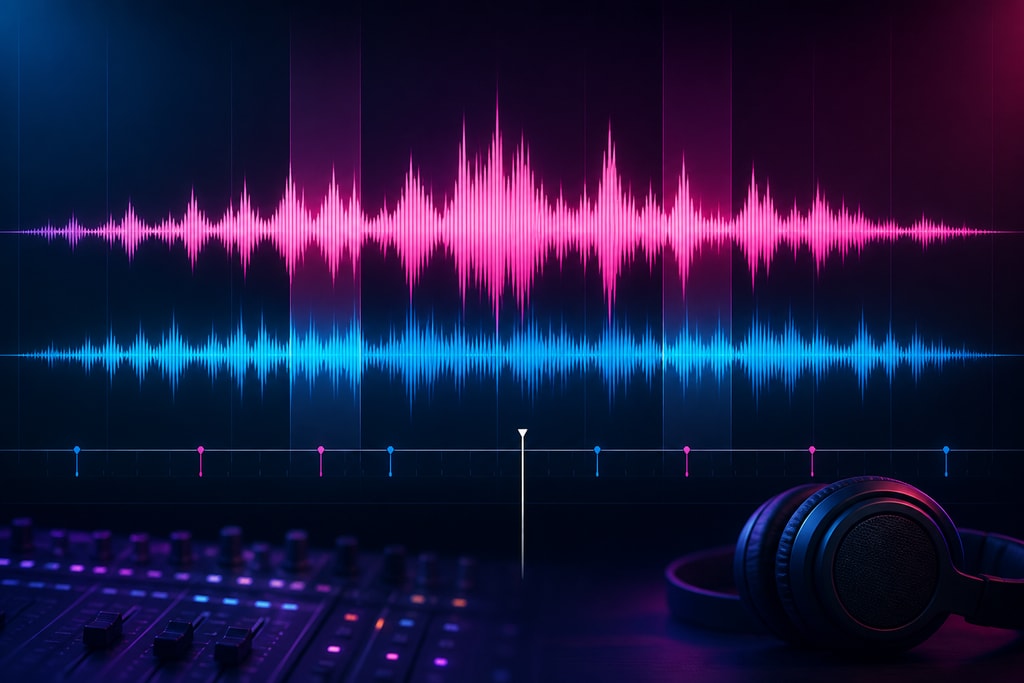
This method utilizes the stereo field positioning of vocals. By inverting one audio channel and merging it with the other, centered vocals can be diminished. However, centered instruments are also affected. It's crucial to use stereo tracks and ensure precise phase inversion. Read more about phase cancellation
Spectral Editing
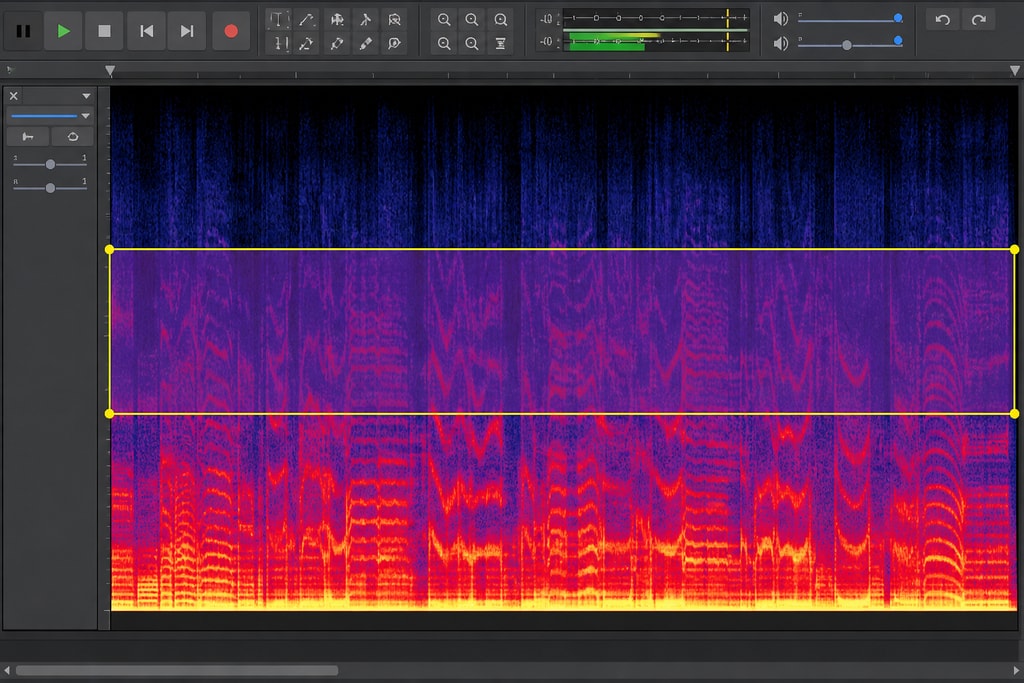
Applications like Audacity enable users to edit the frequency spectrum, reducing vocal frequencies manually. While time-consuming, this method allows for thorough control but requires sound knowledge of audio editing. Learn about spectral editing
Evaluating Vocal Removal Tools
Consider the following when selecting a vocal removal tool:
- Quality of Separation: Evaluate clean separation without artifacts.
- Processing Speed: Speed matters for batch processing.
- User Interface: A seamless interface enhances user experience.
- Additional Features: Look for features like batch operations and format support.
Best Practices for Vocal Removal
Achieve optimal results by:
- Using High-Quality Source Files: Higher bitrates preserve more data, enhancing separation.
- Experimenting with Tools: Different songs might perform better with unique tools; experimentation helps find the right match.
- Post-Processing: Clean residual artifacts using audio editing software.
Advanced Techniques
Explore new frontiers like real-time vocal removal during live performances or implementing automated workflows for consistent results across large music libraries.
FAQ
Q: Can AI tools achieve perfect vocal removal?
A: Achieving flawless separation remains challenging due to audio complexities. AI tools offer considerable improvements for karaoke and remixing but may not be perfect.
Q: Are there free tools for vocal removal?
A: Yes, tools like Spleeter and Demucs are free and open-source. Some commercial offerings provide free tiers with limitations.
Q: How does vocal removal affect audio quality?
A: It may introduce artifacts or degrade instrumental quality. High-quality files and sophisticated tools can mitigate these effects.
Q: What internal tools does KaraMagic Pro offer for enhanced workflows?
A: KaraMagic Pro enables advanced vocal removal, watermark-free exports, customized lyric editing, and batch processing, ideal for enthusiasts and professionals.
Sources and Further Reading
- How to Remove Vocals From a Song (Honest 2026 Guide)
- How to Remove Vocals from a Song: 5 Methods That Actually Work (2026)
- How to Remove Vocals From a Song: 2026 Step-by-Step Guide
Embrace the future of karaoke creation with KaraMagic Pro, featuring premium options for superior track management, catering to both karaoke lovers and professional producers.