Introduction
Creating karaoke videos has surged in popularity among enthusiasts, educators, and content creators. While many tools depend on an internet connection, raising privacy and accessibility concerns, this guide offers a detailed walkthrough to create karaoke videos entirely offline using KaraMagic, a robust Mac desktop application.
Why Choose Offline Karaoke Video Creation?
Opting for offline tools like KaraMagic presents various advantages:
- Privacy: Keeping your audio and video files on your device ensures personal data protection.
- Reliability: Operate anytime, anywhere without internet dependency.
- Cost-Effectiveness: Save money by avoiding subscription fees tied to many online services.
Practical Examples
Imagine hosting remote family gatherings. With offline karaoke creation, you can set up your playlist without worrying about unstable internet.
Introducing KaraMagic
KaraMagic is a suite of Mac desktop applications designed for offline karaoke video creation. It offers two versions:
- KaraMagic Free: Transforms music videos or audio files into karaoke videos using AI features like vocal removal, lyric transcription, and timing.
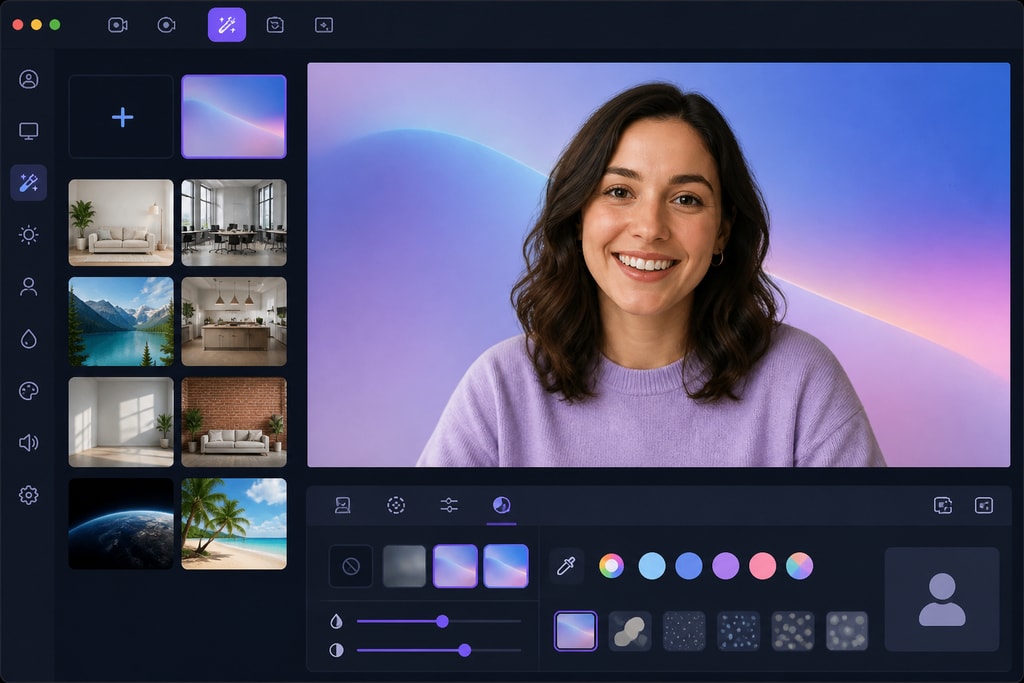
- KaraMagic Pro: Includes all Free features plus watermark-free exports, lyric editing, customizable backgrounds, and batch processing. These enhancements significantly support professional content creators.
Both versions are optimized for Apple Silicon Macs and work offline, guaranteeing privacy and uninterrupted workflow. Explore more on KaraMagic here.
Step-by-Step Guide to Creating Karaoke Videos with KaraMagic
1. Download and Install KaraMagic
- KaraMagic Free: A beginner-friendly tool, available for download here.
- KaraMagic Pro: Offers advanced functionalities. Purchase and access it here.
2. Launch the Application
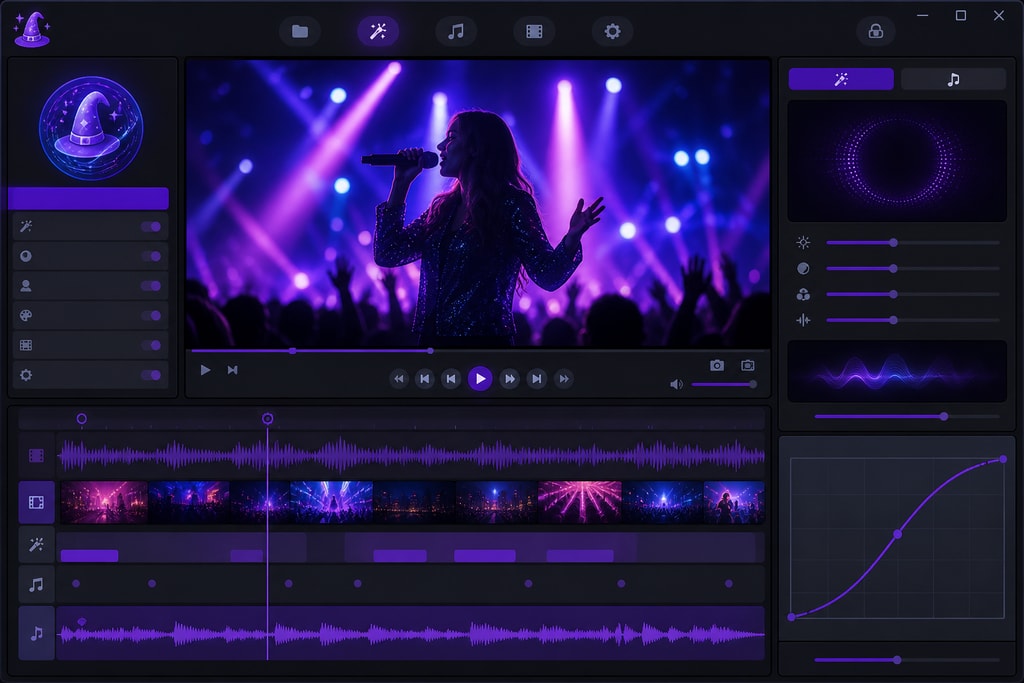
Post-installation, open KaraMagic to explore its intuitive, user-friendly interface tailored for ease of navigation.
3. Add Your Media File
- Supported Formats: KaraMagic supports formats like MP4, MP3, WAV, and more, offering broad compatibility.
- Importing Files: Seamlessly drag and drop your chosen media into the app for processing.
4. AI Processing
KaraMagic utilizes advanced AI to:
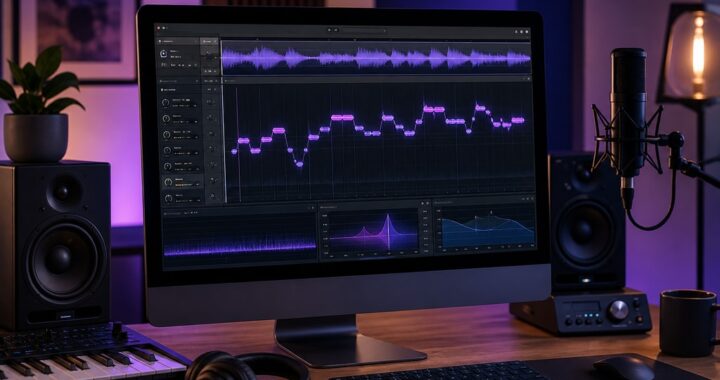
- Remove Vocals: Extract instrumental tracks effortlessly.
- Transcribe Lyrics: Deliver accurate lyrics transcription.
- Synchronize Timing: Perfectly align lyrics with music.
5. Customize Your Karaoke Video (Pro Version)
If using KaraMagic Pro, you can:
- Edit Lyrics: Refine lyrics for clarity and expression.
- Customize Backgrounds: Enhance visuals with custom images or colors.
- Batch Processing: Simultaneously process multiple videos, a tremendous time-saver for larger projects.
6. Export Your Karaoke Video
- Format Options: Offers a range of export formats suitable for diverse platforms.
- Quality Settings: Adjust video resolution and bitrate per your requirements.
- Save Location: Designate a folder on your Mac for easy access to saved files.
Comparison: KaraMagic Free vs. Pro

| Feature | KaraMagic Free | KaraMagic Pro | |————————-|—————-|—————| | AI Vocal Removal | ✓ | ✓ | | Lyric Transcription | ✓ | ✓ | | Lyric Editing | | ✓ | | Custom Backgrounds | | ✓ | | Batch Processing | | ✓ | | Watermark-Free Exports | | ✓ |
Internal Links:
- Download KaraMagic Free for basic features.
- Upgrade to KaraMagic Pro for a comprehensive toolkit.
Mistakes to Avoid
- Using Low-Quality Source Files: Ensure high audio and video quality, as input quality directly affects output.
- Ignoring Accurate Lyrics: Always verify lyics as inaccuracies can lead to misinterpretations.
- Overlooking Formatting Consistency: Maintain uniform styling for a polished and professional finish.
FAQ
Q: Does KaraMagic require an internet connection?
A: No, all functionalities are accessible offline, ensuring full privacy.
Q: Can KaraMagic run on an Intel-based Mac?
A: Although optimized for Apple Silicon Macs, future compatibility updates for Intel may be considered.
Q: Is there a watermark on videos created with KaraMagic Free?
A: Yes, the Free version includes a watermark, removable with Pro.